
Top Signs of Motherboard Damage to Watch For
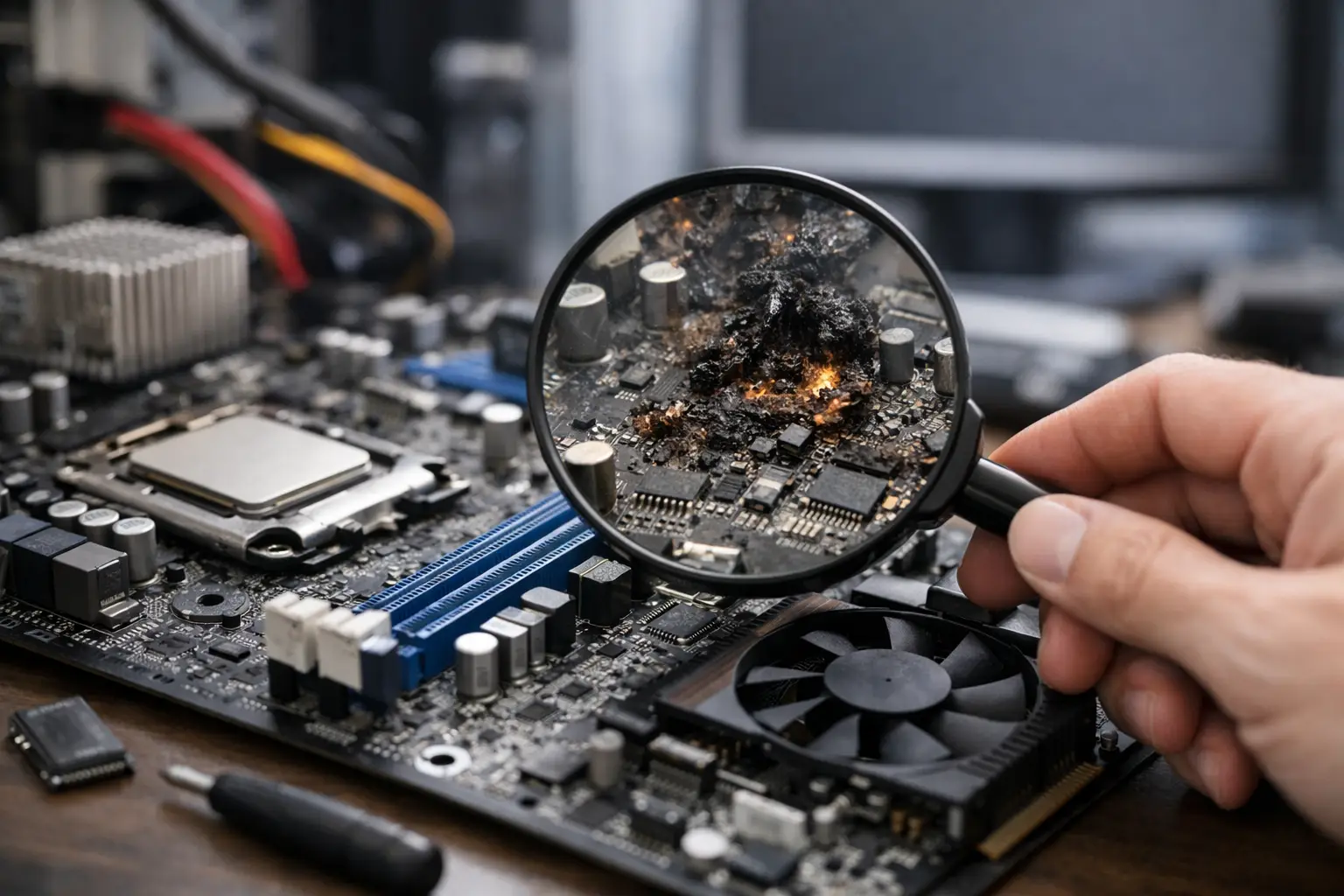
A phone that will not charge, a laptop that shuts down without warning, or a game console that suddenly shows no picture can look like a simple parts problem. The top signs motherboard damage can cause are often confusing because the motherboard controls power, charging, display output, storage, ports, and communication between major components. A bad battery, screen, cable, or software issue can create similar symptoms.
That is why guessing can get expensive. Replacing parts one at a time may not fix the real fault, and it can delay access to important files, schoolwork, business records, or game saves. Knowing what to watch for helps you decide when a device needs a proper board-level diagnostic instead of another quick fix.
Top Signs of Motherboard Damage
The device is completely dead
No power is one of the clearest warning signs, especially if the device does not respond to a known-good charger, cable, battery, or power button. On a laptop or desktop, you may see no fan movement, no indicator lights, and no display. On a phone or tablet, there may be no vibration, charging symbol, sound, or backlight.
A dead device does not automatically mean the motherboard has failed. It could be a worn charging port, failed battery, damaged power button, bad power adapter, or broken display. However, when the device has correct power reaching it but still will not start, a failed charging IC, power-management IC, shorted capacitor, or damaged power rail on the board becomes more likely.
It turns on only sometimes
Intermittent failures deserve attention. Your laptop may boot normally in the morning but refuse to start later that day. A phone may power on after several attempts, or a console may work until it warms up and then shut down. These are not problems to ignore simply because the device occasionally recovers.
Heat-sensitive solder joints, corrosion, cracked components, and unstable power circuits can produce inconsistent behavior. A device may also restart when moved, tapped, plugged in, or placed under normal workload. That does not prove a loose part is the cause, but it is useful information for a technician diagnosing the fault.
Charging is unreliable or the battery drains abnormally
Charging problems are common, and many are limited to the port, cable, charger, or battery. Motherboard damage becomes a stronger possibility when several symptoms appear together: the device recognizes a charger inconsistently, charges only at a certain angle after the port has been ruled out, becomes unusually hot while charging, or reports erratic battery percentages.
For example, a phone might stay at 1 percent for a long time, jump from 60 percent to 20 percent, or restart the moment it is unplugged. A laptop may say it is plugged in but not charging even with a healthy battery and correct adapter. These problems can point to charging-path damage, battery communication faults, or power-management issues on the board.
The screen, keyboard, USB ports, or HDMI output fail together
One broken USB port is often just one broken USB port. But when multiple unrelated functions stop working at once, the motherboard needs to be considered. A laptop with dead USB ports, no keyboard response, no Wi-Fi, and no external display output may have a board-level issue rather than four separate failed components.
The same applies to gaming consoles with no HDMI signal, phones with a black screen but normal sounds and vibrations, and desktops that power on but never complete the startup check. A display fault can be the panel, cable, graphics component, or board circuit. The job is to test the path rather than assume the most visible part is at fault.
Random shutdowns, overheating, or boot loops
Devices should not become too hot during light use. If a phone gets hot while sitting idle, a laptop shuts off during simple browsing, or a console overheats despite being clean and well ventilated, the problem may involve a short or failing component on the motherboard.
Boot loops are another concern. The device may show its logo, restart, and repeat without fully loading. Software corruption can cause this, so a proper operating system check is often part of the process. But if the issue remains after software has been ruled out, or if the device cannot reliably enter recovery mode, board-level storage, power, or communication circuits may be involved.
Liquid exposure causes delayed problems
Liquid damage is not always immediate. A phone may seem fine after getting wet, then lose touch response, stop charging, drain its battery quickly, or fail days later. A laptop may boot after a spill but develop keyboard, display, trackpad, or power issues over the following weeks.
Moisture can leave conductive residue and corrosion on the motherboard. Even a small amount can affect tiny components and connections. Turning the device on repeatedly or charging it before it has been inspected can make the damage worse. Rice is not a repair method, and heat can push moisture deeper into sensitive areas.
The device has a history of drops, poor repairs, or electrical events
A hard drop can crack a solder connection or damage a small board component without leaving obvious exterior damage. Low-quality chargers, power surges, and incorrect replacement parts can also affect charging and power circuits. On desktops, a failing power supply can send unstable power that causes symptoms mistaken for motherboard failure.
Previous repair work matters, too. A device may develop new problems after an improper screen replacement, charging-port repair, or attempted soldering job. That does not mean every past repair caused the problem. It does mean a technician should inspect connectors, screw damage, shields, missing components, and prior solder work before recommending a repair.
Why These Symptoms Can Be Misleading
Motherboards are complex, but diagnosis should still be practical. A dead phone may only need a battery. A laptop that does not display an image may have bad memory, a damaged screen cable, or an external-monitor setting issue. A console with no video could have an HDMI port problem rather than a failed video circuit.
That is the trade-off: simple parts should be checked first because they are often faster and less costly to replace. But when basic testing does not explain the failure, continuing to swap parts is not efficient. Board-level diagnostics use measurement and inspection to identify shorts, missing voltages, damaged components, corrosion, and faults in the charging or startup sequence.
What to Do Before Bringing It In
If the device is still working, back up your data immediately. Do not keep using a device that overheats, smells burnt, sparks, has a swollen battery, or repeatedly shuts down. Disconnect power in those cases and avoid trying different chargers or forcing repeated restarts.
For liquid exposure, turn the device off, disconnect it from power, and bring it in as soon as possible. Do not charge it, place it in rice, or use a hair dryer. If you are dealing with a desktop, note whether the system powers on, whether fans spin, and whether there are any beep codes or diagnostic lights. Those details help narrow the problem down.
Bring the correct charger if charging behavior is part of the issue. If you know when the problem started - after a drop, spill, update, surge, or repair - share that information. It can save diagnostic time and prevent unnecessary work.
When Board-Level Repair Makes Sense
Motherboard repair is often worth considering when the device is otherwise in good condition, replacement would cost significantly more, or important data is stored on it. It can be especially valuable for newer MacBooks, gaming consoles, high-end laptops, phones with storage tied to the board, and business devices with specialized software or configurations.
There are limits. Severe corrosion, major physical board damage, unavailable components, or an older device with several unrelated failures may make replacement the better value. An honest evaluation should explain the fault found, the realistic repair path, and whether spending money on the device makes sense.
At EPElectrocenter, all services are performed in-store, including advanced motherboard-level diagnostics and micro-soldering work. Walk-ins are welcome for a free initial evaluation, whether the issue is a no-power phone, a liquid-damaged laptop, a desktop that will not boot, or a console with no HDMI output.
A motherboard fault does not always mean your device is finished. The right next step is a careful diagnosis before more parts are replaced, more data is put at risk, or a repairable device is written off too soon.