
Console Repair Costs: What You Should Expect
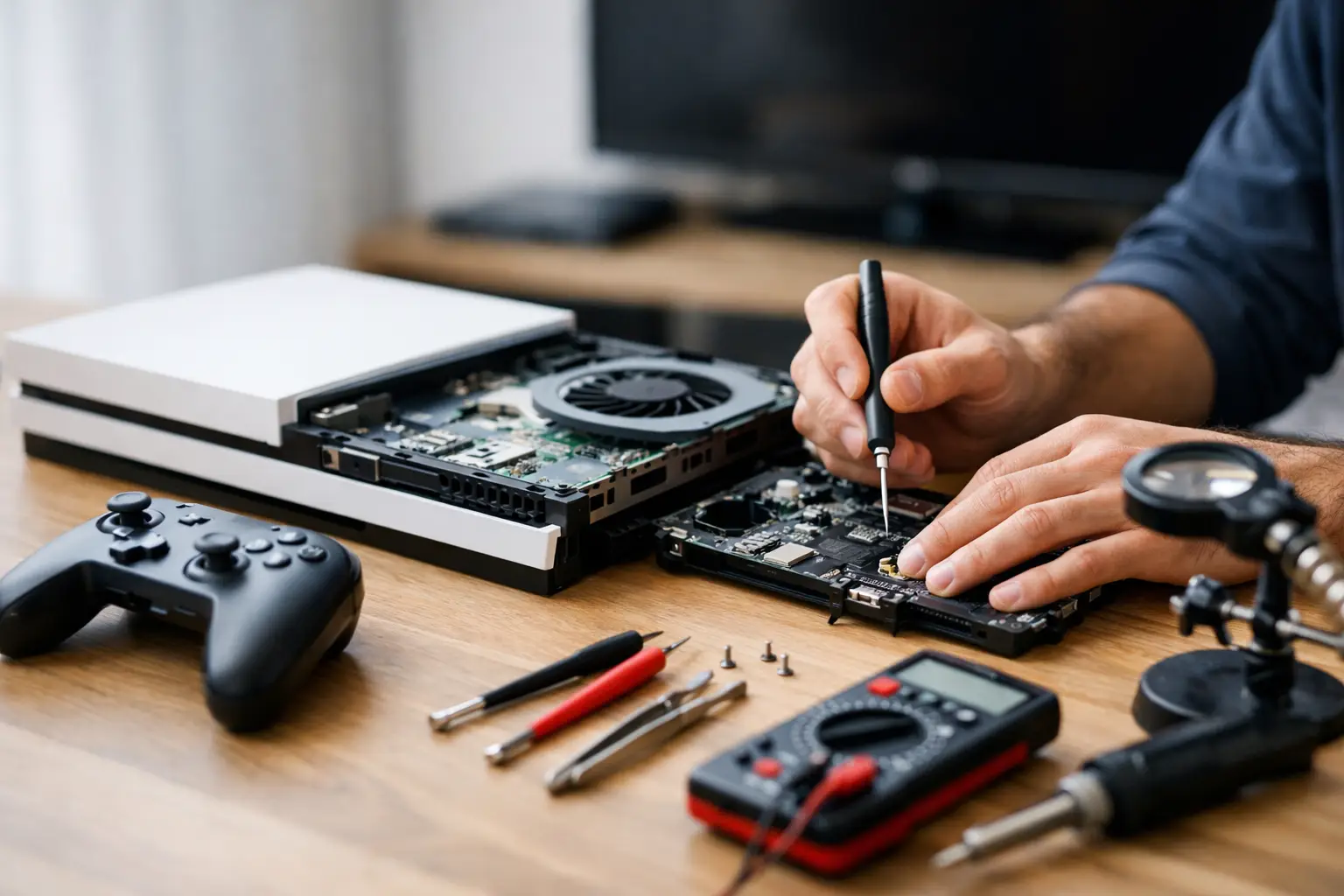
A console that suddenly shows no picture, will not charge, overheats after a few minutes, or refuses to read games creates the same immediate question: what will this cost to fix? Console repair costs are not one flat number because the symptom you see is not always the part that failed. A black screen may be a damaged HDMI port, but it can also point to a board-level fault. The difference matters for both the price and the quality of the repair.
A proper evaluation should identify the actual failure before anyone quotes a major repair. At EPElectrocenter, initial evaluations are free, and all work is performed in-store. That gives El Paso gamers a clear starting point before deciding whether repair is the right move.
What Determines Console Repair Costs?
The console model, the damaged component, part availability, and the amount of labor all affect the final price. A common external component is usually faster to replace than a part connected directly to the motherboard. Newer consoles and limited-production handhelds can also have more expensive parts or require more involved disassembly.
The condition of the device matters just as much. A cleanly damaged HDMI port on an otherwise working PlayStation, Xbox, or Nintendo Switch is different from a console that was dropped, exposed to liquid, or previously worked on incorrectly. Multiple faults can be present at the same time, especially when a device has suffered a power surge or liquid damage.
The Repair Type Makes the Biggest Difference
Straightforward repairs generally cost less because the failed part can be accessed and replaced without extensive board work. These can include controller joystick repair, fan replacement, battery replacement on a handheld, disc drive service, or certain charging port repairs.
More complex jobs involve the motherboard. HDMI ports, USB ports, charging circuits, damaged pads, failed power components, and certain display or boot failures may require micro-soldering. This is skilled work performed under magnification, often involving diagnostics before any component is replaced. It costs more than a basic parts swap, but it can save a console that many shops would simply label as unrepairable.
A low quote is not always a better quote. If the visible damaged port is replaced without checking whether the surrounding circuit is healthy, the console may still have the same problem. The goal is to repair the cause, not just the most obvious damaged piece.
Typical Console Repairs and What to Expect
Prices vary by model and condition, but the following repair categories help explain why estimates can be different from one console to another.
HDMI Port and No-Signal Repairs
HDMI problems are among the most common console issues. Symptoms include a loose cable connection, a port with bent pins, flickering video, a black screen, or a “no signal” message even when the console powers on. If the port itself is damaged, replacement may solve the problem.
However, a no-display console does not automatically need an HDMI port. The HDMI encoder, filters, power rails, or surrounding board traces can also fail. A good technician checks the port and the circuit before promising a fix. Board-level diagnosis takes more time, but it prevents paying for the wrong repair.
Charging Port and USB Port Repairs
Nintendo Switch systems, handheld consoles, and controllers often arrive with loose, broken, or non-functioning charging ports. USB ports on PlayStation and Xbox consoles can also become damaged from frequent use, forced cables, or physical impact.
If the port is the only issue, the repair may be relatively direct. If it has torn pads from the board, damaged nearby components, or caused a short, the job becomes more involved. This is why two consoles with the same “won’t charge” symptom can receive very different estimates.
Overheating, Fan, and Power Problems
An overheating console may shut down during games, run unusually loud, display temperature warnings, or feel extremely hot near the exhaust vents. Dust buildup, blocked airflow, failed fans, dried thermal material, or internal power faults can all contribute.
Cleaning and thermal service can be worthwhile when heat is the real issue. But overheating is not always caused by dust alone. If a fan is not receiving power or a component on the board is failing under load, cleaning will not correct it. Diagnosis separates maintenance needs from an electrical repair.
Disc Drive and Game-Reading Issues
When a console will not accept, spin, or read discs, the problem may be mechanical, optical, or electronic. Disc drives contain moving parts that wear over time, and some console generations pair drive components to the motherboard. Swapping in a random used drive may not restore full function.
A technician should determine whether the issue is the drive mechanism, laser, cable, connector, or board communication before replacing parts. This is especially useful for older consoles, where replacement parts can vary in quality and availability.
Liquid Damage and Board-Level Faults
Liquid damage is unpredictable. A console may work immediately after exposure and fail days later as corrosion spreads. It may not power on, may power on with no display, may repeatedly shut down, or may have issues limited to a port or controller connection.
Liquid-damaged consoles need inspection, cleaning, and electrical testing. In some cases, board-level repair is practical. In others, corrosion has reached too many areas or damaged critical layers of the board. An honest shop should explain that difference instead of treating every liquid-damaged device as a guaranteed repair.
When Is Console Repair Worth It?
Repair is usually worth considering when the console is current enough to have strong resale value, the failure is isolated, or your saved games and account access matter to you. It can also make sense when replacement systems are costly, hard to find, or when a specialized edition has personal value.
The decision gets closer when a console has severe board damage, major corrosion, repeated failures, or a repair estimate that approaches the cost of a reliable replacement. Age matters, but it is not the only factor. An older console with a simple port repair may be a better value than a newer unit with extensive motherboard damage.
Do not base the decision only on the price of a used console listing. A replacement unit may have unknown wear, no warranty, missing accessories, or the same common failure waiting to happen. Compare the repair estimate with the cost of a tested replacement and the value you place on keeping your own system.
How to Avoid Surprise Repair Charges
The best way to control console repair costs is to get a diagnosis before approving work. Describe the symptoms clearly: whether the console powers on, whether the fan spins, whether it shows a light, when the issue began, and whether it was dropped, overheated, or exposed to liquid. Those details help narrow down the fault, but they should not replace testing.
Before authorizing a repair, ask four practical questions:
- What component appears to have failed, and has it been tested?
- Does the estimate include parts and labor?
- Is there evidence of additional damage or prior repair work?
- What happens if diagnosis reveals the repair is not economical?
You should also back up saved data when possible before bringing in a working or partially working console. Some repairs do not affect stored data, but a console with a failing drive, storage device, or motherboard can become less stable over time. Never assume game saves are safe simply because the console still turns on.
Why In-Store Diagnosis Matters
Mail-in services and quick online estimates can be convenient, but they often rely on symptoms rather than hands-on testing. For simple repairs, that may be enough. For no-power, no-display, charging, and liquid-damage problems, the real fault can only be confirmed by examining the device.
In-store service also gives you a chance to discuss the repair directly with the people handling it. You can explain what happened, review the estimate, and decide whether to proceed without shipping delays or vague status updates. Walk-ins are especially useful when a gaming system is your main entertainment device or when a family console needs to be back up quickly.
If your console is showing a black screen, refusing to charge, overheating, or acting differently after a drop, stop forcing cables and avoid repeated power cycles. Bring it in for a free initial evaluation, get clear answers, and choose the repair based on the actual fault rather than a guess.