
Liquid Damage Repair in El Paso Done Right
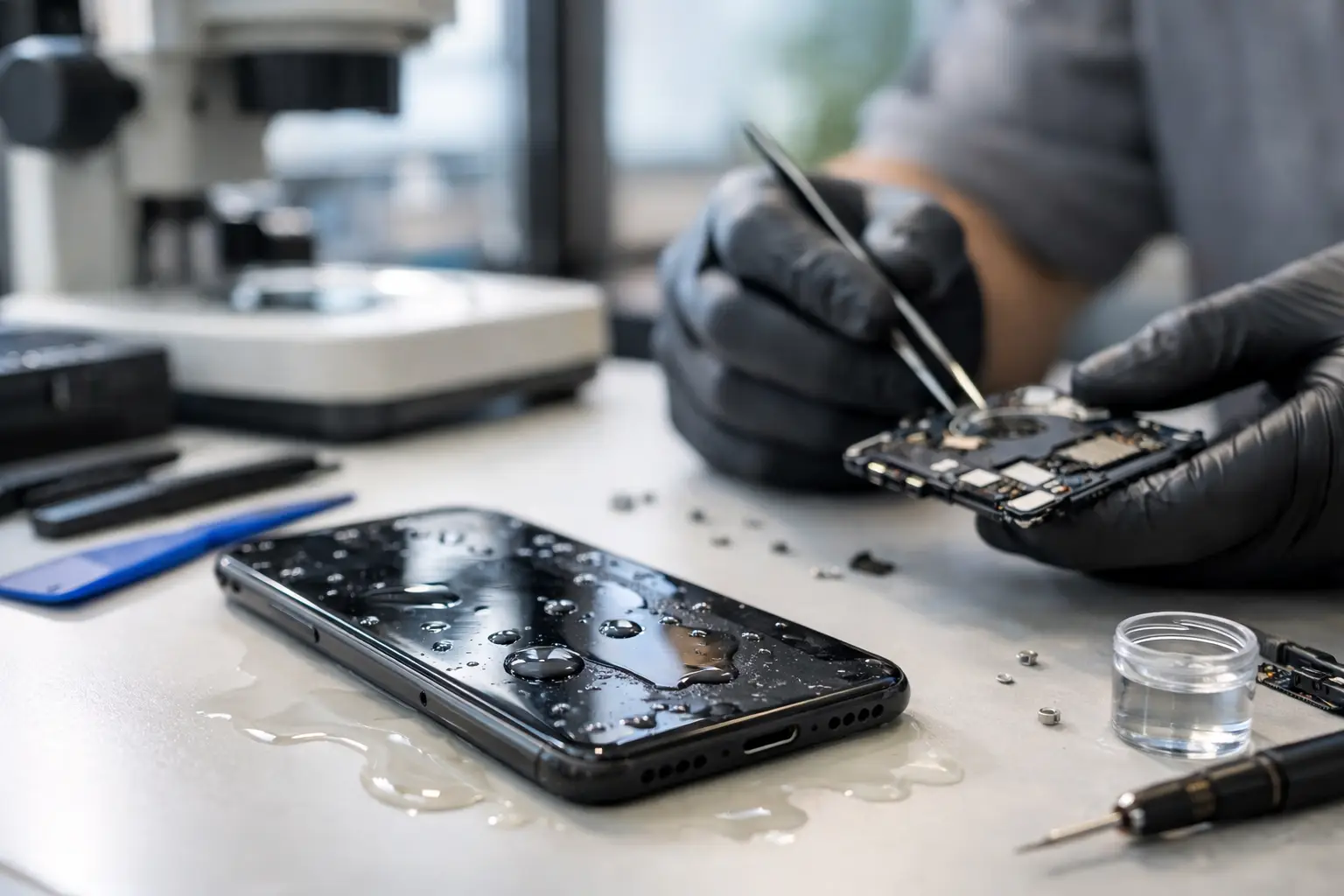
One spill can turn a normal day into a real problem fast. A phone drops into the sink, coffee hits a laptop keyboard, or a game console gets exposed to moisture and suddenly it will not charge, power on, or stay stable. If you are looking for liquid damage repair El Paso customers can count on, the most important thing is getting the device checked quickly and by a shop that can do more than just swap obvious parts.
Liquid damage is different from a cracked screen or a weak battery. Water, soda, coffee, sports drinks, and other liquids do not just affect one area. They can spread through connectors, under chips, across power rails, and into places you cannot see from the outside. Sometimes the damage shows up right away. Other times, a device seems fine for a day or two and then starts rebooting, overheating, losing touch response, or refusing to charge.
Why liquid damage is harder than it looks
A lot of people assume the problem is simple. Dry the device out, leave it in rice, and hope for the best. The issue is that drying and repairing are not the same thing. Even after visible moisture is gone, residue and corrosion can remain on the board. That residue can continue causing shorts, unstable power, missing backlight, audio failure, battery drain, and random shutdowns.
This is why liquid damage repair in El Paso should start with real diagnostics, not guesswork. A proper inspection checks whether the problem is limited to a charging port, battery, keyboard, or display, or whether the motherboard itself has damage. That distinction matters because it affects both cost and repair strategy.
For example, a laptop with a drink spill might need keyboard replacement, but it might also have corrosion around power circuits. A phone that fell in water might need a charging port cleaning, but it could also have board-level damage affecting the power management IC. Two devices can look similar from the outside and need very different repairs inside.
What to do right after a spill
The first few minutes matter. If the device is still on, power it down as soon as possible. Unplug chargers and accessories. Do not keep pressing buttons to check if it still works, because every attempt to power it can make a short worse.
If it is a laptop, disconnect power immediately. If the battery is removable, remove it. If it is a phone or tablet with a sealed battery, do not try to force it open unless you know what you are doing. The safest move is to stop using it and bring it in for an evaluation.
One thing that causes more damage than people realize is waiting too long. Corrosion does not pause because the device is sitting on a counter. In many cases, fast action improves the odds of both repair and data recovery.
What a real liquid damage repair process should include
Not every repair shop handles this kind of work the same way. Some stores only replace easy-to-access parts. That can help in simple cases, but it does not solve motherboard issues. For liquid damage, especially on newer phones, MacBooks, gaming systems, and work laptops, board-level diagnostics often make the difference.
A proper process usually starts with a free initial evaluation and visual inspection. From there, the device may need disassembly, internal cleaning, corrosion assessment, and testing of damaged circuits or components. If the liquid reached the board, micro-soldering work may be needed to replace failed chips, repair damaged pads, restore power lines, or resolve shorts.
That is where in-house capability matters. When all services are performed in-store, customers get a more direct answer about what failed, what can be repaired, and whether the data is still recoverable. It also helps avoid delays from shipping boards somewhere else just to find out whether the job is even possible.
Liquid damage repair El Paso customers usually need
In a local repair shop, the most common liquid damage cases are phones, tablets, laptops, and MacBooks. Phones often come in after sink drops, rain exposure, or drink spills. Common symptoms include no power, boot looping, Face ID or camera issues, charging problems, speaker failure, and overheating.
Laptops and MacBooks usually arrive after coffee, soda, or water spills across the keyboard. Sometimes the machine will not turn on. Sometimes it works partially, with missing keys, no backlight, battery errors, trackpad issues, or a charger that no longer responds. Business users often need not only the repair itself, but also fast turnaround because the device is tied to work.
Tablets and gaming devices have their own patterns. A tablet may power on with touch issues or display problems after liquid exposure. A console may show no video, no power, or unstable operation if moisture reaches the board. In each case, the right repair depends on whether the damage is localized or has spread to critical circuits.
Repair or replace? It depends on the device and the damage
Customers usually want a straight answer, and that is fair. Some liquid-damaged devices are good repair candidates. Others are technically repairable but not cost-effective. The difference often comes down to device value, severity of corrosion, part availability, and whether the motherboard is essential to saving data.
A newer laptop with important files may be worth repairing even if the board needs advanced work. An older low-cost device with heavy corrosion across multiple areas may not make financial sense. This is where honest service matters. The goal should be to give you a realistic path forward, not sell you a repair that does not add up.
There is also a middle ground that many customers overlook. Sometimes the best result is not full device restoration. It may be data recovery from a liquid-damaged laptop, phone, or desktop so you can save photos, business documents, or school files before moving on to a replacement device.
Why board-level skill matters
Liquid damage often affects components that standard part replacement will never fix. If the charging line is shorted, if a power management chip failed, or if corrosion has damaged a connector or filter array, the repair requires microscope work and specialized testing.
That is why board-level capability matters so much in liquid damage repair El Paso residents bring in every day. Micro-soldering, short finding, power rail diagnostics, and component replacement are not extras. In many cases, they are the repair.
A shop with that level of technical depth can often solve problems that other stores decline. It can also reduce unnecessary part swapping. Instead of replacing several parts and hoping one works, proper diagnostics identify the fault path first. That saves time, saves money in many cases, and improves the chance of a stable repair.
What customers should expect from a local repair shop
For most people, the main concerns are simple. Can it be fixed, how long will it take, and what will it cost? Those answers should come with clear communication, not vague promises.
A strong local shop should welcome walk-ins, offer a free initial evaluation, and explain the difference between basic cleaning, part replacement, and motherboard repair. Turnaround can vary depending on the device and damage level, but you should know what stage the repair is in and what the next step is.
At EPElectrocenter, that practical approach matters because customers are not dropping off backup devices they can live without for weeks. They are bringing in work laptops, school tablets, personal phones, and gaming systems they use every day. Fast service is important, but so is doing the job correctly the first time.
The best next step after liquid exposure
If your device has been exposed to water or any other liquid, do not keep testing it and do not assume it is fine because it powered on once. Internal damage can get worse over time, especially when residue is left behind or power is still running through compromised circuits.
Bring it in for an in-store evaluation while the repair window is still favorable. A quick inspection can tell you whether the issue is minor, whether board work is needed, or whether data recovery should be the priority. That kind of direct, honest assessment is what saves customers time, money, and frustration.
When liquid damage happens, speed helps, but skill matters more. The right repair is the one based on real diagnostics, performed in-house, and explained clearly so you know exactly where your device stands.