
PS5 HDMI Repair El Paso: What to Expect
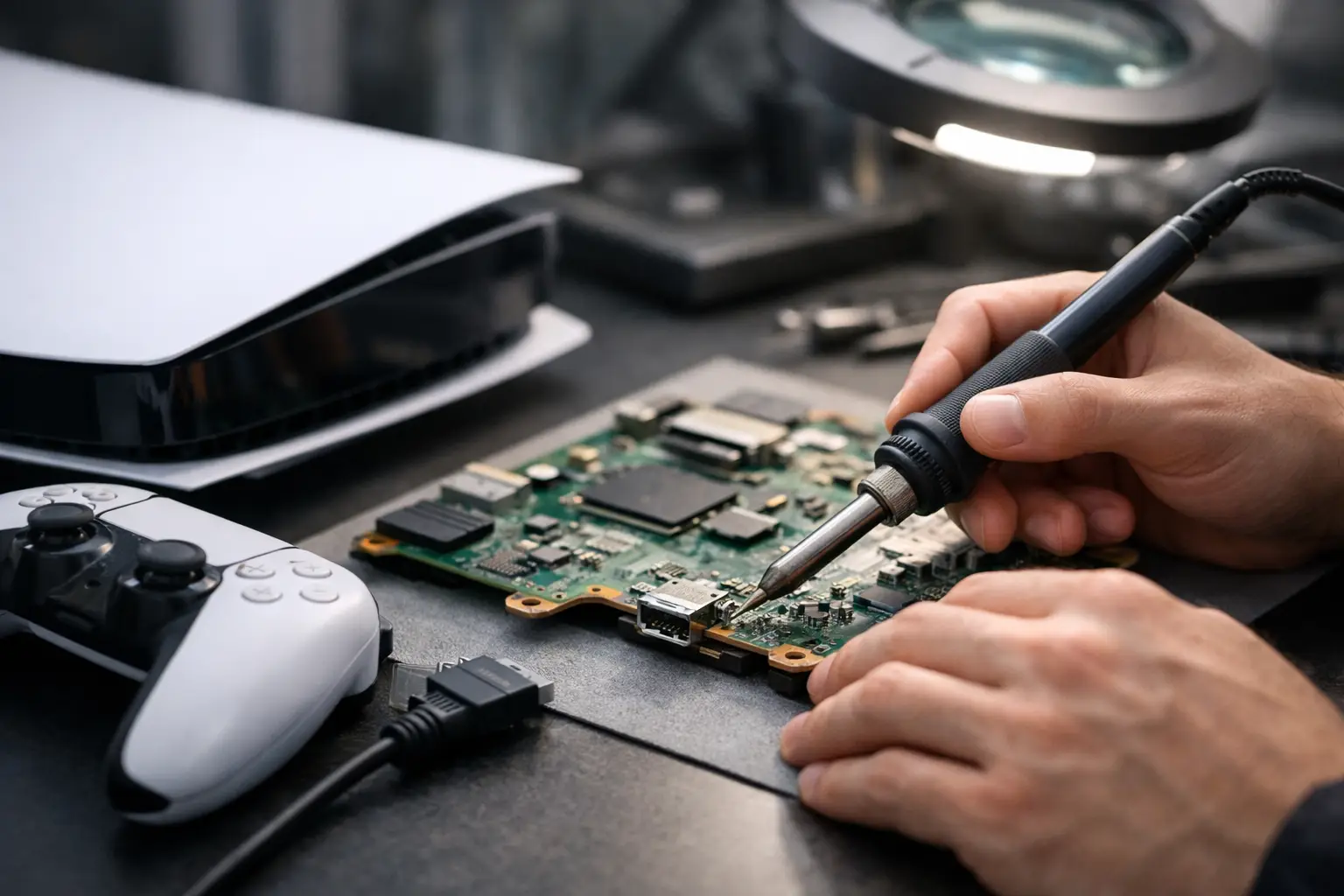
You usually know there is a problem the second the screen stays black. The console powers on, the light changes, maybe you even hear sound, but nothing shows up on the TV. In a lot of cases, that points to one thing: ps5 hdmi repair. For many PS5 owners, the issue is not the console itself failing completely. It is the HDMI port, the surrounding solder joints, or the video circuit tied to that connection.
That distinction matters because a no-display PS5 is not always a dead PS5. Sometimes the fix is straightforward. Sometimes it requires board-level work. The right repair depends on what failed and whether the damage stopped at the port or spread deeper into the board.
When a PS5 needs HDMI repair
The most common symptom is no image on the TV or monitor. But that is not the only sign. Some systems show a flickering image, cut in and out when the cable moves, or display a low-resolution signal that will not switch correctly. Others show visible damage inside the port itself, including bent pins, a loose connector, or part of the port housing pushed inward.
A damaged HDMI port can happen from one bad tug on the cable, a fall, repeated plugging and unplugging, or simply pressure on the cable while the console sits in a tight entertainment center. The PS5 port is mounted directly to the board, so physical stress does not just affect the outer shell. It can crack solder joints or damage internal traces if the hit was hard enough.
That is why two consoles with the same black-screen symptom may need very different repairs. One may only need a port replacement. Another may need diagnostics on the HDMI encoder, filters, pads, or nearby board damage.
Common causes behind PS5 HDMI problems
Physical port damage is still the most common reason customers ask about ps5 hdmi repair. If the port looks misshapen, has missing pins, or feels loose, that is the first suspect. This is especially true when the problem starts right after the console was moved, dropped, or reconnected.
There are also cases where the port looks fine from the outside, but the connection points underneath have separated from the board. That can create an intermittent image or a total signal loss. It is a good example of why visual inspection only tells part of the story.
Then there is the less obvious category: board-level video issues. A failed HDMI IC, damaged filters, or torn pads under the port can all prevent video output. These repairs take more time and more technical skill because they are not just parts swaps. They require testing, microscope work, and micro-soldering.
It also depends on what happened before the failure. If the PS5 took a power surge, overheated, or had previous repair work done poorly, the repair path may be different. Honest diagnostics matter here. Replacing a port will not fix a video chip problem, and guessing usually wastes time and money.
Can you fix it yourself?
If the issue is just a bad HDMI cable or a TV input problem, yes, that is worth checking on your own first. Try a known-good cable, a different display, and make sure the console is fully powered off before testing again. Safe Mode can also help rule out certain display setting problems if the console still outputs video at all.
But once you are dealing with a damaged HDMI port, DIY gets risky fast. PS5 HDMI repair is not like swapping a hard drive cover or cleaning a fan. The port is soldered to a multilayer motherboard with tightly packed components nearby. Too much heat, the wrong tools, or a rough removal can lift pads and turn a repairable issue into a more expensive board repair.
That does not mean every customer needs the most advanced repair possible. It just means HDMI work is one of those jobs where experience matters. A clean port replacement done in-store is very different from trial-and-error work on a bench at home.
What a proper PS5 HDMI repair should include
A real repair process starts with confirming the fault, not just replacing parts based on symptoms. If the system turns on with no display, a technician should inspect the port, test continuity where needed, and check whether the problem is isolated to the connector or tied to the video circuit.
If the port is damaged, the old connector needs to be removed cleanly without damaging board pads. The replacement port must be aligned correctly and soldered securely across all anchor points and pins. After that, the console should be tested for stable video output, not just a brief image on a screen.
If the port is not the only issue, board-level repair may be necessary. That can include trace repair, pad reconstruction, HDMI IC replacement, or diagnosis of related components on the line. Many general repair counters do not handle that kind of work in-house. They may stop at the obvious part. That is where a shop with micro-soldering capability makes a real difference.
How long does PS5 HDMI repair take?
That depends on the failure and parts availability. A standard HDMI port replacement can often be completed much faster than a board-level video issue. If the board pads are intact and the damage is limited to the connector, turnaround is usually more predictable.
More advanced cases take longer because testing comes first. If a port replacement does not restore display, the technician has to move deeper into the circuit. That adds labor, microscope work, and in some cases component sourcing. Fast service is important, but rushing this kind of repair is how details get missed.
For local customers, in-store service has an advantage here. You can get a direct evaluation, ask questions, and avoid shipping delays or the uncertainty of sending your console out somewhere else.
What affects the cost?
The biggest factor is whether the repair stops at the port. If it does, pricing is usually more straightforward. If the board has torn pads, internal trace damage, or a failed HDMI IC, the labor and complexity go up.
Previous repair attempts can also affect cost. A console that has already been worked on, especially with excessive heat or poor soldering, may require cleanup before the actual repair can even begin. That is not a scare tactic. It is just the reality of board work.
There is also the question of value. A proper HDMI repair usually makes more financial sense than replacing the entire console, especially when the issue is isolated and the rest of the PS5 is in good condition. For most gamers, getting the original system back quickly is the better outcome.
Why diagnosis matters more than guesswork
A black screen does not automatically mean the HDMI port is broken. It might be. Often it is. But there are enough exceptions that a real evaluation matters.
For example, some consoles come in with visible port damage and also have underlying board issues from the same impact. Others arrive with no visible port damage at all, yet the HDMI encoder has failed. If a shop only looks at the outside and gives you a flat answer in two minutes, that should raise questions.
Good repair work starts with separating the symptom from the root cause. That is how you avoid paying for the wrong repair or being told to replace a console that could have been fixed.
Choosing a shop for PS5 HDMI repair
This is one of those repairs where tools and skill level matter more than branding. You want a shop that performs the work in-house, has experience with console board repair, and can handle more than simple port swaps if the problem goes deeper.
Ask whether they do micro-soldering. Ask whether they offer an initial evaluation before committing you to a repair. Ask whether the work is done on-site. Those answers tell you a lot.
At EPElectrocenter, this kind of repair fits the workbench, not the guess-and-go category. All services are performed in-store, walk-ins are welcome, and a free initial evaluation helps determine whether the issue is the HDMI port alone or something further down the board.
If your PS5 powers on but gives you a black screen, do not assume the worst and do not keep forcing cables into the port hoping it comes back. The sooner the issue is checked properly, the better the chance of a clean repair and a faster return to game time.