
MacBook Board Repair: When It Is Worth It
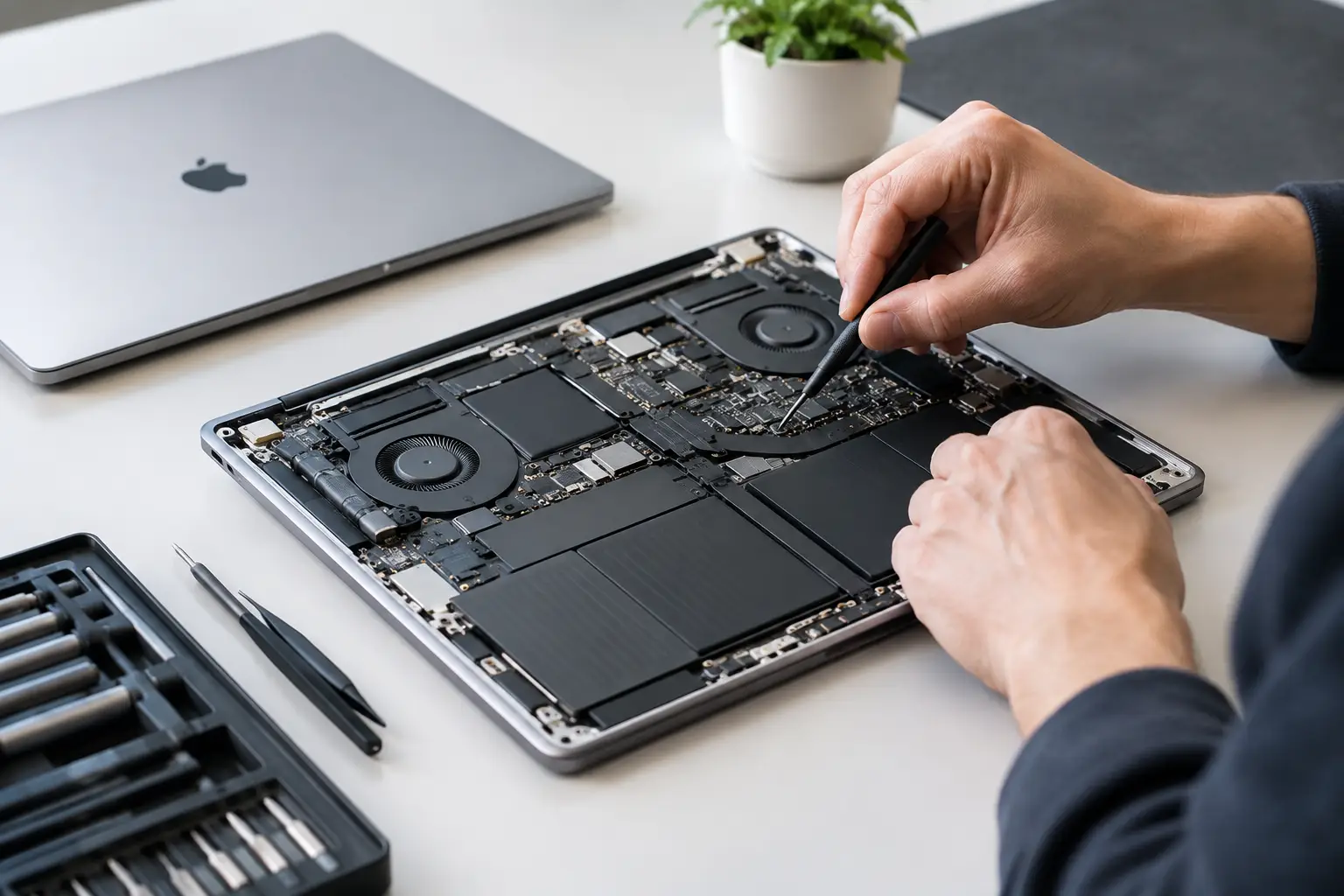
A MacBook that will not turn on, will not charge, or keeps restarting is not automatically ready for the recycle bin. In many cases, MacBook board repair can correct the actual fault inside the logic board without replacing the entire laptop. That matters when you need your files, depend on the machine for work or school, or simply do not want to pay for a new computer before getting a straight answer.
At EPElectrocenter, all diagnostic and repair work is performed in-store in El Paso. We start with a free initial evaluation, explain what we find, and help you decide whether a board-level repair makes financial sense for your specific MacBook.
What Is MacBook Board Repair?
The logic board is the main circuit board inside a MacBook. It manages power, charging, battery communication, display output, USB-C and Thunderbolt functions, storage communication, keyboard input, and many other critical functions. A problem on that board can make a laptop appear completely dead even when the screen, battery, and charger are still usable.
MacBook board repair means locating and correcting the failed component or damaged circuit rather than replacing major assemblies by default. Depending on the issue, that can involve short finding, power rail diagnostics, corrosion cleanup, connector repair, IC replacement, or micro-soldering.
This is different from a standard part swap. Replacing a battery is appropriate when the battery has failed. Replacing a charging port may solve a worn or broken port. But if the MacBook still does not charge after those parts check out, the problem may be in the charging circuit, power-management system, or another section of the logic board.
Signs Your MacBook May Have a Board-Level Fault
Some symptoms are obvious, while others look like software trouble at first. A qualified diagnosis separates a logic board issue from problems with the charger, battery, screen, trackpad, storage, or operating system.
Common warning signs include a MacBook that shows no power, charges inconsistently, gets hot while idle, or only works at certain battery levels. You may also see a black screen with signs of life, repeated rebooting, no image on an external display, USB-C ports that stop working, or liquid damage that causes delayed failures days or weeks later.
A charging indicator alone does not prove the computer is healthy. Likewise, a MacBook that makes a startup sound or has keyboard backlight but no image may have a display-related issue, a power issue, or a board fault. Testing is the only reliable way to narrow it down.
Liquid Damage Needs Fast, Careful Diagnostics
Liquid exposure is one of the most common reasons for motherboard failure. Coffee, soda, water, and humidity can leave contamination behind even when the MacBook seems fine immediately afterward. Corrosion can continue spreading across tiny components and under shields, leading to charging failure, random shutdowns, missing keys, or a no-power condition later.
Do not keep trying to charge or start a liquid-damaged MacBook. Repeated power attempts can turn a repairable short into more extensive damage. Shut it down if possible, disconnect the charger, and bring it in for evaluation. Drying the outside is not the same as cleaning and inspecting the board itself.
How We Diagnose a MacBook Logic Board Problem
Good board repair starts with evidence, not guesses. We inspect the MacBook for visible liquid indicators, impact damage, burned components, damaged ports, and previous repair work. Then we test the charging behavior, battery condition, power draw, display output, and communication with key board circuits.
For a no-power device, technicians measure the power rails that must be present for the MacBook to start. A shorted capacitor, failed charging IC, damaged power-management component, or corrosion around a critical line can interrupt that startup sequence. Finding the exact failure requires proper tools and board-level experience, not just replacing parts until something works.
The model and age of the MacBook affect the diagnostic path. Older Intel-based machines often have repairable issues around charging circuits, backlight circuits, storage connections, and power rails. Newer Apple silicon models have different designs and may involve more integrated components. Repair is still possible in many situations, but the expected cost, available parts, and risk level depend on the damage.
When Board Repair Is a Better Choice Than Replacement
A logic board repair is often worth considering when the MacBook is otherwise in good physical condition and the estimated repair cost is well below the cost of a comparable replacement. This is especially true for higher-spec models, recent models, and machines with large storage capacity or upgraded memory.
Data is another major factor. On many newer MacBooks, storage is integrated with the logic board. If the board fails, simply removing a hard drive is not an option. Repairing the original board may be the most realistic path to recovering locally stored files when there is no backup.
For a small business, replacing a familiar workstation can also create downtime beyond the purchase price. There may be software setup, account access, local files, workflow interruptions, and hardware compatibility to deal with. Repair can be the practical choice when it gets a needed machine back in service quickly.
There are cases where replacement is smarter. Severe liquid damage across multiple sections of the board, a badly bent chassis, an obsolete model with several failing components, or a repair estimate close to the MacBook's current value may not justify the work. Honest service means saying so before you spend money on a repair that does not fit your situation.
What MacBook Board Repair Can Address
Board-level service is used for faults that cannot be resolved by replacing an external accessory or a simple modular part. Common repair categories include charging and USB-C circuit faults, power-management failures, short circuits, backlight or display signal issues, liquid-damage corrosion, damaged connectors, and failures caused by power surges or incorrect chargers.
It can also help after another shop has replaced a battery, screen, or charging port without fixing the original problem. A new part does not repair a damaged line on the logic board. If the underlying circuit was not tested, the same symptom can remain.
Not every problem belongs on the board. A cracked screen, worn battery, damaged keyboard, failed fan, or broken hinge may be a separate repair. The right approach is to identify all confirmed issues, prioritize what is necessary, and give you clear options rather than bundling unnecessary work.
What to Do Before Bringing Your MacBook In
If the MacBook still starts, back up your files before any repair. A board repair is performed carefully, but any computer with an electrical fault has some risk. If you can safely log in, make sure important documents, photos, business files, and passwords are protected.
Bring the correct charger if charging is part of the problem. It can help us compare the laptop's behavior with your normal setup. Be ready to describe what happened just before the issue began, such as a spill, drop, update, power outage, overheating event, or use of a third-party dock.
If the laptop does not start, do not repeatedly force it on, leave it connected to power overnight, or attempt internet fixes meant for software problems. Those steps will not correct a shorted circuit and can make liquid-related damage worse. Walk-ins are welcome, and a free initial evaluation gives you a practical starting point.
Why In-Store Board-Level Service Matters
Many repair locations can handle basic MacBook work but send motherboard cases elsewhere or recommend full replacement immediately. In-house board-level diagnostics give you a better chance of learning what actually failed before making a decision. It also keeps the process local and accountable.
The goal is not to promise that every MacBook can be saved. The goal is to test it properly, explain the repair path in plain language, and provide fair pricing based on the fault and the work required. You should know whether repair is recommended, what the risks are, and what alternatives make sense.
A MacBook that stops charging or refuses to start can disrupt a job, a class, or a business day without warning. Bring it in before writing it off. A careful board-level evaluation may turn a dead-looking laptop into a repairable one, and give you a clear answer either way.