
iPhone Camera Repair for Blurry or Black Photos
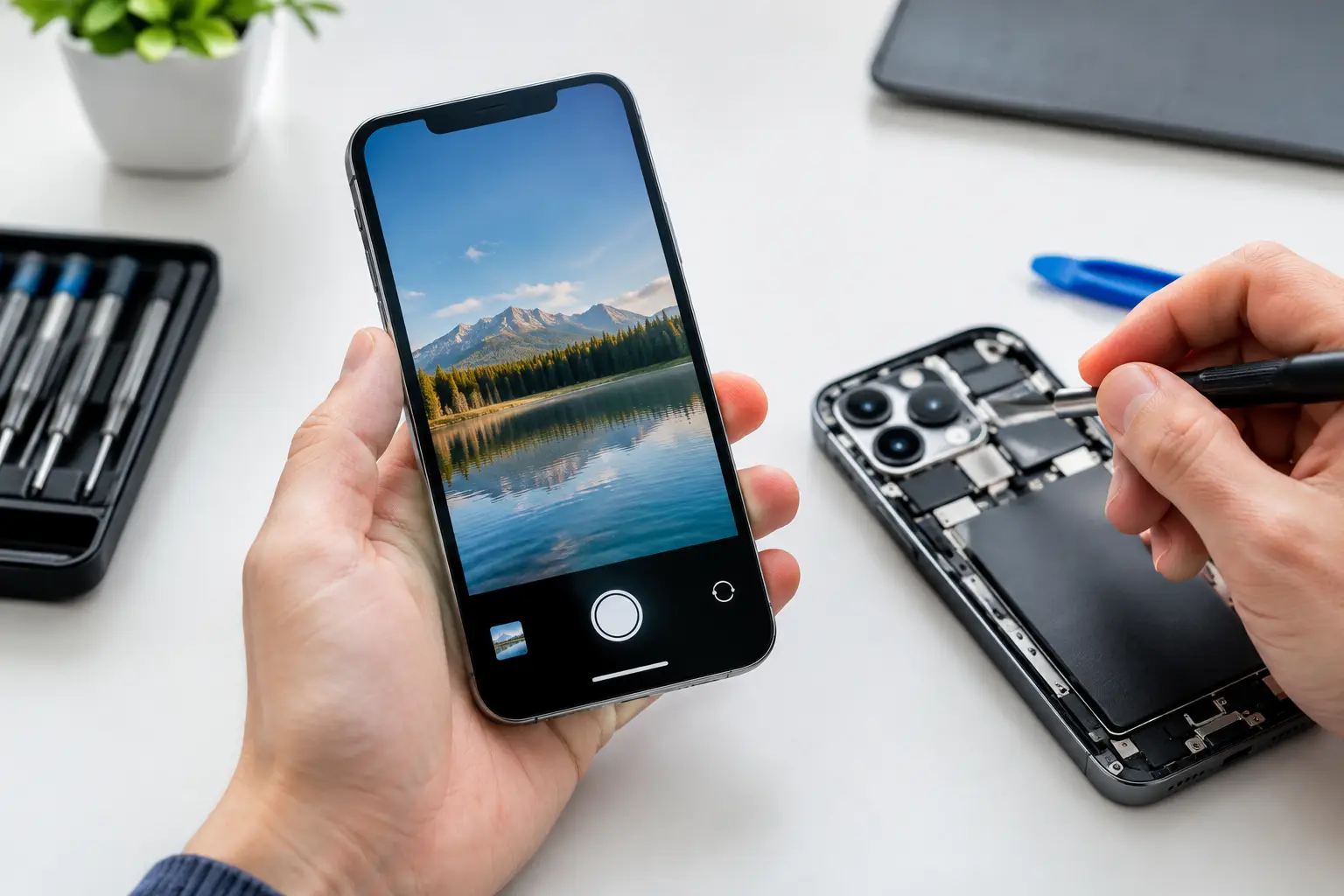
A camera that suddenly shows a black screen, refuses to focus, or turns every photo into a blurry mess can make an iPhone far less useful. iPhone camera repair is not always a simple camera-module replacement. The right fix depends on whether the problem is in the lens, camera assembly, flex cable, housing, software, or the phone's motherboard.
For customers in El Paso, the practical question is simple: can the phone be repaired reliably without paying for work it does not need? A proper in-store diagnosis should identify the actual fault before parts are replaced. That matters especially after a drop, water exposure, or a previous repair.
Signs Your iPhone Camera Needs Repair
Some camera problems are obvious. A cracked rear lens cover, a camera app that stays black, or visible shaking in every video points to a real hardware issue. Other symptoms can look minor at first but get worse over time, such as slow focusing, dust under the lens, or a camera that works only in certain apps.
A damaged camera can affect more than photos. Face ID, video calls, QR code scanning, document capture, social media, and business communication may all be impacted depending on which camera system has failed. Newer iPhones use multiple cameras and sensors working together, so one damaged component can create more than one symptom.
Black screen in the Camera app
If the front or rear camera displays a black screen, start by testing both cameras and switching between photo and video modes. A temporary software issue may clear after restarting the phone or installing an available iOS update. If one camera remains black while the other works, the affected camera module, connector, or related circuit may need service.
A black camera screen after a drop is especially likely to be hardware-related. The impact may have damaged the module internally even when the outer glass looks fine.
Blurry photos or failure to focus
Blurry photos are not always caused by a dirty lens. If the lens is clean but the image will not sharpen at any distance, the autofocus mechanism may be damaged. Rear cameras with optical image stabilization can also develop a shaking, vibrating, or clicking behavior after impact. Photos and video may appear to wobble because the stabilization assembly can no longer hold position correctly.
Do not press hard on the camera area or repeatedly tap the phone to make it focus. That can put more stress on an already damaged part.
Cracked camera lens glass
The small glass cover over the rear camera is separate from the camera module itself. If it is cracked, the camera may still take pictures, but the damage leaves the device exposed to dust and moisture. A crack can also create glare, haze, light streaks, or dark spots in images.
Replacing damaged lens glass promptly is usually the better move. Waiting can turn a small exterior repair into a camera replacement or liquid-damage repair if debris or moisture reaches the internal components.
What Causes iPhone Camera Problems?
Drops are the most common cause, but they are not the only one. A phone can land on its case and still transfer enough force to damage the camera's focusing or stabilization components. Pressure inside a backpack or vehicle console can also affect a protruding rear camera housing.
Liquid exposure is another major concern. Even water-resistant iPhones can lose protection after a hard drop, worn seals, or an earlier screen repair. Condensation under a lens, corrosion near a connector, and intermittent camera failures can all appear days or weeks after exposure.
Previous repair work can matter too. During a screen replacement, front-camera and sensor components must be handled carefully. A pinched flex cable, damaged connector, or improperly seated part can affect the selfie camera, proximity sensor, or Face ID functions. This is one reason experienced in-store repair work matters.
There are also cases where the camera itself is fine. A motherboard fault, power issue, shorted line, or communication problem can prevent a working camera from operating. Replacing the camera module without testing can waste time and money.
How iPhone Camera Repair Should Be Diagnosed
A reliable diagnosis starts with the symptoms, the phone model, and what happened before the problem began. Did the issue start after a drop? Was there liquid exposure? Does the rear camera fail while the front camera works normally? Does the problem happen in every app or only one?
The technician should then inspect the lens area, camera housing, connectors, and internal components as needed. Testing with known-good parts can help separate a failed camera module from a board-level issue. On devices with liquid damage or intermittent failures, further testing may be needed to check for corrosion, short circuits, or damaged power rails.
This approach is more accurate than guessing based on a single symptom. It also provides a clearer repair recommendation. Sometimes the answer is a lens-glass replacement. Sometimes it is a rear camera replacement. In more complex cases, micro-soldering or motherboard-level repair may be the only way to restore the camera without replacing the entire phone.
iPhone Camera Repair Options and Trade-Offs
The best repair depends on the damage and the value of the device. A newer iPhone with a failed camera is often worth repairing, particularly if the rest of the phone is in good condition. For an older phone with multiple problems, such as battery failure, screen damage, and a camera issue, it makes sense to compare the total repair cost with replacement options.
Camera lens-glass repair is generally appropriate when the outer cover is damaged but image quality and focus are otherwise normal. Camera-module replacement is the typical solution for a failed, blurry, shaking, or nonfunctional camera. If testing shows the camera is not receiving proper power or cannot communicate with the phone, board-level repair may be needed instead.
There can be model-specific considerations. Modern iPhones pair certain components to the device, and repairs must be performed carefully to preserve normal features where possible. The goal is not just to make the Camera app open. The repair should restore dependable focus, image quality, video function, and related features that the phone supports.
What to Do Before Bringing Your iPhone In
If the phone still works, back up your data before any repair. Camera repairs usually do not require data removal, but a backup is always the smart precaution for any electronic device. If the phone has been exposed to liquid, avoid charging it until it has been inspected. Charging a wet device can worsen corrosion or create a short.
Remove the case and avoid putting tape directly over a broken lens if adhesive could leave residue. A loose protective cover may help keep dust out temporarily, but it is not a substitute for repair. If you notice heat, repeated restarts, fogging inside the lens, or more than one function failing, mention that at check-in. Those details help narrow down the cause.
Get a Clear Answer Before Replacing Your Phone
EPElectrocenter provides in-store iPhone camera repair and free initial evaluations for El Paso customers. Walk-ins are welcome, and all services are performed in-store. Whether the issue is a cracked lens, a camera that will not focus, liquid damage, or a fault that requires deeper board-level diagnostics, the first step is determining what actually failed.
A camera problem does not automatically mean your iPhone is finished. Bring it in before dust, moisture, or repeated use turns a repairable issue into a more expensive one.