
Free Diagnostic Phone Repair El Paso Explained
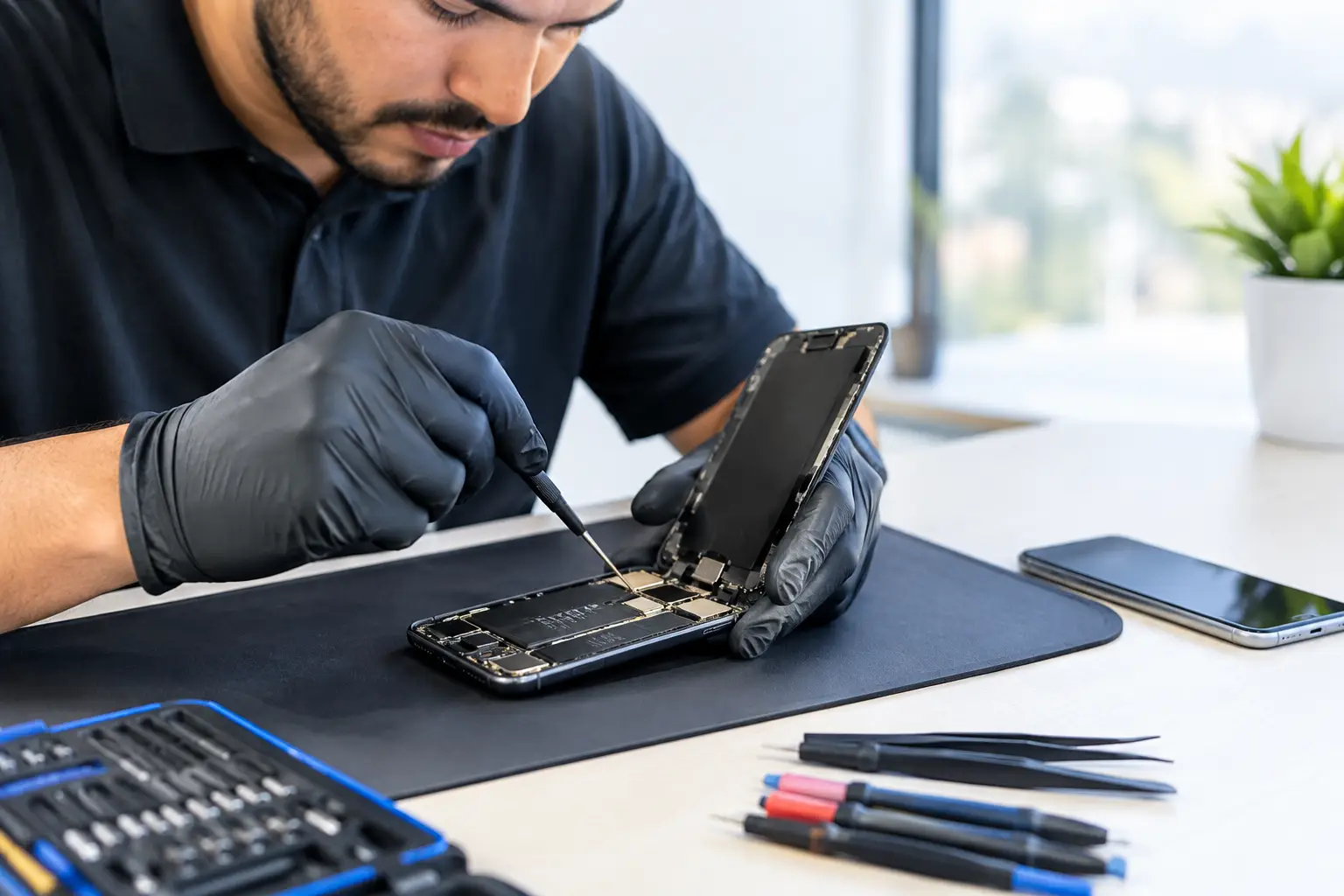
A phone can look like it has a simple problem until it refuses to charge after a new cable, restarts without warning, or shows a black screen while notifications still come through. That is where free diagnostic phone repair El Paso customers can use makes a real difference. Before paying for a repair, you deserve to know what is actually wrong, what it will take to fix it, and whether the repair makes financial sense.
At EPElectrocenter, the initial evaluation is free, walk-ins are welcome, and work is performed in-store. The goal is straightforward: identify the likely fault, explain your options clearly, and avoid selling you a repair you do not need.
What a Free Phone Diagnostic Should Tell You
A useful diagnostic is more than plugging in a charger and guessing. A technician should start with the symptoms you noticed, inspect the device, and test the parts most likely connected to the problem. Depending on the issue, that may include the charging system, battery behavior, display response, cameras, speakers, buttons, Wi-Fi, cellular signal, or software stability.
The best result is a clear answer. Sometimes the fix is simple, such as removing packed debris from a charging port or replacing a worn battery. Other times, the symptoms point to a damaged charging circuit, a failing display, liquid corrosion, or a motherboard-level fault. Those cases require more testing, but they should not be treated like a routine screen replacement.
A free initial evaluation gives you the information needed to decide what happens next. It is not a promise that every repair is free, and it should not be confused with a full board-level repair process. It is the honest first step before authorizing paid parts, labor, or advanced troubleshooting.
When to Bring Your Phone In for a Diagnostic
Do not wait until a minor issue turns into data loss or a phone that will not power on. A diagnostic is especially useful when the cause is unclear or when a previous repair did not solve the problem.
Charging Problems That Are Not Always the Port
A phone that charges only at a certain angle may have debris in the port, a damaged cable, worn port pins, or an issue deeper in the charging circuit. Replacing the charging port without checking the rest of the system can waste money. A proper inspection helps separate a basic port repair from a board-level power issue.
The same applies when a device shows the charging icon but never gains battery percentage. The battery may be failing, but a damaged power-management component can create similar symptoms. Testing matters because the visible symptom does not always identify the failed part.
A Cracked Screen With More Than Cosmetic Damage
A cracked screen is easy to spot, but the full damage is not always obvious. Touch response, brightness, face recognition components, front cameras, and display cables can all be affected by a drop. If the screen goes black but the phone still vibrates or makes sound, the device may still be running normally behind a failed display.
An evaluation can confirm whether the repair is limited to the screen or whether impact damage reached other components. This is particularly important when a phone has a bent frame, lifting display, or intermittent touch response.
Liquid Damage and Random Restarts
Water damage is one of the biggest reasons not to rely on a quick guess. A phone may turn on after getting wet, then fail days later as corrosion develops. Charging it repeatedly can make the damage worse if moisture remains inside.
If your phone was exposed to water, turn it off if possible, do not attempt to dry it with heat, and bring it in for inspection. Rice does not remove corrosion from connectors or circuit boards. A technician can check for liquid indicators, corrosion, shorts, and damaged components before deciding whether cleaning, part replacement, or micro-soldering is appropriate.
Random restarting can also have several causes. A weak battery, damaged charging system, storage issue, software problem, or board fault may all produce restarts. The answer depends on testing, not assumptions.
Free Diagnostic Phone Repair in El Paso Means Clear Expectations
Free diagnostics are valuable when they lead to transparency. Before any repair begins, you should know the recommended repair, expected cost, and whether there are other options. For an older phone with major board damage, repair may not be the best value. For a newer device with important photos, business apps, or saved data, advanced repair may be worth it.
A good repair shop will explain that trade-off directly. There is no one-size-fits-all answer because device age, condition, repair cost, and data needs are different for every customer.
For example, a battery replacement may be a practical choice if the phone is otherwise in good condition. A device with heavy liquid damage and no backup may need data recovery considerations before any other work. If a phone has a failed charging IC or a short on the board, standard parts replacement may not solve the issue at all.
That is where in-house technical capability matters. Many shops can replace screens and batteries. Fewer can diagnose shorts, test power rails, replace damaged ICs, or perform micro-soldering when the issue is on the motherboard. Advanced repairs are not always necessary, but when they are, sending the device elsewhere can add delay and uncertainty.
What to Bring With You
Bring the phone, the charger you normally use, and any details that help recreate the issue. If the problem began after a drop, update, water exposure, or third-party repair, say so. Those details can save time and point the technician in the right direction.
If the device still turns on, back up your data before repair whenever possible. A repair shop can help assess data recovery options when a device is not accessible, but a current backup is always the safest position. Do not share your passcode unless it is needed for testing, and ask how your information will be handled during the repair process.
Business customers should also mention if the phone is tied to two-factor authentication, point-of-sale tools, work email, or company-managed software. The priority may be more than getting the phone powered on. It may be restoring access with as little downtime as possible.
Questions Worth Asking Before You Approve a Repair
After the diagnostic, ask what failed, what repair is being recommended, and whether the quoted price includes parts and labor. It is also reasonable to ask whether the repair addresses the root cause or only the visible symptom.
For liquid damage or board-level issues, ask about the condition of the device and the possibility of additional damage. These repairs can involve uncertainty because corrosion and electrical failures are not always fully visible at the start. An honest technician will explain the risk instead of promising a guaranteed result before the device is properly tested.
You should also ask about turnaround time. A screen or battery replacement may be much faster than a complex motherboard repair, especially if specialized parts or extended testing are needed. Fast service matters, but correct service matters more when your phone holds your work, photos, contacts, and daily access.
Get an Answer Before You Pay for a Guess
A broken phone is frustrating enough without paying for the wrong repair. A free initial evaluation gives you a practical starting point: identify the symptom, inspect the device, understand the likely cause, and decide whether repair is the right move.
If your phone is not charging, has a damaged screen, keeps restarting, was exposed to liquid, or simply is not acting right, bring it in for a clear assessment. The right repair starts with an honest answer, not a guess.