
Phone Charging Problems: Causes and Repair Options
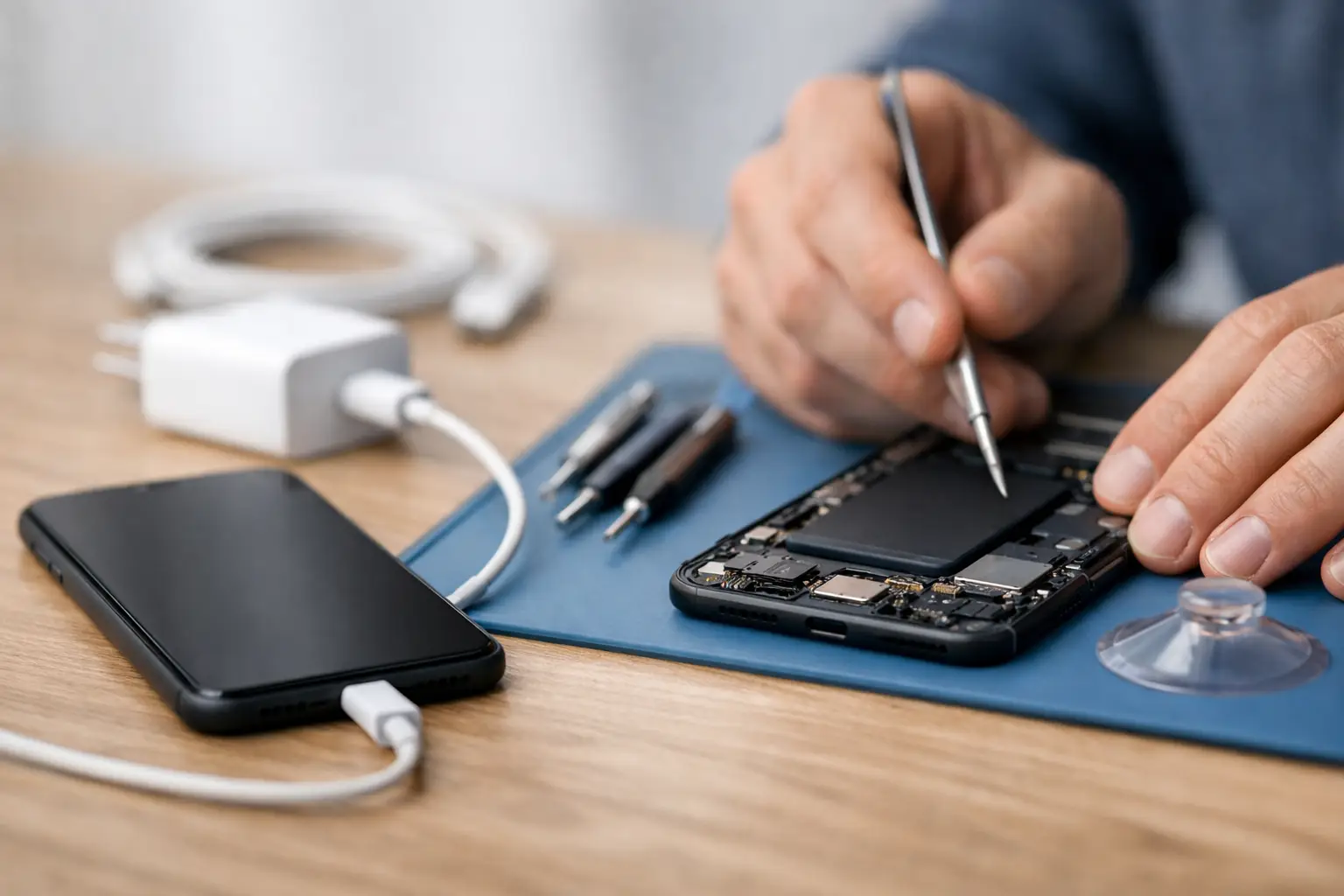
Your phone is at 4%, you plug it in, and nothing happens. Or worse, it starts charging only after you bend the cable at a certain angle. Phone charging problems are frustrating because the cause is not always the part you can see. A bad cable is common, but a worn charging port, failing battery, liquid damage, or a motherboard fault can create nearly identical symptoms.
The good news is that a few safe checks can narrow down the issue. The key is knowing when to stop testing and avoid turning a small repair into a more expensive one.
Start With the Simple Charging Checks
Before assuming your phone needs a charging port repair, test the charging setup. Use a known-good wall outlet and try a different cable and power adapter. Cables often fail internally near the connector, especially if they are bent, pulled, or used while the phone is charging. An adapter can also lose output without showing obvious damage.
If possible, test with a quality cable and adapter that are rated for your specific phone. A low-quality accessory may charge slowly, disconnect repeatedly, or trigger a warning message. A charger that works for one device may not provide enough power for another, particularly with newer fast-charging phones.
Check these items before bringing the phone in:
- Try a different cable, adapter, and wall outlet.
- Remove the case and make sure it is not blocking the connector.
- Restart the phone and check whether it charges while powered off.
- Look inside the port with a light, without inserting metal tools.
- Notice whether the phone gets unusually hot, restarts, or loses charge while plugged in.
Do not force a connector into the port. If it does not seat firmly, there may be compacted pocket lint, a bent contact, or physical port damage.
Common Phone Charging Problems and What They Mean
The cable only works at a certain angle
This is one of the most familiar charging symptoms. It can mean the cable tip is worn, but if multiple cables fit loosely or only work when held in place, the phone’s charging port is more likely the problem. Lint packs tightly into the bottom of a port over time and prevents the cable from fully connecting. A damaged or loose port can produce the same result.
A technician can inspect the port and determine whether careful cleaning is enough or whether the charging assembly needs replacement. Cleaning is not always the answer. If the internal pins are bent, corroded, or separated from the board, continued use can make the damage worse.
The phone says it is charging, but the battery percentage drops
A phone can recognize a charger while receiving too little power to run the screen, apps, cellular connection, and background activity. This often points to a weak adapter, damaged cable, or charging source with insufficient output. It can also happen when a battery has aged to the point that it no longer holds a stable charge.
Heat matters here. If the phone becomes hot while charging, the device may intentionally reduce or pause charging to protect the battery. Remove a heavy case, stop gaming or video streaming, and let the phone cool in a dry room. Never put a hot phone in a refrigerator or freezer. Rapid temperature changes can cause condensation and additional damage.
The phone charges slowly
Slow charging is not automatically a repair issue. Many phones charge more slowly when the battery is close to full, when the screen is active, or when optimized battery settings are enabled. Wireless charging is also often slower than a wired fast charger, and thick cases can interfere with the coil alignment.
If charging stays slow with a compatible wired charger, a clean port, and minimal phone use, the issue may be a worn battery, a damaged port, or a power-management fault. The model of phone and its charging standard make a difference, so a proper diagnosis is better than replacing parts based on a guess.
The phone will not charge after getting wet
Modern phones may display a moisture warning and temporarily disable wired charging after liquid exposure. That warning is there for a reason. Plugging the phone in while moisture is present can cause corrosion or a short at the port and on the board.
Disconnect the charger, power the phone off if possible, and let it air dry in a well-ventilated area. Do not use rice, heat guns, compressed air, or a metal pin inside the port. Rice does not remove corrosion, and heat can damage batteries, screens, adhesives, and delicate components. If the device was exposed to anything other than clean water, or it still will not charge after drying, it needs a professional liquid-damage evaluation.
Why the Charging Port Is Not Always the Failed Part
Charging ports take daily wear, so they are a reasonable suspect. Still, replacing a port without testing the rest of the charging circuit can waste time and money. On many phones, the port connects through a lower charging board or flex cable. On others, the connection leads directly into circuits on the motherboard.
A board-level issue can be caused by a power-management IC failure, corrosion, a shorted component, damaged power rail, or a prior repair that disturbed a connector. These problems may show up as no charging, rapid battery drain, no USB data connection, an overheating area, or a device that turns on only when connected to power.
This is where the repair shop’s diagnostic ability matters. A standard port replacement will not solve a failed charging IC. It may even leave you paying for a part while the original fault remains. The right approach is to test charging current, inspect the port and internal connections, evaluate battery behavior, and check the board when the symptoms point beyond a basic part replacement.
Avoid These Mistakes While Troubleshooting
Repeatedly plugging and unplugging a loose cable can wear down a damaged port further. So can using oversized, damaged, or cheap connectors that do not fit correctly. If the cable feels loose, do not keep twisting it to find a temporary charging position.
Avoid charging a swollen battery. Signs can include a lifting screen, a separating back cover, unusual heat, or a phone that rocks on a flat surface. A swollen battery is a safety issue, not something to press back into place. Stop using the device and have it inspected promptly.
Be cautious with online repair advice that treats every no-charge issue as a dirty port. A gentle visual inspection is fine, but digging into the port with a pin, paper clip, knife, or wet swab can bend contacts and create a repair that was not needed before.
What a Professional Charging Diagnosis Should Include
A useful diagnosis does more than confirm that the phone is not charging. It identifies why. The technician should verify the cable and adapter behavior, inspect the port under magnification, test whether the device negotiates charging power, and evaluate the battery’s condition. If there is evidence of liquid exposure or board damage, the inspection should continue beyond the port.
For devices with complex faults, board-level testing may include short finding, power rail diagnostics, connector inspection, and micro-soldering repair when appropriate. This level of work is especially valuable when a phone contains important photos, work apps, authentication codes, or business data that make replacement inconvenient.
At EPElectrocenter, charging repairs and advanced diagnostics are performed in-store, not sent away to a third party. Walk-ins are welcome, and a free initial evaluation helps determine whether the issue is a cable, battery, port, or a deeper motherboard problem before repair work begins.
Repair or Replace? Make the Decision With the Full Picture
A charging port repair is often worthwhile when the phone is otherwise dependable and has a healthy screen, camera, and battery. Battery replacement can also add useful life to a device that charges but drains too quickly. For newer or higher-value phones, even a board-level repair can make financial sense when compared with replacement cost and the hassle of moving data to a new device.
Replacement may be the better choice when the phone has several major issues at once, such as severe liquid damage, a damaged display, battery swelling, and an older model with limited software support. It depends on the repair estimate, the condition of the device, and how important the data on it is. An honest diagnosis should give you those facts without pushing a repair that does not make sense.
If your phone has stopped charging, do the basic cable and outlet checks once, then pay attention to the symptoms. A loose connection, excess heat, moisture warning, or charge percentage that will not rise is useful information. Bring that information with the phone, and the path to the right repair is usually much faster.