
Does Motherboard Repair Save Data? What to Know
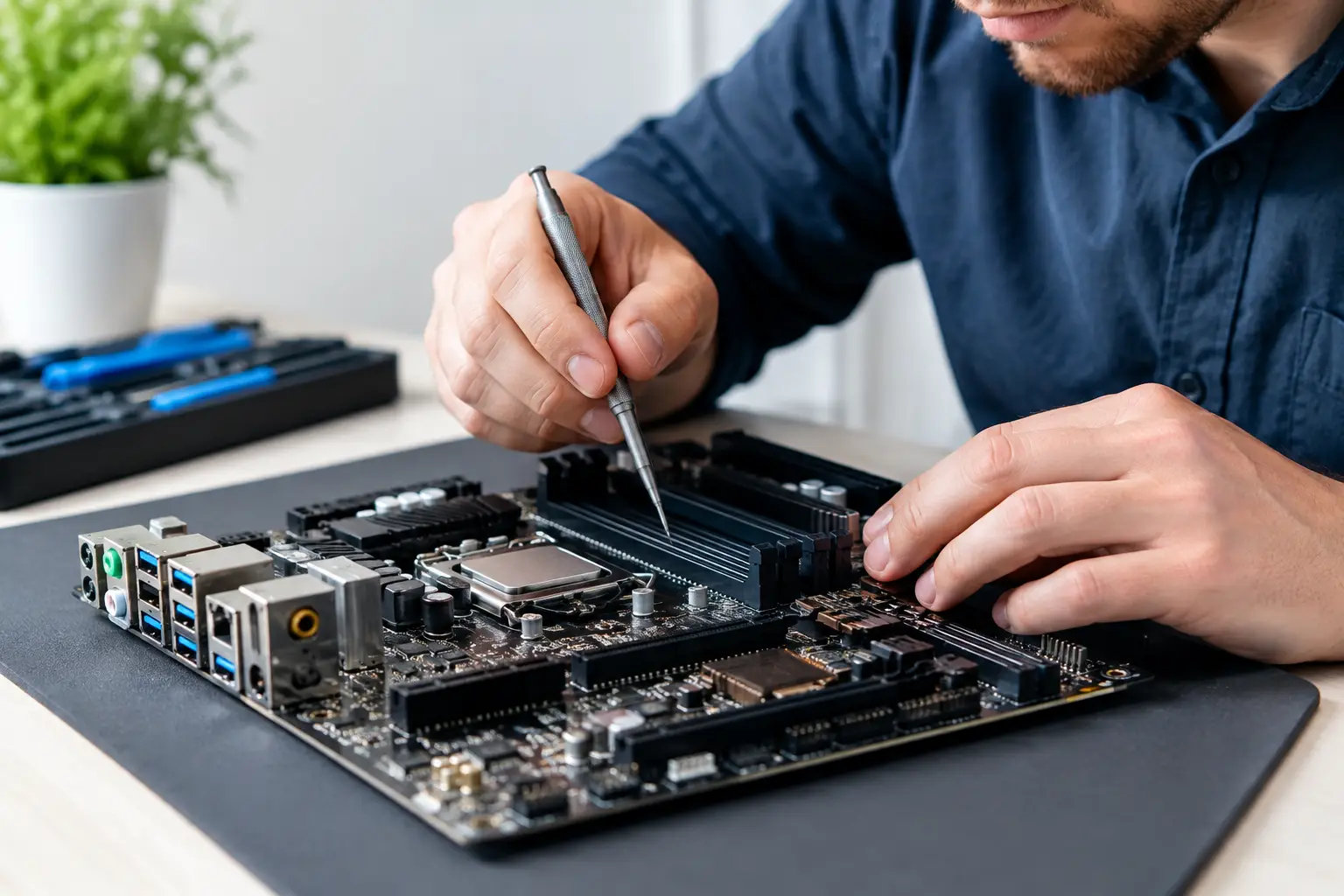
A phone or laptop that will not power on can feel like a total loss, especially when the files inside matter more than the device itself. So, does motherboard repair save data? In many cases, yes. Repairing the original motherboard can be one of the best ways to regain access to photos, documents, messages, business files, and other data that cannot simply be copied from a dead device.
The key word is can. Data recovery through motherboard repair depends on the device, the type of failure, whether the storage itself is healthy, and how much damage occurred before repair. A proper diagnosis comes before promises.
Does Motherboard Repair Save Data on a Dead Device?
When the motherboard is the reason a device will not turn on, repairing that board may allow it to boot normally again. If it boots, the data stored on it may become accessible without extracting or rebuilding anything.
This is especially common with phones, tablets, MacBooks, laptops, and game consoles that have power-related faults. A failed charging circuit, shorted capacitor, damaged power rail, failed display circuit, liquid-damaged component, or bad IC can stop an otherwise healthy device from starting. The storage may still contain every file it had before the failure.
Board-level repair focuses on finding and correcting the failed component or circuit on the original board. That distinction matters. Replacing an entire motherboard usually means replacing the device's original storage and security hardware too. Repairing the original motherboard preserves the best chance of accessing the original data.
Why Replacing the Motherboard Is Different From Repairing It
Many customers hear “motherboard issue” and assume the data is gone. That is not automatically true. The more important question is whether the original board can be repaired well enough to power on and communicate with its storage.
A motherboard replacement may fix the device, but it usually does not bring the old files along. On most modern phones and many tablets, the storage is soldered directly to the board. The replacement board is effectively a different device with its own empty storage.
Modern devices also use encryption. On iPhones, newer Android phones, many Macs, and Windows computers with BitLocker enabled, data is protected by encryption keys tied to the original hardware, passcode, account credentials, or security chip. Simply moving a memory chip to another board is rarely a practical shortcut. The original board often needs to work long enough for the device to decrypt its own data.
That is why a technician should not recommend a board replacement when the main goal is data recovery without first checking whether the original board is repairable.
Cases Where Motherboard Repair Can Preserve Your Files
The strongest data-recovery cases are devices with a localized board failure and healthy internal storage. For example, a laptop may have a failed charging IC but an intact SSD. A phone may have a short on a power line after a bad charger or minor liquid exposure. A MacBook may have a damaged USB-C power circuit while the storage and processor remain functional.
In those situations, a technician may repair the circuit, get the device to boot, and help you back up the data immediately. Sometimes the goal is not a permanent daily-driver repair. It is to stabilize the device long enough to copy important files safely.
Motherboard repair is also useful when a device turns on but will not charge, has no image, restarts repeatedly, overheats, or appears dead after liquid damage. Those symptoms do not prove that the storage has failed. They point to a need for real diagnostics rather than a guess.
Liquid Damage Requires Fast, Careful Handling
Liquid damage is one of the biggest variables. Water, soda, coffee, and other liquids can create shorts immediately, but corrosion can continue after the device is powered off. The longer moisture and residue remain on the board, the more likely they are to damage multiple circuits.
A liquid-damaged phone or laptop can still have recoverable data, even if it will not power on. However, repeatedly trying to charge it or turn it on can make the damage worse. Avoid rice, heat guns, and random chargers. Power the device down if possible and bring it in for evaluation.
When Motherboard Repair May Not Save Data
There are situations where board repair cannot recover the files. If the storage chip has physically failed, the data may be unreadable even after the board powers on. Severe corrosion, fire damage, crushing, electrical surges, and long-term liquid exposure can affect both the board and the storage.
Data may also be inaccessible if the device is repaired but the owner does not have the required passcode, account credentials, or recovery key. Encryption is doing its job in that situation. A repair shop should not claim it can bypass legitimate security protections just because the device belongs to someone.
On some laptops and desktop computers, the internal drive can be removed and tested separately. That can be helpful, but encryption may still apply. A Windows SSD protected with BitLocker may require the BitLocker recovery key. A Mac with encrypted storage may require the correct user password or Apple account recovery process.
There is also a practical cost question. Advanced board work takes time, specialized tools, and careful testing. If damage is widespread and the odds of a stable repair are low, the honest answer may be to avoid putting more money into the board. A good shop should explain the findings, the recovery odds, and the cost before moving forward.
Protect Your Data Before Any Repair Begins
If the device still powers on, back it up before you do anything else. Copy critical documents to another drive, sync photos, and make sure you know your passwords and recovery keys. A device that works intermittently can fail completely without warning.
If it does not power on, do not approve a factory reset, operating system reinstall, or board replacement unless you understand the effect on your data. Those services can be appropriate for certain problems, but they are not data-preservation steps.
For the best chance of recovery, tell the technician exactly what happened and what files matter most. Mention drops, liquid exposure, charging issues, recent updates, error messages, overheating, and previous repair attempts. Details such as “it died while charging” or “it worked after the spill for two days” can narrow the diagnostic path.
Before dropping off a device, it also helps to have these items ready:
- The device passcode, if you are comfortable providing it for testing after repair
- The charger or cable involved if charging may be part of the problem
- Your BitLocker recovery key, Apple account details, or other recovery information when applicable
- A clear note identifying the files or folders that are most urgent
What a Proper Motherboard Data-Recovery Evaluation Looks Like
A real board-level evaluation is more than plugging in a charger and declaring the device dead. The technician checks for shorts, measures power rails, inspects for corrosion or damaged components, and determines whether the device is drawing power normally. On laptops and desktops, testing may include checking whether the drive is detected and whether the system can reach the operating system.
The goal is to identify the actual failure and choose the least destructive repair path. That might mean replacing a charging IC, repairing a damaged connector, cleaning liquid corrosion, rebuilding a power circuit, or addressing a failed component through micro-soldering.
At EPElectrocenter, all services are performed in-store, so customers can bring in phones, laptops, tablets, MacBooks, desktops, and consoles for a free initial evaluation. For data-sensitive problems, keeping the work focused on the original board can make a major difference.
The Best Next Step for a Device With Important Data
Do not assume a dead device needs to be replaced, and do not let a quick quote for a motherboard swap decide the fate of your files. Ask whether the original motherboard can be diagnosed and repaired, whether the internal storage appears healthy, and whether the repair goal is full device use or simply getting the data backed up.
If your photos, schoolwork, customer records, or work documents are on that device, treat it like a data-recovery job from the start. Bring it in as soon as possible, explain what happened, and let a technician assess the original board before any reset or replacement is approved.