
Small Business Computer Repair El Paso Solutions
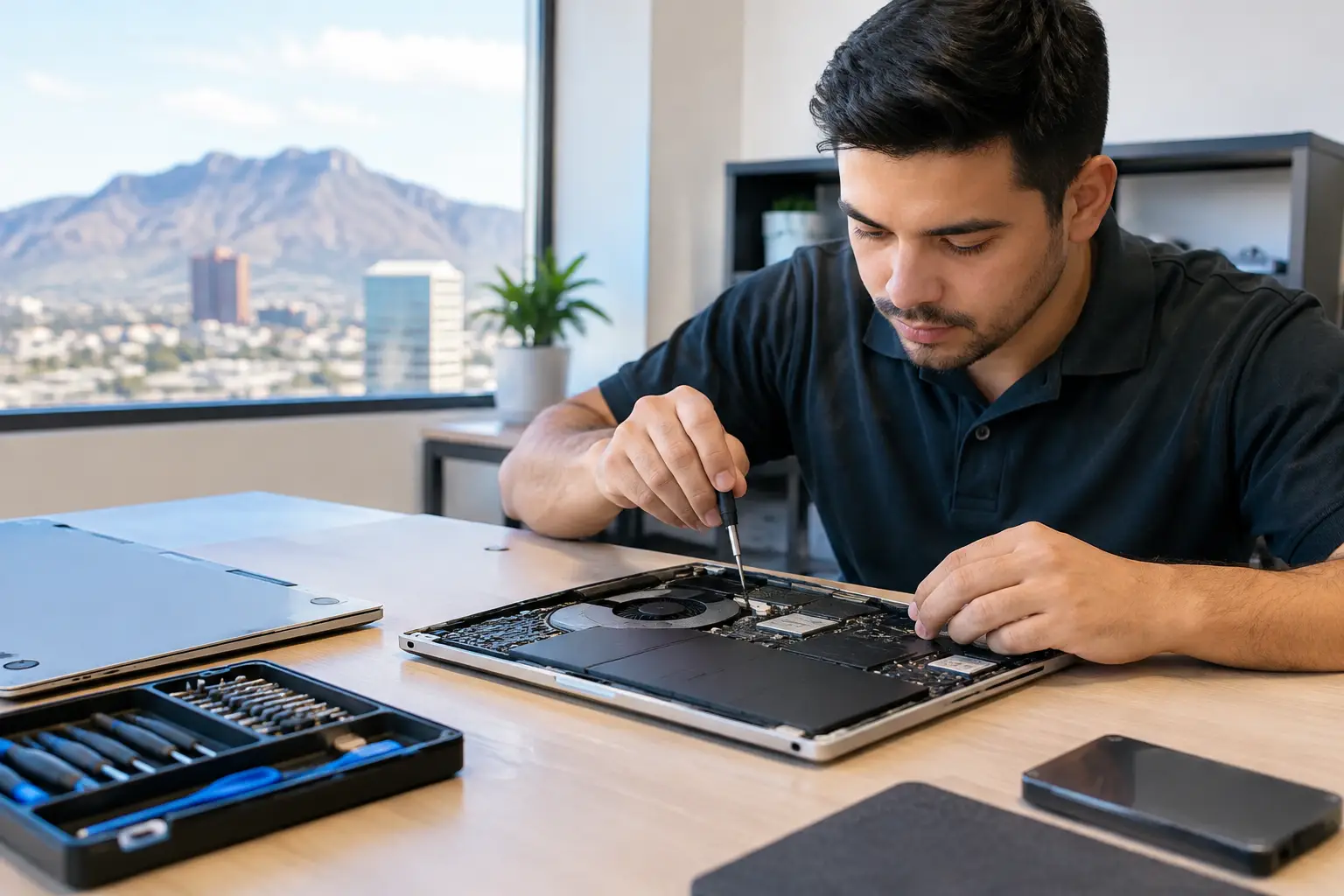
When a work computer goes down, the problem is rarely limited to one device. A slow desktop can hold up invoices. A laptop that will not charge can stop a job in the field. A failed hard drive can put customer files, estimates, and years of records at risk. Small business computer repair El Paso owners can rely on should focus on getting to the real fault quickly, protecting important data, and giving a clear answer about whether repair makes financial sense.
For a local business, replacing equipment every time something fails is expensive and disruptive. The better move is often a proper diagnostic. Some problems need a new battery, storage drive, screen, charging port, or operating system installation. Others come from deeper motherboard faults that standard repair counters may not be equipped to address. Knowing the difference prevents wasted money and unnecessary downtime.
Small Business Computer Repair in El Paso Starts With Diagnosis
Computer problems often look alike from the outside. A machine that will not power on could have a bad charger, worn charging port, failed battery, damaged power circuit, liquid damage, or a short on the motherboard. Replacing parts based on guesswork can turn a manageable repair into a longer and more costly situation.
A qualified technician should test the system before recommending a repair. That includes checking power input, battery condition, storage health, memory, thermal performance, ports, operating system errors, and signs of board-level damage. For businesses, the goal is not simply to make the computer turn on. It is to return a reliable machine that can handle the work it needs to do.
This matters most when the issue is intermittent. Random shutdowns, freezing, overheating, startup failures, and devices that only charge at a certain angle can point to faults that do not show up during a quick look. Bring the computer in with its charger and explain when the problem occurs. Details such as recent spills, power outages, software updates, drops, or error messages can shorten the diagnostic process.
Downtime Has a Cost Beyond the Repair Bill
A computer repair decision should account for lost work, not just the price of the part. If a front-office computer cannot process payments, access scheduling software, or print documents, every hour matters. If an employee laptop contains current project files, rushing into a replacement without considering data recovery can create a bigger problem.
That does not mean every older computer should be repaired. Age, hardware compatibility, the cost of the repair, and the machine's role in the business all matter. A five-year-old laptop with a failed solid-state drive may be worth repairing if its processor and memory still meet the needs of the software you use. A much older system with multiple failing components may be better used as a data recovery candidate while the business moves to replacement hardware.
An honest repair shop should explain those trade-offs plainly. You should know what failed, what the recommended repair involves, what other issues were found, and whether the computer is likely to remain useful after the repair. Clear options are better than a vague promise or a parts-first approach.
Common Computer Problems Local Businesses Bring In
Many small business repairs are straightforward when addressed early. A laptop that runs slowly may need storage replacement, additional memory, malware cleanup, or a fresh operating system installation. A desktop that crashes under load may have overheating issues, failing memory, a damaged power supply, or a graphics problem. A computer with no display may have a bad cable or monitor, but it can also have a failed video output circuit or motherboard issue.
Physical damage deserves attention before it gets worse. Loose USB ports, broken HDMI ports, damaged charging ports, cracked screens, and bent connectors can interfere with daily work and eventually damage connected accessories. For businesses using external monitors, printers, barcode scanners, card readers, or backup drives, reliable ports are not a minor convenience. They are part of the workstation.
Liquid damage is another situation where time matters. If coffee, water, or another liquid reaches a laptop or desktop, turn it off, disconnect power, and avoid repeatedly trying to restart it. Liquid can cause corrosion and electrical shorts that spread after the initial incident. A proper inspection may include cleaning, component testing, short finding, and board-level repair when the damage reaches the motherboard.
Data Protection Should Be Part of the Repair Conversation
The most valuable part of a work computer is often the information stored on it. Customer contacts, financial documents, photos, design files, inventory records, and email archives may not be recoverable from a new computer unless they were backed up correctly.
Before authorizing repairs that involve storage replacement, operating system work, or serious hardware failure, ask about the status of your data. In some cases, files can be transferred from the existing drive. In others, data recovery work may be needed because the drive is failing or the system will not boot. Recovery is never guaranteed, especially after physical drive damage, encryption issues, or severe liquid exposure, but an early diagnostic gives you the best chance to make an informed decision.
Businesses should also verify their backup routine after the repair. Cloud syncing is useful, but it is not always a full backup. A deleted folder, sync error, expired account, or damaged local file can still create trouble. Keep more than one copy of essential data and make sure someone periodically checks that the files can actually be restored.
When Board-Level Repair Makes Sense
Not every computer issue can be fixed by swapping a common part. Motherboards control power delivery, charging, USB and HDMI functions, memory communication, display output, and other core functions. A damaged integrated circuit, failed capacitor, shorted power rail, or corroded component can leave an otherwise good laptop or desktop unusable.
Board-level repair is a more technical process than replacing a battery or installing a drive. It involves detailed diagnostics, micro-soldering, component-level replacement, and finding the source of electrical faults. This kind of work can be especially valuable for newer laptops, MacBooks, specialty desktops, and business systems where replacement boards are costly or unavailable.
It is not always the right answer. If the board is severely damaged, if parts are unavailable, or if the labor cost approaches the value of the computer, replacement may be more practical. But a shop with in-house board-level capability can evaluate that option instead of automatically treating the entire computer as disposable.
Choose a Repair Shop That Works on the Actual Problem
Small business owners need straightforward service, not a sales pitch. Look for a repair provider that performs diagnostics in-store, explains the findings in plain language, and gives realistic timing. Ask whether the shop handles advanced motherboard work, liquid damage diagnostics, data recovery, and component replacement in-house or sends the device elsewhere.
Local accountability matters. You should be able to bring in the device, speak with a technician or service team, and get a clear explanation of the next step. Walk-ins are useful when an employee's computer fails without warning, while a free initial evaluation helps you understand the issue before committing to a repair.
EPElectrocenter provides in-store repair for laptops, desktop computers, MacBooks, and other essential electronics, including hardware replacement, operating system work, data recovery diagnostics, and advanced motherboard-level repairs. The focus is practical: identify the fault, explain the options, and get your equipment back to work when a repair is the right call.
Reduce the Next Emergency Before It Happens
Repairs are sometimes unavoidable, but a few habits can reduce surprise failures. Keep computers clear of dust and heat, use quality surge protection, avoid overloading USB ports, and replace chargers that are frayed, overheating, or unreliable. Schedule software updates around business hours when possible, and do not ignore a drive that starts making unusual noises or a laptop battery that swells.
For critical roles, keep a backup plan. That may be a spare laptop, access to key cloud files from another device, or a documented way to continue taking orders if the main workstation is down. The right plan depends on the business, but even a simple fallback can prevent a repair issue from becoming a lost day.
If a computer is slowing down, overheating, failing to charge, losing files, or showing signs of physical damage, bring it in before it reaches a complete failure. A timely evaluation can protect your data, control repair costs, and keep your business moving.