
Board Repair Versus Replacement: What Pays Off?
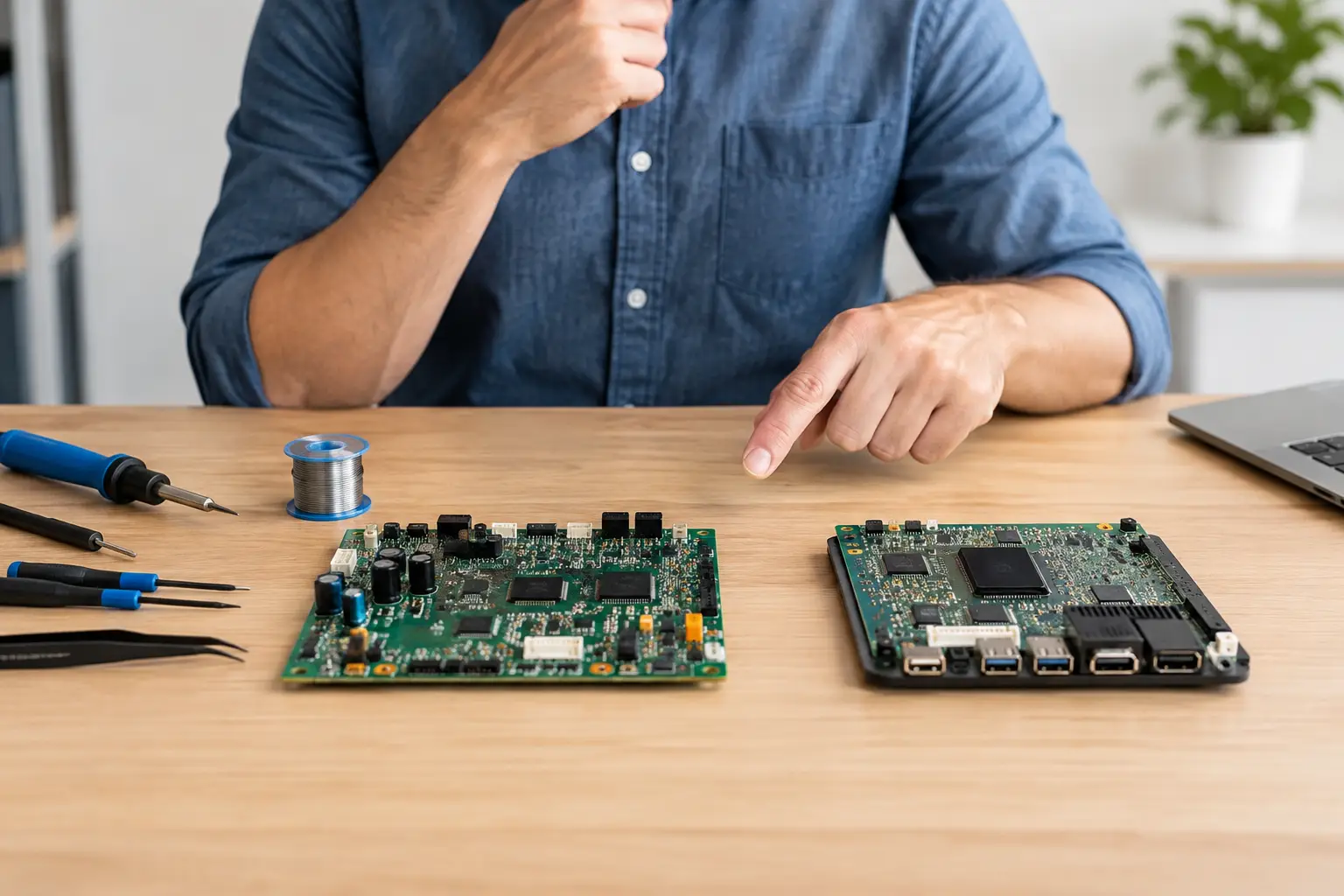
A laptop that will not charge, a phone stuck in a boot loop, or a game console with no display can look like a total loss. Often, the real problem is one failed component on the logic board. Board repair versus replacement is not a simple choice between a cheap fix and an expensive fix. The right answer depends on what failed, what the device is worth, whether your data matters, and whether the replacement part is actually reliable.
For many El Paso customers, the bigger concern is not the device itself. It is the photos on the phone, the work files on the laptop, the saved games on the console, or the business software configured on a desktop. A proper diagnosis comes before a recommendation. Replacing parts without identifying the actual fault is how customers end up paying twice.
What Board Repair Actually Means
The board is the main circuit board that connects and controls the critical parts of your device. In a phone, it is commonly called the logic board or motherboard. In a laptop, desktop, tablet, or gaming console, it manages power, charging, storage, display output, USB connections, Wi-Fi, processing, and many other functions.
Board-level repair means locating and repairing a fault on that board rather than replacing a larger assembly. The work may involve checking power rails, finding a shorted capacitor, replacing a damaged charging IC, repairing torn pads, replacing an HDMI or USB controller, or correcting corrosion after liquid exposure. This is specialized work performed under magnification with diagnostic equipment and micro-soldering tools.
It is different from a standard parts swap. Replacing a battery, screen, charging port, or hard drive can solve many problems. But when a known-good replacement part does not fix the issue, the fault may be on the board. That is when board-level diagnostics matter.
Board Repair Versus Replacement: The Real Decision
A board repair is usually worth considering when the problem is isolated and the device still has good value. A laptop with a failed charging circuit, for example, may be fully functional once that circuit is repaired. Replacing the entire motherboard could cost far more, especially on a MacBook, high-end gaming laptop, newer phone, or console.
Replacement makes more sense when the board has widespread damage, major physical cracking, severe corrosion across multiple circuits, or several unrelated failures. It can also be the better option when a compatible replacement board is readily available, tested, and priced reasonably compared with the repair.
The key point is that “replace the motherboard” is not automatically the professional answer. It is sometimes necessary, but it can also be a shortcut offered when a shop does not perform board-level work. A technician should be able to explain what failed, what the repair involves, and why replacement is or is not the better value.
When Repair Usually Makes Sense
Repair is often the stronger option when the failure is limited to one circuit or component. Common examples include a laptop that only works when the charger is held at a certain angle, a console with damaged HDMI circuitry, a tablet that will not power on after a charging issue, or a phone that has a short on a power line.
It can also make sense when your original board contains data that cannot easily be moved. A replacement motherboard may get the device running, but it usually does not bring your original files with it. On many modern phones and encrypted computers, the storage is tied closely to the original board. If data recovery is the priority, repairing that original board may be the only practical path to accessing the information.
Repair may also preserve features that are paired to the device. Depending on the model, replacing a board can affect biometric functions, calibration, cellular configuration, or other hardware-specific features. The details vary by manufacturer and device generation, which is why an accurate evaluation matters.
When Replacement Is the Better Call
Not every board deserves repair. If liquid damage sat untreated for weeks or months, corrosion may continue underneath chips and connectors. A device can have visible corrosion in one area while hidden damage affects several circuits. In those cases, repairing one failure may reveal another after the device is powered on.
Replacement can also be more practical after catastrophic damage. Examples include a board broken from a severe drop, burned components and damaged board layers after an electrical event, or extensive corrosion that has reached multiple critical areas. A repair may still be technically possible, but the cost, turnaround time, and long-term reliability may not be reasonable.
Age matters too. Putting significant money into an older entry-level laptop or phone may not make financial sense if its battery, screen, storage, and performance are already near the end of their useful life. The honest recommendation is not always to repair. It is to help you avoid spending more than the device is worth.
Why a Free Initial Evaluation Matters
Symptoms can be misleading. A laptop that will not turn on may have a bad battery, a damaged charging port, a failed charger, a display issue, or a board-level power fault. A phone that restarts repeatedly may have battery trouble, storage failure, water damage, or a software issue. Guessing based on one symptom leads to unnecessary parts and wasted time.
A thorough evaluation starts with the basics, then moves deeper only when needed. The technician checks for physical damage, signs of liquid exposure, power behavior, current draw, ports, connectors, and common failure points. If the issue points to the board, diagnostic measurements can identify whether the problem is a short, missing voltage, failed communication line, damaged IC, or another circuit-level fault.
This process protects customers from the common “try this part first” approach. It also gives you a clearer estimate. No repair shop can promise that every liquid-damaged or heavily damaged board will be recoverable, but you should know the likely outcome before approving major work.
Cost Is More Than the Repair Price
When comparing board repair versus replacement, look beyond the first number on the estimate. A low-priced replacement board may be used, untested, from a different device revision, or missing the original device data. It may also require additional configuration or reveal compatibility problems later.
Board repair can cost more than a basic parts replacement because the work is precise and diagnostic-heavy. Still, it may cost far less than a complete motherboard replacement, particularly when the fault is a single failed component. It can also prevent you from replacing a device that is otherwise in good condition.
For small businesses, downtime has a cost too. A laptop used for invoices, scheduling, customer communication, or point-of-sale access is not just another piece of hardware. The fastest reasonable solution may be more valuable than the lowest upfront quote. That does not mean rushing the diagnosis. It means choosing the repair path that gets the right device back into service without creating another problem next week.
Questions to Ask Before Approving Work
Before agreeing to a repair or replacement, ask what was found and whether the diagnosis is confirmed or preliminary. Ask whether your data is likely to remain accessible, whether the repair addresses the root cause, and whether there are signs of liquid damage or other risks that could affect reliability.
You should also ask whether a replacement board would be new, refurbished, or pulled from another device. There is nothing inherently wrong with a quality used board when it is appropriate, but you deserve to know what is being installed. Clear answers are a good sign that the shop is focused on the repair, not just the quickest sale.
Bring It In Before Writing It Off
A no-power device, charging problem, damaged HDMI port, liquid exposure, or repeated restart does not automatically mean you need a new phone, computer, or console. EPElectrocenter performs diagnostics and advanced board-level repair in-store, so customers can get a straightforward recommendation instead of being pushed immediately toward replacement.
Walk-ins are welcome, and a free initial evaluation gives you a better starting point than an online guess. Bring the device, its charger if charging is part of the problem, and any details about drops, spills, error messages, or previous repair attempts. Those details can shorten diagnosis and help protect the data and hardware you still have.