
PS5 Overheating: Causes, Fixes, and Repair
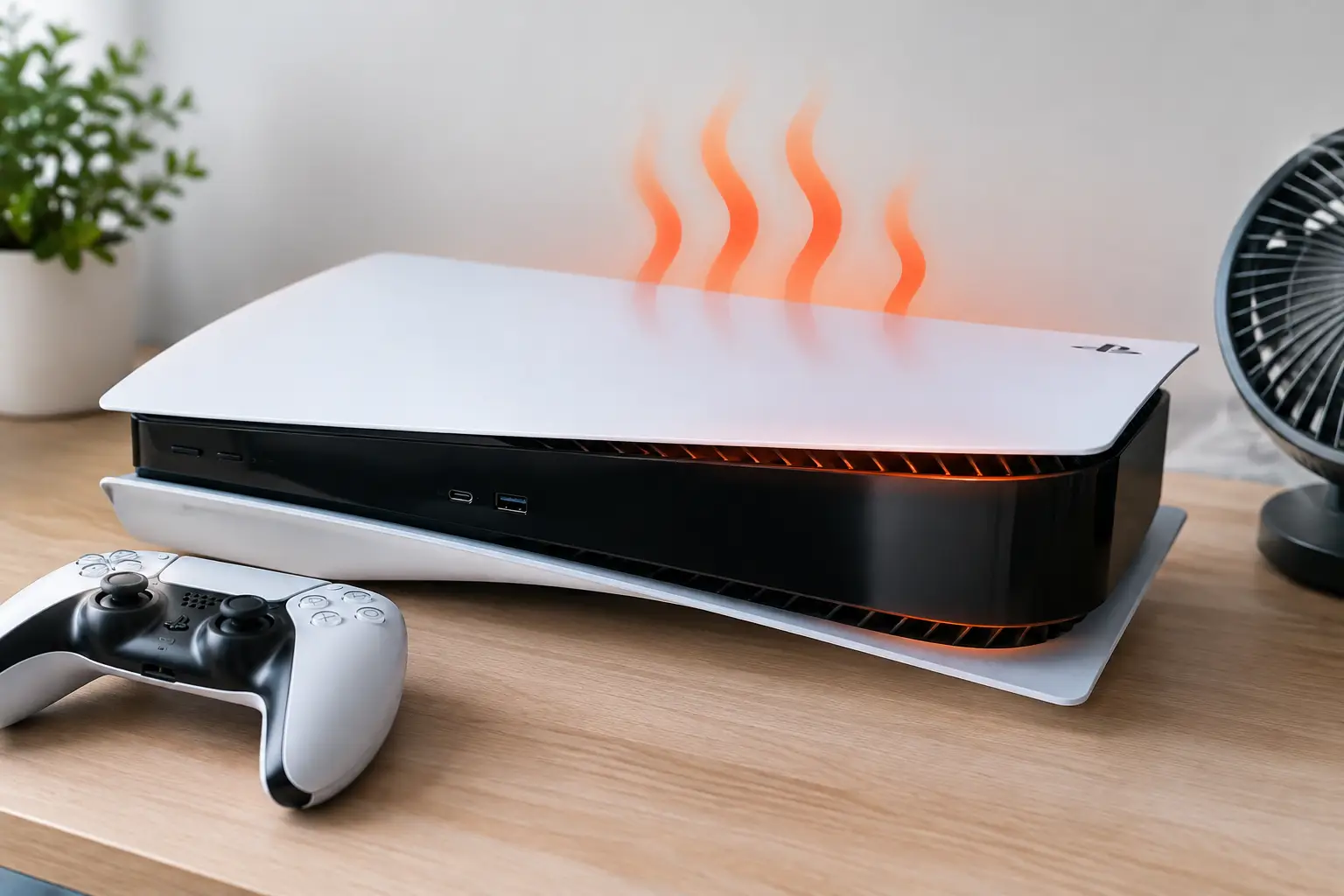
A PS5 that is hot to the touch is not automatically failing. Modern consoles produce significant heat during demanding games, and warm exhaust from the rear is normal. PS5 overheating becomes a real concern when the console displays an overheating warning, shuts itself off, crashes repeatedly, or becomes unusually loud after only a short time in use.
The right response is not to keep restarting it and hoping the issue clears. Continued thermal shutdowns can put added stress on the power supply, fan system, and motherboard components. Start with the simple checks that do not put your console at risk, then get a professional diagnosis if the problem continues.
What PS5 Overheating Usually Looks Like
Most overheating issues have clear symptoms. The console may show a message telling you it is too hot and needs to be turned off. In other cases, it may suddenly power down during a game with no warning, especially when running graphics-heavy titles.
Other signs include a fan that runs at full speed almost immediately, repeated game crashes, a burning or hot-plastic smell, or a console that will not stay powered on long enough to play. A loud fan alone does not always mean the PS5 is overheating. It can also point to dust buildup, a worn fan, or a game that is simply pushing the system hard. The difference is whether the console is actually losing performance, warning you, or shutting down.
If you notice smoke, an electrical smell, visible liquid, or a console that is unusually hot around the power connection, unplug it and stop using it. That is no longer a basic ventilation issue.
Check Your Console Setup First
Before assuming an internal failure, look at where and how the PS5 is installed. The console needs open space around its intake and exhaust vents. A tight TV cabinet, enclosed entertainment center, thick carpet, or a pile of electronics can trap heat around the system.
Place the PS5 on a hard, flat surface and leave several inches of open room around the sides and rear. Avoid putting it directly against a wall or inside furniture with a closed back. If it is stored in a cabinet, test it outside the cabinet for a gaming session. If the overheating warning disappears, airflow was likely the main problem.
Both vertical and horizontal placement are supported when the console is properly seated on its base. The bigger concern is stability and ventilation, not the orientation alone. Do not block the vents with a stand, fabric, papers, or accessories.
Also check the room temperature. An El Paso summer can make a poorly ventilated room much harder on a console. Air conditioning, shade, and open airflow matter more when the room itself is already hot.
Dust Is a Common Cause, but Not the Only One
Dust collects in the PS5 intake vents, fan area, heatsink fins, and power supply pathways. Over time, that buildup reduces the console's ability to move heat away from internal components. Homes with pets, smokers, carpet, or frequent dust in the air may need cleaning more often than a low-dust environment.
A careful exterior cleaning can help. Turn off the console completely, unplug it, and let it cool. Use a soft brush or low-pressure compressed air around the vents. Keep the air can upright and do not blast air aggressively into the console. High-pressure air can push debris deeper into the system or cause a fan to spin beyond its intended speed.
Do not use a household vacuum directly on internal electronics or spray any cleaning liquid into the vents. Those shortcuts can create static, moisture, or damage that costs more to repair than a proper cleaning.
External vent cleaning has limits. If dust is packed onto internal cooling components, the fan is failing, or debris has reached the power supply area, the console may need to be opened and serviced correctly. That work should be done with the proper tools and inspection process.
Why a Clean-Looking PS5 Can Still Overheat
A console can look clean outside while having a serious internal cooling problem. The PS5 uses a fan, heatsink assembly, heat pipes, thermal pads, and liquid metal thermal material to transfer heat away from the processor. Any failure in that system can cause overheating.
A weak or damaged fan may spin but fail to move enough air. A fan connector can come loose after a previous repair or impact. Internal dust can block the heatsink where it cannot be seen through the vents. In some cases, a fault on the motherboard or power circuitry creates abnormal heat or causes shutdowns that resemble an overheating problem.
Liquid damage is another possibility. Even a small spill near the console, humidity exposure, or pest-related contamination can corrode components and affect fan control or power delivery. These issues require inspection, not guesswork.
The PS5's liquid metal cooling system is also not a beginner DIY job. Improper disassembly or handling can contaminate nearby components and create a much more expensive board-level repair. Online videos often make this work look simple while leaving out the risks, correct materials, and diagnostic steps.
Safe Steps to Take Before Bringing It In
If the console has not shown signs of electrical damage, try a controlled test after improving its ventilation and cleaning the exterior vents. Let it cool fully first. Then power it on in an open area and play a game that normally triggers the problem.
Pay attention to timing. Does it shut down within five minutes, only after an hour, or only inside a closed cabinet? Does the fan spin normally? Does the system give an overheating message, or does it lose power without one? Those details help identify whether the issue is airflow, cooling hardware, power delivery, or a deeper motherboard fault.
Do not repeatedly force the console through shutdowns to test it. One or two controlled checks are enough. If it continues to overheat, stop using it until it is inspected.
When Professional PS5 Repair Is the Better Choice
Professional service makes sense when basic airflow changes do not solve the issue, the fan is excessively loud, the console powers off unexpectedly, or there is any sign of liquid or electrical damage. A proper repair should begin with diagnosis instead of immediately replacing parts.
At EPElectrocenter, PS5 repairs are performed in-store, with walk-ins welcome and a free initial evaluation. Depending on the findings, service may involve internal cleaning, fan replacement, power supply inspection, HDMI-related diagnostics, thermal system service, or advanced motherboard-level testing. Not every console needs a major repair, and an honest evaluation should separate a simple maintenance issue from a board fault.
The repair decision also depends on the console's history. A PS5 that began overheating after being dropped, exposed to liquid, or previously opened by someone else deserves closer inspection. The visible symptom may be heat, but the underlying problem can be a damaged connector, missing hardware, compromised shielding, or a fault on a power rail.
Avoid the Fixes That Create Bigger Problems
Do not wrap the console in cooling gadgets that block its existing vents. Avoid placing ice packs, fans with moisture risk, or wet cloths near it. These approaches can cause condensation and do not address the source of the heat.
Be cautious with aftermarket USB fans and clip-on accessories. Some may help move warm air out of a cabinet, but they cannot compensate for a blocked internal heatsink or failing console fan. If an accessory covers vents, adds noise, or pulls power from the console while it is already struggling, remove it.
A PS5 should be able to run demanding games without thermal warnings when it has clean airflow and functioning cooling hardware. If yours cannot, treating the problem early is usually the most practical way to protect the console and get back to playing without wondering when the next shutdown will happen.