
When Motherboard Repair Replacement Makes Sense
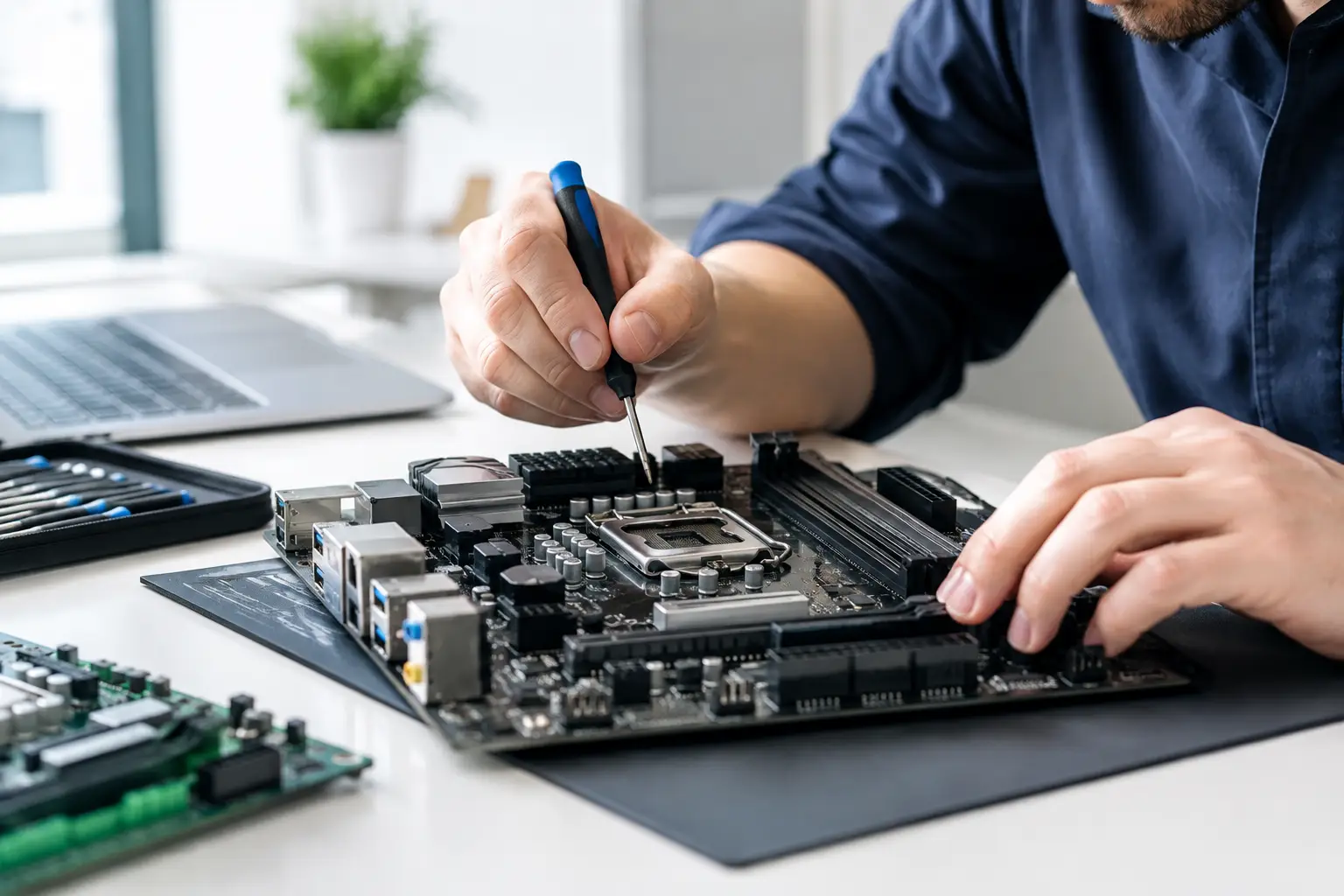
A device can look completely dead while the real problem is one failed component on the board. That is why motherboard repair replacement should never be treated as an automatic replacement decision. A no-power laptop, a phone that will not charge, a console with no display, or a liquid-damaged MacBook may have a repairable board-level fault rather than a permanently failed device.
For customers in El Paso, the practical question is simple: can the motherboard be repaired reliably for less than the value of replacing the device, without putting your data or long-term reliability at risk? The answer depends on the type of damage, the device model, parts availability, and how the board responds to proper diagnostics.
What a Motherboard Failure Actually Means
A motherboard is the main circuit board that connects and controls the major parts of a device. On a phone, tablet, laptop, desktop, gaming console, or MacBook, it manages power, charging, storage communication, display output, USB and HDMI connections, wireless functions, and much more.
When people say a motherboard is bad, they often mean the device will not turn on or behaves unpredictably. Those symptoms matter, but they do not identify the failed part by themselves. A device with no power may have a shorted capacitor, a damaged charging circuit, a failed power-management IC, a corroded connector, or a break in a power rail. Each issue calls for a different repair approach.
That distinction is where advanced diagnostics matter. Replacing a whole motherboard without identifying the fault can be unnecessarily expensive. On the other hand, attempting a board-level repair without the right tools, schematics, microscope work, and testing can create more damage. The goal is not to force a repair. It is to find the repair that makes financial and technical sense.
Motherboard Repair Replacement: The Right Decision
Repair is often the better option when the problem is isolated and the device still has enough value to justify the work. This is common with charging issues, liquid damage caught early, damaged USB-C ports, failed HDMI circuits, missing power rails, and certain short circuits. Board-level repair can preserve the original motherboard, which may also preserve locally stored data and device-specific functions.
Replacement can be the better option when damage is widespread, the board is heavily corroded, a replacement board is readily available at a reasonable cost, or the device is already outdated. A replacement motherboard may also be more practical when multiple major components have failed after a severe power surge or long-term liquid exposure.
There is no honest one-size-fits-all answer. A newer laptop with important files may be worth detailed board-level work even if the repair is more involved. An older budget computer with a damaged board and low resale value may be better served by a replacement board or a different device altogether. Good repair advice should account for the cost, the condition of the device, and what you need it to do next.
Repair can protect your data
Data is one of the biggest reasons not to rush into motherboard replacement. Many modern phones, tablets, and encrypted laptops store data in a way that is tied to the original board. Moving a storage chip to another board is not a simple fix, and replacing the motherboard can mean losing access to files if no backup exists.
If a device contains work documents, family photos, customer files, school projects, or software that is difficult to reinstall, let the technician know before authorizing any repair. The repair plan may focus first on restoring enough board function to access and back up the data.
A replacement board can still be the right move, but customers should understand the data trade-off before work begins. Clear expectations upfront prevent unpleasant surprises later.
Symptoms that point to board-level trouble
Motherboard faults can show up in ways that look like battery, screen, or software problems. A laptop that powers on but has no image may have a display circuit issue, a failed graphics-related component, damaged backlight circuitry, or a screen problem. A phone that only charges at a certain angle may have a worn port, but it could also have board damage near the charging circuit.
Some common signs include repeated boot loops, sudden overheating, a device that draws power but will not start, missing Wi-Fi or Bluetooth, failed USB or HDMI ports, random shutdowns, and liquid exposure followed by inconsistent behavior. Gaming consoles may show no video output, fail to read accessories, or power off shortly after startup.
These symptoms are useful starting points, not final diagnoses. Swapping parts based only on a symptom can waste time and money. Proper diagnostics test the power rails, check for shorts, inspect connectors and corrosion, and verify whether key circuits are communicating as they should.
Why Liquid Damage Needs Fast Attention
Liquid damage is one of the most common reasons customers need motherboard work. Water, soda, coffee, and other liquids do not always cause an immediate failure. A device may appear normal for a day or two, then stop charging, lose display output, or refuse to power on as corrosion spreads across the board.
Do not keep charging or repeatedly powering on a wet device. Electricity and moisture can turn a small damaged area into a larger short. Avoid rice as a repair method. It does not remove residue or corrosion from under components and shields.
Bring the device in as soon as possible for an evaluation. A technician can inspect the board, identify affected areas, clean contamination where appropriate, and determine whether component-level repair is realistic. Fast action can make the difference between a recoverable board and extensive damage.
What Professional Board-Level Repair Involves
Motherboard repair is not the same as replacing an external part. It can require microscope inspection, precision soldering, heat control, short finding, diode-mode testing, voltage measurements, and replacement of tiny components or integrated circuits. It also requires testing after the repair, because restoring power alone does not always mean every function is working correctly.
For example, fixing a shorted power circuit on a laptop may bring the machine back to life, but the repair should also confirm charging, battery recognition, USB function, display output, keyboard response, storage access, and normal operating temperatures. On phones and tablets, testing may include charging, cameras, audio, cellular service, Wi-Fi, Face ID or fingerprint functions where applicable, and touch response.
This is why motherboard repair takes more judgment than a standard screen or battery replacement. Some faults are straightforward. Others require tracing a problem through several circuits before the failed component is found. A reputable shop should be clear about that uncertainty instead of making promises before diagnostics are complete.
How to Decide if the Cost Is Worth It
Start with the device's current value and your need for it. A high-end laptop, recent MacBook, current gaming console, or business desktop can often justify motherboard work because replacement costs are much higher. A device that is otherwise in excellent condition is also a stronger candidate for repair.
Next, consider the total condition of the device. If it also needs a battery, screen, keyboard, charging port, and motherboard work, the combined cost may no longer make sense. If the board fault is the only significant issue, repair is often easier to justify.
Finally, factor in the value of the data and setup already on the device. For a business owner, a working laptop may contain specialized programs, locally saved records, and customized settings that take days to rebuild. For a student, a quick repair before a deadline can matter more than the lowest possible price. The right choice is the one that protects your time and budget, not just the one with the cheapest upfront number.
Get a Straight Answer Before You Replace It
At EPElectrocenter, motherboard diagnostics and advanced repair work are performed in-store. Customers can bring in phones, tablets, laptops, MacBooks, desktops, and gaming consoles for a free initial evaluation. Walk-ins are welcome, and the goal is to explain what failed, what can realistically be repaired, and when replacement is the smarter option.
Before bringing in your device, avoid opening it yourself if liquid damage or board damage is suspected. Remove it from power, do not continue charging it, and bring any relevant charger or accessory if it helps reproduce the problem. If the device still turns on, back up important information before the issue gets worse.
A failed motherboard does not always mean the device is finished. Get the fault identified first, ask what the repair protects or compromises, and make the decision with real information instead of guesswork.