
¿Se puede propagar una pantalla rota? Qué hacer a continuación
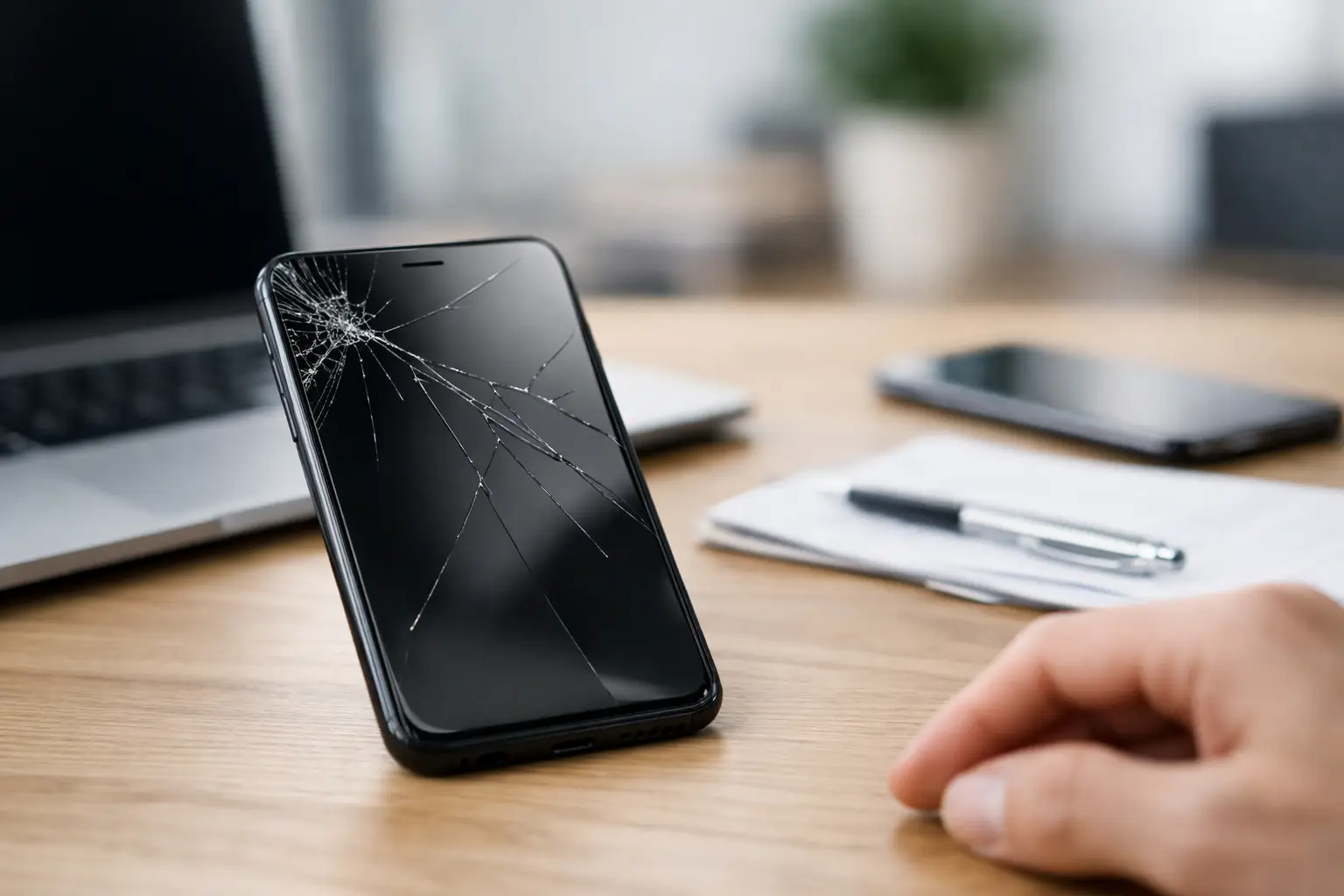
That hairline crack across your phone may look minor in the morning and noticeably longer by the end of the week. So, can a cracked screen spread? Yes. Once the glass or display layers are damaged, normal pressure, temperature changes, drops, and even flexing in a pocket can cause the crack to travel. It does not always spread immediately, but waiting carries a real risk of turning a simple screen repair into a more expensive display repair.
Can a Cracked Screen Spread?
A cracked screen can spread because the device’s front assembly is made of several thin, stressed layers. On many phones and tablets, the outer glass sits over a touch sensor and an LCD or OLED display. A crack weakens the glass around it. Every tap, swipe, squeeze, and small bend places pressure on that weakened area.
The crack may branch outward from its original impact point, especially near an edge or corner. Corners are common starting points because they absorb force during a drop and receive additional stress when the device is handled. A phone that seems usable after one fall can develop wider cracks simply from daily use.
Temperature is another factor. El Paso heat, a hot vehicle, direct sun, or a sudden move from outdoor heat into strong air conditioning can make materials expand and contract at slightly different rates. The change is small, but a damaged screen has less ability to handle it.
Not every crack will race across the display. A shallow crack in the top glass may stay mostly stable for a while. But there is no dependable way to predict that from appearance alone. The safest assumption is that an existing crack can get worse.
What Actually Spreads: Glass, Display Damage, or Both?
People often call every screen problem a crack, but different types of damage behave differently. Knowing the difference helps you decide how urgently to act.
If you can feel the damage with a fingernail, the outer glass is likely cracked. The device may still show a normal image and respond to touch. This is still a repair concern because the broken surface can spread, snag fingers, let in moisture, and weaken the device further.
If you see black blotches, purple lines, colored bands, flickering, or an area that no longer lights up, the display panel itself is damaged. On OLED screens, black areas often grow over time because the affected pixels no longer function. On LCD screens, pressure damage can create dark spots, bleeding, or lines that expand after handling or another impact.
Touch issues are another warning sign. Dead zones, ghost touches, delayed response, or a screen that works only in certain areas can mean the digitizer layer has been damaged. A cracked screen that still works today may lose touch function later, particularly if the device flexes or gets wet.
Why Cracks Often Get Worse Fast
The first break creates a weak point. From there, a few everyday habits can speed up the damage. Keeping a cracked phone in a tight pocket or bag allows it to bend slightly when you sit or move. Pressing hard while typing, gaming, or using a damaged touchscreen puts force directly through the fractured glass.
A case can reduce the chance of another drop, but it does not repair the structural weakness already in the screen. A screen protector may help hold loose glass together and make the surface safer to use, but it will not stop a display panel from failing underneath.
Moisture is the bigger concern. Even a small crack can compromise the screen seal. A device that was once rated for water resistance may no longer be protected after the glass breaks. Rain, sweat, spills, bathroom steam, and humidity can enter through damaged areas and reach the display, charging port, battery, or motherboard.
That is where a screen issue can become more than a screen issue. Liquid damage and corrosion may appear days or weeks after exposure, and the repair can become more involved than replacing the front assembly.
Signs You Should Repair It Soon
A small, stable crack is not always an emergency, but certain symptoms mean you should stop putting off the repair. Get the device checked promptly if the crack is widening, pieces of glass are lifting, or sharp edges are exposed. You should also act quickly if the display has lines, black spots, flickering, discoloration, or dim areas.
Pay attention to battery-related warning signs as well. If the screen begins lifting away from the frame, the phone feels unusually warm, or the back of the device is separating, do not assume it is only screen damage. A swollen battery can push against the display and creates a safety concern. Stop using or charging the device heavily and have it inspected.
For laptops, a cracked panel should be addressed before closing the lid repeatedly. Laptop displays are thin, and pressure from the lid can spread a crack quickly. If the image looks normal but the panel is visibly fractured, avoid pressing on it or transporting the laptop loosely in a backpack.
How to Keep a Cracked Screen From Getting Worse
You cannot reverse a crack at home, but you can reduce the chances of it spreading before repair. Use a protective case with raised edges, keep the device out of tight pockets, and avoid placing it face-down. Do not press hard on the affected area or try to flatten raised glass.
A quality screen protector can provide a temporary layer over minor cracks. It may reduce snagging and help contain tiny glass fragments, but it should be treated as temporary protection, not a fix. If the display is already bleeding, flickering, or losing touch response, a protector will not solve the underlying panel damage.
Keep the device dry. Do not test its water resistance, clean it under running water, or leave it in a humid bathroom. If it has been exposed to liquid, power it off if possible and get a professional evaluation rather than repeatedly charging it to see if it still works.
Back up your data now while the device is functional. Cracked screens can fail without much warning, especially OLED displays. Photos, contacts, messages, work files, authenticator access, and gaming saves are easier to protect before the screen becomes unreadable or touch input stops working.
Is It Safe to Use a Phone With a Cracked Screen?
It depends on the severity. A single small crack with no sharp edges, display problems, or touch issues may be usable for a short time. Still, it is not ideal. Broken glass can cut fingers, and even a small opening can expose internal components to moisture and dust.
Using a severely cracked screen is a different situation. If glass is flaking off, the display has dark areas, the device is overheating, or the screen is lifting from the frame, continued use can lead to more damage. Do not cover a lifting screen with tape and keep using it as normal. That can hide a battery problem or trap heat where it does not belong.
There is also a practical cost issue. Replacing a cracked screen early is often more straightforward than waiting for the display, touch layer, frame, or internal components to be affected. The right repair depends on the model and the extent of the damage, which is why a hands-on inspection is more useful than guessing from a photo.
When a Screen Replacement Is the Right Move
A professional screen replacement is usually the practical option when cracks are spreading, touch is unreliable, the image is distorted, or the device has exposed glass. The goal is not only to restore appearance. A proper repair restores a safe, usable screen and helps protect the rest of the device from further damage.
For customers in El Paso, EPElectrocenter performs phone, tablet, laptop, and other electronics repairs in-store, with walk-ins welcome and a free initial evaluation. If the damage goes beyond the screen, the team can identify whether there is a display issue, charging issue, liquid exposure, frame damage, or a deeper board-level problem.
Do not wait for a small crack to make the decision for you. Protect your data, keep the device dry, and have the damage evaluated while the repair is still likely to be simpler.