
Tablet Glass Replacement Options That Make Sense
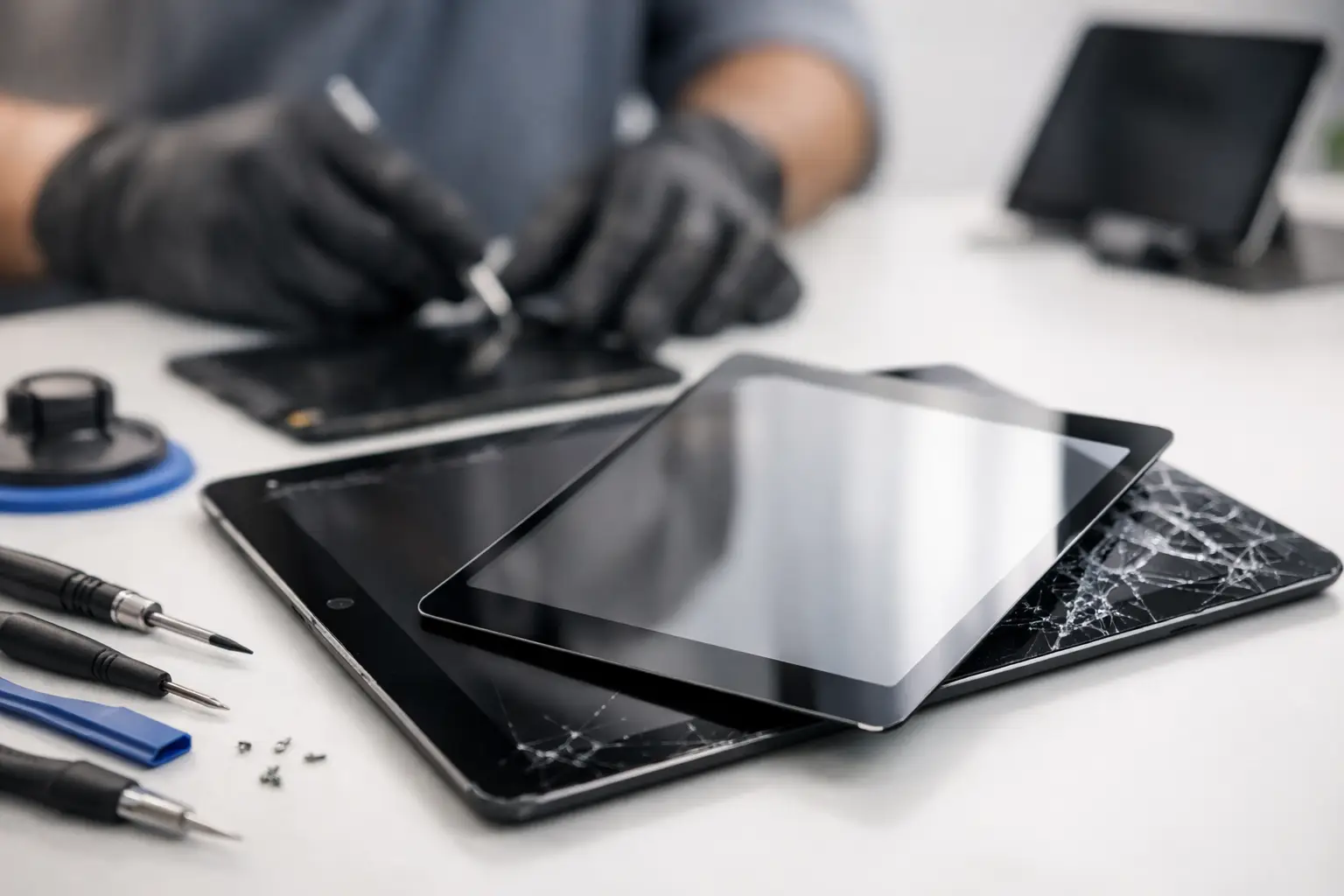
A cracked tablet can look worse than it is - or hide damage that will get more expensive if you keep using it. The right tablet glass replacement options depend on whether the damage is limited to the outer glass, has reached the touch layer, or has damaged the display underneath. A quick inspection can prevent you from paying for the wrong repair or replacing a tablet that is still worth saving.
For El Paso students, families, and businesses, a tablet is often more than a screen for streaming. It may be a school device, point-of-sale terminal, field-work tool, or the device that keeps a child occupied on a long drive. The goal is not simply to make it look better. It is to restore safe, reliable use without unnecessary cost or delay.
Tablet Glass Replacement Options Explained
Most tablet screen damage falls into one of three repair categories: glass-only replacement, a full screen assembly replacement, or replacement of the tablet itself. The right choice comes down to the tablet model, the condition of the display and touch response, parts availability, and the value of the device.
Glass-only replacement
Glass-only repair replaces the cracked outer layer while keeping the original LCD or OLED display and touch components. On paper, this is the least expensive option because the display is still working. In practice, it is a specialized repair that is not available or advisable for every tablet.
Modern tablets are built with layers bonded tightly together. Separating cracked glass from a working display requires controlled heat, precision tools, adhesive removal, and careful re-lamination. One mistake can damage the display, create touch issues, introduce dust under the glass, or leave poor bonding around the edges.
Glass-only replacement makes the most sense when the image is clear, touch works across the entire screen, there are no black spots or colored lines, and the specific tablet can be safely separated. It can be a good value on certain models, but it is not automatically the best repair just because the display still turns on.
Full display assembly replacement
A full screen assembly includes the outer glass, touch digitizer, and display panel as one matched unit. This is the most common repair for iPads, Samsung Galaxy Tabs, Amazon Fire tablets, and many other current models. It is often the more dependable option because the replacement components are designed to work together.
Choose a full assembly when the display flickers, shows vertical lines, has dark blotches, loses brightness, or has dead areas that do not respond to touch. It is also the practical choice when the glass is severely shattered. Tiny pieces can work their way loose over time, especially around corners and home-button or camera areas.
A complete assembly may cost more than glass-only work, but it removes uncertainty. You are not paying to preserve a display that may fail shortly after the repair. For tablets used at school, at work, or by young children, that reliability can be worth the difference.
Replacing the tablet instead
There are times when repair is not the smart financial move. An older, entry-level tablet with a broken screen, weak battery, charging problems, and limited storage may cost nearly as much to fix as a newer replacement. This is especially true if parts are discontinued or low-quality aftermarket screens are the only option available.
Replacement is also worth considering if the tablet has suffered heavy frame damage, liquid exposure, or board-level problems in addition to the broken glass. A bent frame can prevent a new screen from seating correctly. Liquid damage may cause corrosion that appears weeks later. A good repair shop should explain these risks before installing parts.
That said, do not assume an older tablet is disposable. Premium tablets, business devices, and models with important data are often worth repairing. The decision should be based on the actual condition of the device, not just the crack you can see.
How to Tell What Your Tablet Needs
You can learn a lot before bringing the tablet in. Turn it on and look at the screen against a white background. If the image is uniform, bright, and free of lines or dark areas, the display may still be intact. Then test touch response across the full screen, including the edges. Open an app and drag an icon or draw a line across different areas to check for dead zones.
Do not press hard on cracked glass to test it. Pressure can turn a minor crack into display damage. If loose shards are present, place a screen protector or clear packing tape over the damaged area until it can be inspected. This is not a repair, but it can reduce the risk of cuts and help keep debris from entering the device.
Watch for problems that point to more than glass damage: random touches, flashing, a screen that stays black while the tablet makes sounds, lines that change when the device is moved, or a display lifting away from the frame. Screen lifting can also be caused by a swollen battery, which needs prompt attention. Do not continue charging a tablet with a separating screen or a bulging back cover.
Why Model and Part Quality Matter
Tablet repairs are not one-size-fits-all. Two devices with similar-sized screens may use different connectors, display technologies, frame designs, and calibration requirements. Some tablets also have fingerprint sensors, cameras, antennas, or buttons integrated near the screen assembly. Improper installation can affect these features.
Part quality matters just as much as fit. A low-cost screen can have reduced brightness, weaker color accuracy, poor touch sensitivity, or a shorter service life. On some models, an aftermarket display may also affect adaptive brightness, stylus performance, or biometric functions. There are situations where an aftermarket screen is a reasonable budget choice, but customers should know what they are getting before approving the repair.
A professional evaluation should include more than identifying the tablet model. The technician should check frame condition, battery swelling, charging behavior, touch response, cameras, and signs of liquid damage. This matters because installing a new screen will not solve a board fault, failing battery, or bent housing.
DIY Repair Versus In-Store Service
DIY screen kits can be tempting, particularly for older tablets. They can be reasonable for someone with repair experience, the right tools, and a device they can afford to risk. The challenge is that many tablet screens are strongly bonded to the frame, and opening the device without damaging the battery, cables, or display takes patience and precision.
DIY repairs also come with a common hidden cost: the first part may not be the final cost. A damaged connector, torn flex cable, broken bezel, or improperly sealed screen can turn a simple repair into a more involved one. Adhesive cure time and alignment are also important. A screen that is even slightly misaligned can leave gaps that collect dust or make the device uncomfortable to hold.
In-store service is usually the better route for newer tablets, premium devices, devices with valuable data, or screens that are heavily shattered. You get a clear assessment before work starts, and any additional issue found during disassembly can be addressed directly instead of discovered after a home repair goes wrong.
What a Straightforward Repair Process Looks Like
A good tablet repair starts with an honest diagnosis, not a sales pitch. The shop should identify whether the issue is outer glass, the full display assembly, the battery, the frame, or something deeper. You should receive a repair recommendation based on the device condition and a clear price before work begins.
After the repair, the tablet should be tested for display quality, touch response, charging, cameras, speakers, buttons, and basic wireless functionality. If the device had liquid exposure or impact damage, ask whether there are signs of additional risk. Honest answers are better than promises that ignore what the device has been through.
At EPElectrocenter, tablet repairs are performed in-store, with walk-ins welcome and a free initial evaluation. That means you can bring in the device, get a practical recommendation, and decide whether repair is the right value for your situation.
A cracked screen does not always mean a dead tablet, but waiting can turn a manageable repair into a larger problem. Bring it in while the display is still usable, protect the damaged area, and let the condition of the device - not guesswork - determine the repair.