
Laptop Repair: Fix It Before It Gets Worse
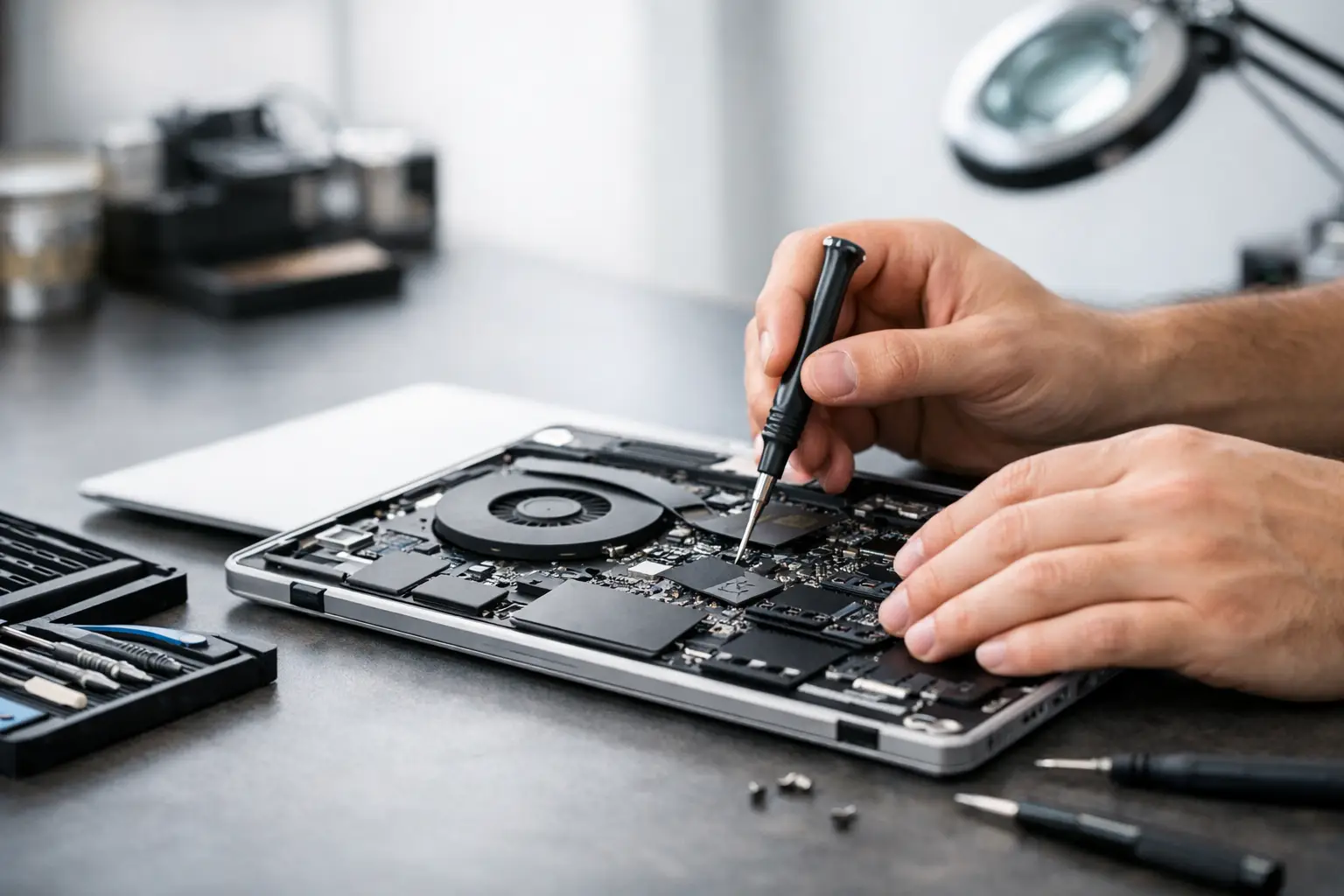
A laptop that only charges at a certain angle, shuts down without warning, or flashes a distorted screen is not just inconvenient. For students, remote workers, small businesses, and gamers in El Paso, laptop repair can mean the difference between a short interruption and lost work, missed deadlines, or a device that no longer starts at all.
The right move is not always replacing the laptop. Many common problems come from a worn battery, failed charging port, damaged display, bad storage drive, overheating, or a board-level fault that can be diagnosed and repaired. The key is finding the actual cause before paying for parts or assuming the whole computer is done.
When Laptop Repair Makes More Sense Than Replacement
A newer laptop with a cracked screen, weak battery, broken USB port, or charging issue is usually worth evaluating. These are often isolated hardware failures, not signs that every component is failing. A proper inspection can identify the damaged part, confirm whether there is additional damage, and give you a clear repair path.
Repair can also be the better choice when your laptop contains important files, specialized software, business records, or a setup that would take days to rebuild. Buying a new computer does not automatically recover your documents, browser profiles, photos, accounting files, or project folders. If the device still powers on, or its storage is healthy enough to read, data recovery or transfer may be possible even when a full repair is not the best value.
Age matters, but it is not the only factor. A five-year-old laptop with a failed solid-state drive may be a straightforward repair or upgrade. A two-year-old laptop with liquid damage may require more detailed board-level testing. The decision should come down to the condition of the machine, the cost of repair, its performance after repair, and how essential its data is to you.
Common Problems That Need Laptop Repair
Charging and power failures
If your laptop will not charge, do not assume the battery is the problem. The charger, charging cable, DC jack, USB-C port, battery, power-management circuit, or motherboard can all cause similar symptoms. A laptop that charges only when the cord is held in one position often has a worn or physically damaged port. Continuing to force the connection can damage the port further and, in some cases, affect the board beneath it.
A laptop that shows no lights or signs of life needs a more careful diagnosis. It may have a failed adapter, a shorted component, corrosion from liquid exposure, or a problem on a power rail. Replacing parts without testing can waste money and leave the original fault untouched.
Screen damage and display issues
Visible cracks, black ink-like blotches, lines across the panel, flickering, or a dim backlight usually point to a display problem. A screen replacement can restore the laptop when the rest of the system is working normally. However, an external monitor test can help separate a bad internal display from a graphics, cable, or motherboard issue.
If the screen is black but you can hear the laptop booting, receive notifications, or see an image on an external display, that is useful diagnostic information. Do not press on the panel or repeatedly open and close the lid to make it work. Pressure and hinge movement can turn a minor cable issue into a damaged screen or hinge assembly.
Overheating, fan noise, and random shutdowns
Fans that run constantly, hot keyboards, slow performance, and unexpected shutdowns often point to heat buildup. Dust inside the cooling system, dried thermal compound, a failing fan, blocked vents, or high background system usage can all contribute.
Software cleanup may help in some cases, but a laptop that overheats during ordinary work should be checked internally. Heat can shorten the life of batteries, storage drives, and motherboard components. It can also lead to performance throttling, where the computer slows itself down to avoid damage.
Slow performance and boot problems
A laptop that takes several minutes to start, freezes while opening programs, or shows repeated error messages may have a failing drive, limited memory, malware, operating system corruption, or a hardware problem. Storage failure deserves attention because it can become a data-loss situation quickly.
An SSD upgrade can make an older laptop feel dramatically faster, but upgrades should match the computer's capabilities and your actual needs. More memory helps when the system is constantly running out of available resources. A clean operating system installation can solve software corruption. None of those fixes should be guessed at before the device is checked for failing hardware.
Why Proper Diagnostics Matter
A repair estimate should be based on evidence, not assumptions. Many symptoms overlap. For example, a laptop that will not start could have a drained battery, a damaged charging port, a failed keyboard power button, corrupted firmware, a bad display, or a motherboard issue. The visible symptom is only the starting point.
At EPElectrocenter, all services are performed in-store, allowing technicians to inspect the device directly rather than sending it elsewhere for a decision. A free initial evaluation gives customers a chance to understand the likely issue before moving forward. If a repair is not practical, you should be told plainly instead of being pushed into unnecessary work.
Board-level diagnostics are especially valuable for laptops with liquid damage, no-power issues, intermittent charging, or damage around ports. Some shops stop at component replacement. Advanced testing can trace shorts, evaluate power rails, inspect corrosion, and determine whether a failed circuit component can be repaired. Board-level work is not the right answer for every laptop, but it can save a device that would otherwise be written off.
What to Do Before Bringing In Your Laptop
If the laptop still turns on, back up important files right away. Copy documents, photos, business files, and schoolwork to a trusted external drive or cloud account. A backup is useful even when the problem seems minor.
For liquid damage, turn the computer off, unplug it, and do not try to charge it. Do not use a hair dryer, place it in rice, or keep restarting it to see if it recovers. Liquid can create corrosion and electrical shorts after the spill, and applying power can make the damage worse. Bring it in as soon as possible for inspection.
If you know your login password, have it available when you arrive. Technicians may need it to test the operating system, verify that a repair resolved the issue, or assist with data access. If privacy is a concern, ask what testing is needed and remove sensitive files only if the laptop is stable enough to do so.
Bring the charger when the issue involves charging, power loss, or intermittent startup. The original charger is preferred because an incorrect or failing adapter can mimic a laptop problem. If you use a docking station, external monitor, or USB-C hub that seems connected to the issue, mention that too.
Repair Timelines and Cost: What to Expect
Simple repairs such as certain battery, keyboard, screen, storage, or operating system services may be completed quickly when parts are available. More complex repairs can take longer, particularly when diagnosis involves liquid damage, intermittent failures, or motherboard-level work. The honest answer is that turnaround depends on the fault, the device model, parts availability, and the condition found after opening the laptop.
The lowest quote is not always the lowest final cost. A rushed repair that uses poor-quality parts, skips testing, or overlooks the root cause can lead to another failure soon after. On the other hand, expensive repair is not automatically better. Ask what is being repaired, why that component is believed to be at fault, whether data is at risk, and what result you can reasonably expect.
For business customers, downtime has a real cost. If an employee's laptop contains client files, accounting access, inventory records, or required software, the repair plan should consider data recovery, urgency, and whether an upgrade would prevent repeat problems. A practical technician will help you weigh repair cost against replacement without making the decision for you.
Don’t Wait for a Small Problem to Become a Bigger One
A loose charging port can become a no-power problem. A failing drive can turn into unreadable data. A laptop with a noisy fan can eventually shut down under load. Early service usually gives you more options, especially when your files have not yet been affected.
Walk-ins are welcome for customers who need a clear answer without a long runaround. Bring in the laptop, explain what changed and when it started, and include the charger if power is involved. A careful evaluation can tell you whether the fix is simple, whether advanced repair is needed, or whether it is time to protect your data and plan the next step.