
Computer Upgrade Service El Paso
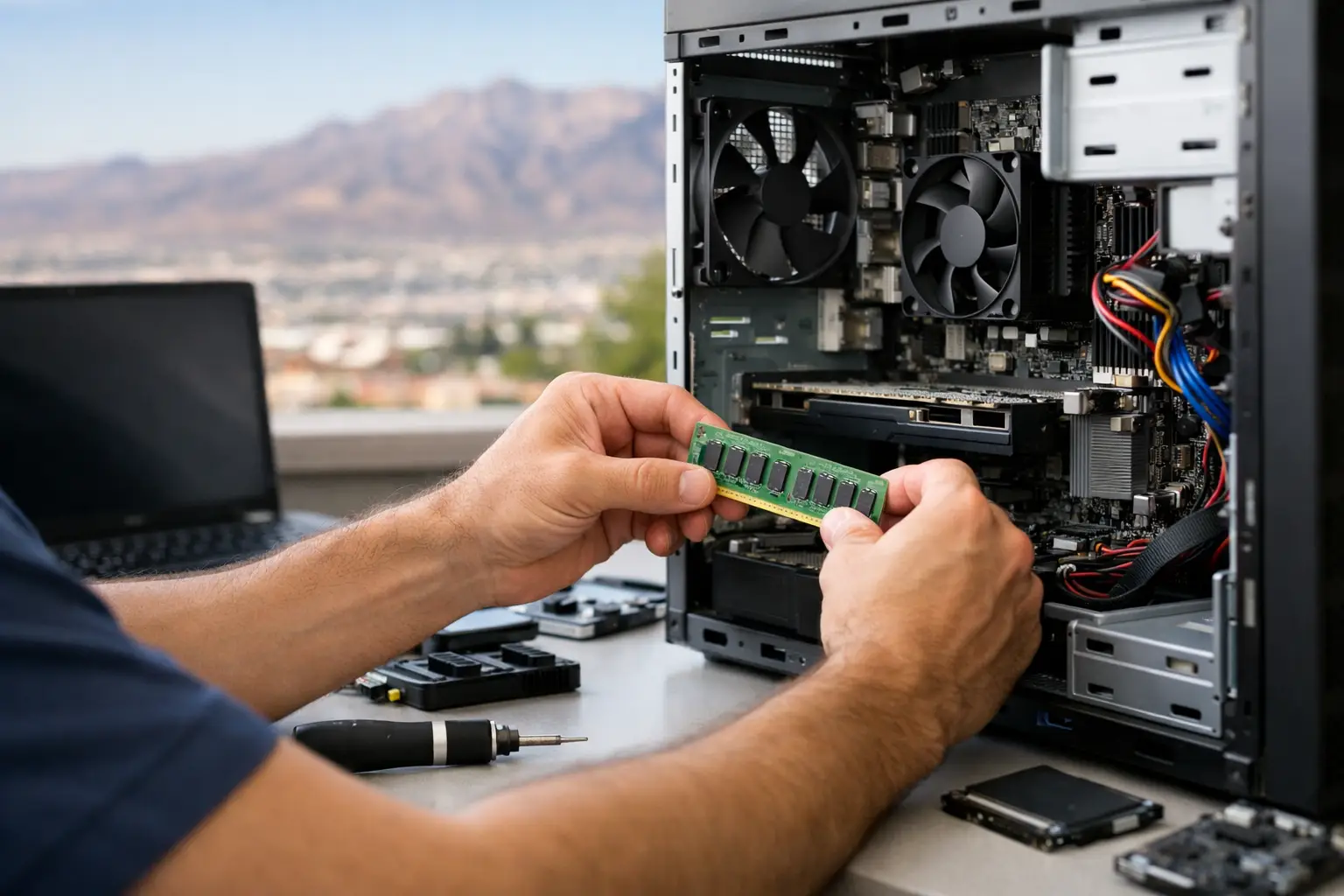
A slow computer usually gives you plenty of warning before it becomes a real problem. Programs take longer to open, boot times stretch out, browsers freeze with too many tabs, and simple tasks start feeling harder than they should. If you are looking for computer upgrade service El Paso customers can count on, the right move is not always buying a brand-new machine. In many cases, a targeted upgrade can give your system a major performance boost for far less.
For students, professionals, gamers, and small businesses in El Paso, that matters. Replacing a device too early can be expensive, especially when the real issue is one weak component holding the whole system back. A good upgrade service looks at how you actually use the computer, what parts are limiting performance, and whether the investment makes sense.
When a computer upgrade makes more sense than replacement
Not every aging computer is ready for retirement. A desktop that feels sluggish may simply need more memory, a solid-state drive, or a failing component replaced. A laptop that struggles during multitasking might still have years of useful life left if the hardware is upgraded correctly.
This is where honest diagnostics matter. Some systems are great candidates for upgrades. Others are not. If the motherboard has deeper faults, the processor is too outdated, or the upgrade cost gets too close to replacement cost, you should be told that upfront. A no-nonsense shop will explain the trade-offs instead of selling parts you do not need.
The biggest factor is usually your workload. If you mainly use your computer for web browsing, schoolwork, office apps, and video calls, a RAM or storage upgrade can make a dramatic difference. If you handle large files, editing software, CAD programs, or gaming, the answer may involve more than one component. The point is to match the upgrade to the actual use case.
What a computer upgrade service in El Paso should actually check
A proper computer upgrade service in El Paso should do more than swap in a new part and hope for the best. Before any hardware change, the system needs to be evaluated for compatibility, thermal condition, power stability, and overall health.
For example, adding RAM sounds simple, but not every motherboard supports every module size, speed, or configuration. Installing a faster drive also raises questions about operating system migration, data integrity, and drive health. On desktops, graphics card upgrades may require checking power supply capacity, case clearance, and cooling. On laptops, upgrade paths are more limited, and access can vary a lot from model to model.
That is why in-store service matters. When all services are performed in-house, you have a better chance of getting a real diagnosis instead of a guess. If there is a hidden problem, like overheating, liquid damage residue, damaged connectors, or a board-level issue, it can be caught before you spend money on the wrong fix.
The most common upgrades that deliver real results
The best upgrade is not always the most expensive one. In many cases, the biggest improvement comes from fixing a bottleneck.
A solid-state drive upgrade is one of the most noticeable changes for older systems still running on traditional hard drives. Startup times improve, applications open faster, and the whole system feels more responsive. If your computer pauses during basic tasks, this is often the first place worth checking.
Memory upgrades also make a real difference, especially if your system slows down while multitasking. More RAM helps when you keep multiple programs open, work with larger files, or switch between browser tabs, documents, and video calls throughout the day.
For desktops used in gaming, content creation, or heavier business workloads, graphics card and processor upgrades may help, but this depends on the platform. Sometimes the upgrade is worthwhile. Sometimes an older motherboard limits your options so much that putting more money into it stops making sense. That is exactly the kind of call a qualified local technician should make before any work begins.
Storage replacement, fan replacement, thermal paste service, and operating system refreshes also matter more than people think. Performance is not only about raw specs. Heat, failing drives, software corruption, and poor system maintenance can make decent hardware feel much older than it really is.
Upgrade service for laptops versus desktops
Desktops are usually easier and more flexible to upgrade. There is more room inside, more component options, and fewer compatibility restrictions. That makes them a strong choice for users who want to improve speed over time instead of replacing the whole system at once.
Laptops are different. Some allow memory and storage upgrades with no issue. Others have soldered RAM, proprietary layouts, or limited part access. MacBooks can be even more restrictive depending on the model year. That does not mean laptop upgrades are off the table. It means you need accurate model-specific evaluation before making a decision.
This is also where experience matters. A shop that already handles laptops, desktops, MacBooks, and motherboard-level repair is better positioned to tell whether the issue is truly upgrade-related or whether there is a deeper hardware fault affecting performance.
Why local customers should care about board-level capability
A lot of shops can install a drive or replace memory. Fewer can handle the problems that show up during the process.
If a machine has charging issues, power instability, damaged USB ports, liquid damage, or motherboard faults, a simple upgrade appointment can quickly turn into a more technical repair. When a shop has board-level diagnostic capability in-house, that changes the outcome. Instead of being told the device is not repairable or being referred somewhere else, you have a better chance of getting a complete answer under one roof.
That matters for customers in El Paso who rely on one machine for school, work, business records, or everyday use. It also matters for small business owners who cannot afford guesswork. Downtime costs money, and replacing equipment too soon is rarely the best first option.
What to expect from a good computer upgrade service El Paso shop
You should expect a free initial evaluation, a clear explanation of what is wrong, and a realistic recommendation based on your machine and your budget. Walk-ins welcome is not just a convenience line. It matters when your work computer is crawling or your home desktop starts failing without warning.
You should also expect pricing that makes sense. A trustworthy shop does not push a full replacement when a modest upgrade will solve the problem, and it does not promise miracle results from a system that is already at the end of its useful life. Honest service means saying both yes and no at the right time.
Turnaround is another big factor. All services performed in-store can mean faster answers and better accountability. Your device is not being shipped out, passed between vendors, or delayed by a third party. If there is a problem, you know where to go and who is responsible for the work.
For local customers, that kind of accountability is hard to beat. EPElectrocenter serves El Paso with in-store diagnostics and repair for everything from basic computer upgrades to advanced board-level issues, and that combination is exactly what many customers need.
A smart upgrade starts with the right question
The question is not just, can this computer be upgraded. The better question is, will the upgrade give you enough improvement to justify the cost. Sometimes the answer is clearly yes. Sometimes it depends on the age of the system, the condition of the hardware, and what you need the machine to do over the next year or two.
If your computer is slow, overheating, freezing, or struggling with daily tasks, get it evaluated before you replace it. A local in-store technician can tell you whether you need more RAM, faster storage, component replacement, system cleanup, or deeper repair work. That kind of clarity saves time, money, and frustration.
A good upgrade should make your computer feel useful again, not leave you guessing whether the money was worth it.