
Electronics Repair Service Guide for El Paso
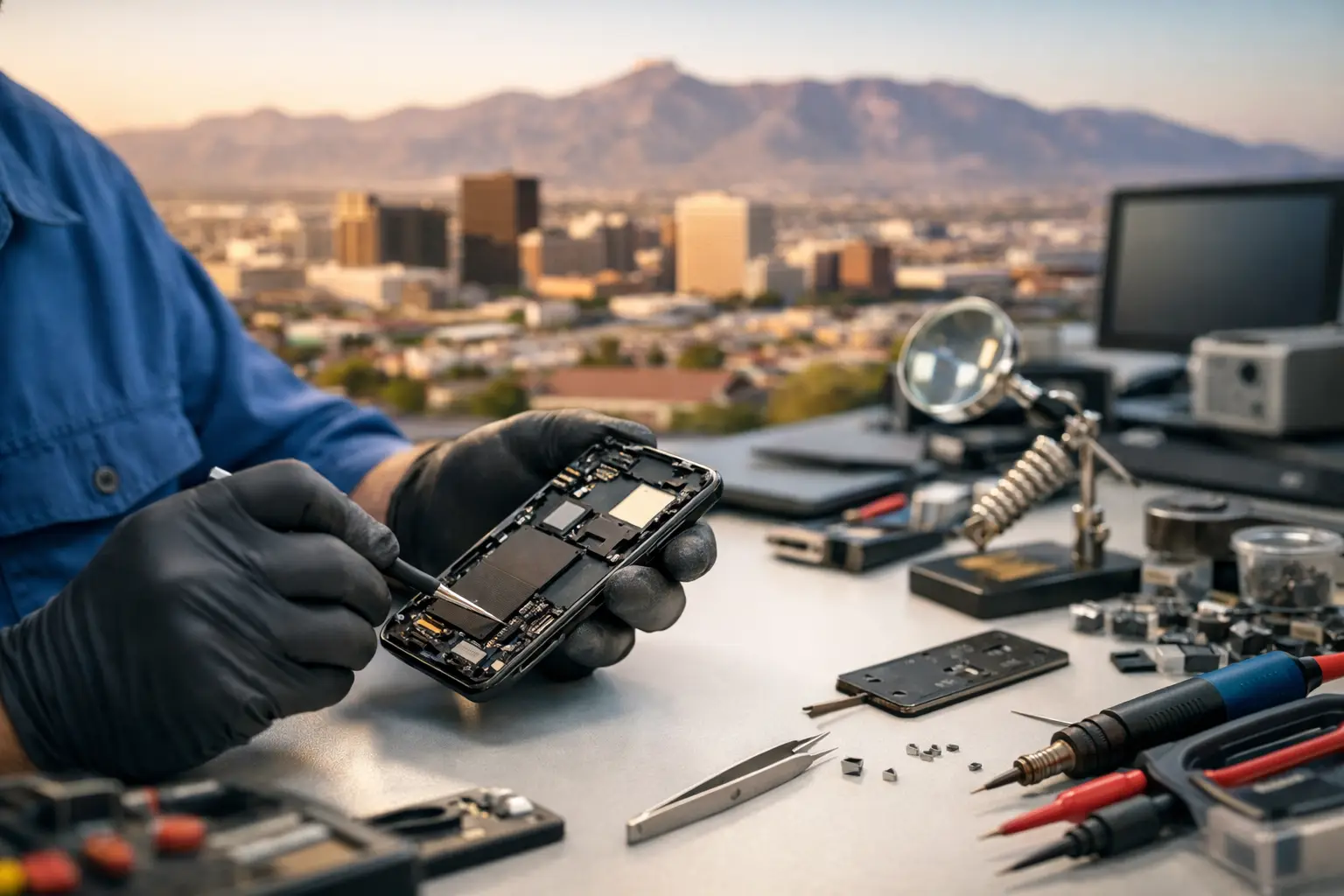
A cracked screen is obvious. A laptop that powers on but never reaches the desktop, a console with no HDMI signal, or a phone that only charges at a certain angle is less obvious - and often more serious. This electronics repair service guide explains what to do first, which issues need professional diagnostics, and how to choose a repair shop that can address the real fault instead of replacing parts blindly.
For El Paso families, students, gamers, and small businesses, electronics are not optional. Your phone holds authentication codes and contacts. Your computer holds schoolwork, invoices, and customer data. The right repair decision can save your device, your files, and money that does not need to be spent on a full replacement.
Start With the Symptoms, Not a Guess
A good repair starts by identifying what changed. Did the device fall? Was it exposed to liquid? Did an update fail? Did it slowly become unreliable over several weeks? These details help separate a damaged display from a board-level power problem, a worn battery from a charging-port issue, or a software fault from failing storage.
Take note of when the problem happens. A laptop that shuts down only when unplugged may need a battery or charging-circuit diagnosis. A phone that restarts during video calls can have a weak battery, overheating issue, or power-management fault. A game console that works but shows a black screen may have a damaged HDMI port, a failed HDMI circuit, or an issue elsewhere on the motherboard.
Avoid ordering a part based only on a symptom. A device that will not charge does not always need a charging-port replacement. Lint inside the port, cable damage, battery failure, corrosion, or a short on the board can produce similar results. Accurate testing comes before repair.
Protect Your Data Before a Repair
If the device still works well enough to access, back up important information as soon as possible. Save photos, documents, passwords stored outside your password manager, project files, and business records. If you use two-factor authentication, make sure you can receive verification codes another way before leaving your phone for service.
Do not keep restarting a device with possible liquid damage or a failing drive. Repeated power attempts can make a short worse, and a damaged storage device may degrade further each time it is used. Turn it off, disconnect power, and bring it in for evaluation.
For a computer that will not boot, data recovery may still be possible even when the operating system is not. The repair path depends on whether the issue is software corruption, failed storage, encryption, motherboard damage, or liquid exposure. A shop should explain that distinction clearly rather than promising recovery before testing.
When You Should Stop Using the Device
Some problems are inconvenient. Others are safety or data-loss concerns. Stop using the device and seek professional help if you notice any of the following:
- A swollen battery, lifting screen, separated back cover, chemical smell, or unusual heat
- Liquid exposure, even if the device appears to work at first
- Burning smell, sparks, smoke, or a charger that becomes excessively hot
- A loose charging port that causes intermittent charging or gets hot during use
- A computer drive making repeated clicking sounds or showing frequent file errors
- A cracked screen with exposed sharp glass, black ink-like blotches, or touch input that activates on its own
Do not puncture, press down, or try to flatten a swollen battery. Do not use rice for liquid damage. Rice does not remove corrosion or clean contaminants from a board, and it can delay the diagnostics that give the device its best chance of recovery.
Common Repairs and What They Actually Involve
Phones and tablets
Screen and battery replacements are common, but quality matters. A proper screen repair includes checking touch response, display quality, cameras, sensors, speakers, charging, and frame condition. If the frame is bent from an impact, a new screen may not seat correctly until that is addressed.
Battery replacement is worth considering when runtime has dropped sharply, the phone shuts down unexpectedly, or performance becomes inconsistent under load. But battery symptoms can overlap with charging and motherboard issues, especially after water damage or heavy impact.
Charging-port repairs require more than seeing whether a cable fits. The technician should inspect for debris, damaged pins, worn port housing, and charging behavior. On some devices, the port is a replaceable assembly. On others, the repair may require micro-soldering directly on the board.
Laptops, MacBooks, and desktop computers
Slow performance does not automatically mean the computer is obsolete. A clean operating system install, storage upgrade, RAM upgrade, cooling service, or replacement of a worn battery can make a practical difference. The best option depends on the machine's age, condition, and what you need it to do.
A no-power or no-boot computer needs a more careful diagnosis. The cause could be a charger, battery, display, memory, storage drive, keyboard, power button, USB-C charging circuit, or motherboard. Replacing parts until one works is expensive and unreliable. Ask whether the shop tests the power rails and board circuits when a basic repair does not solve the problem.
Gaming consoles
Console failures often show up as no display, overheating, disc-read errors, damaged USB ports, or broken HDMI ports. A physical HDMI port repair is different from an HDMI signal-circuit failure, even though both can leave the screen black. That is why a console should be tested with known-good cables and displays before a repair plan is approved.
Overheating also has multiple causes. Dust buildup and dried thermal material can contribute, but fans, temperature sensors, power components, or board faults can be involved. A quick cleaning is not always the complete answer.
Why Board-Level Repair Matters
Many repair shops can replace a screen or battery. Fewer can diagnose and repair faults on the motherboard itself. Board-level work may include short finding, power rail diagnostics, IC replacement, connector repair, and micro-soldering under magnification.
This capability matters when a device has liquid damage, fails to charge after a port replacement, has no power, will not display an image, or has a fault that cannot be fixed by swapping a standard module. It can also make repair worthwhile when replacing the full motherboard would cost too much or would risk losing data stored on the original board.
Board-level repair is not always the right choice. Severe corrosion, extensive damage, unavailable components, or a device with low replacement value can make replacement more sensible. A trustworthy shop will explain the trade-off, give you a realistic estimate, and let you decide.
How to Choose an Electronics Repair Service
The best repair shop is not necessarily the one that gives a price before seeing the device. Straightforward repairs can often be quoted quickly, but intermittent faults, liquid damage, and motherboard issues need testing first. Free initial evaluation is valuable because it lets you understand the problem before committing to work.
Ask whether repairs are completed in-store or sent elsewhere. In-house service gives the shop more control over diagnosis, turnaround, and handling of your device. It also makes communication easier when a technician finds additional damage or needs to discuss repair options.
You should also receive clear answers about parts quality, expected turnaround, what the quoted repair includes, and whether data may be affected. No honest technician can guarantee that liquid-damaged electronics will survive before they are opened and tested. What they can do is explain the risk plainly and avoid unnecessary repairs.
For business customers, communication matters just as much as the repair itself. A down computer can interrupt payroll, customer service, scheduling, and daily operations. Look for a local shop that can evaluate the issue quickly, provide practical options, and handle both common hardware repairs and more complex faults when needed.
What to Bring to Your Repair Visit
Bring the device, its charger if charging or power is part of the issue, and any relevant accessories such as a console HDMI cable or damaged connector. Have your passcode or login available if testing requires it, but do not share sensitive account passwords unless it is truly necessary. If possible, remove sensitive data or create a temporary user account for computer diagnostics.
Tell the technician about every symptom, including failed repairs, recent drops, liquid exposure, warning messages, and whether the device has been opened before. That information saves time and prevents a partial diagnosis.
Walk-ins are welcome at EPElectrocenter for a free initial evaluation. All services are performed in-store, from routine screen and battery replacements to advanced motherboard diagnostics and micro-soldering.
A device failure is stressful when it interrupts work, school, communication, or a weekend gaming session. Bring it in early, describe the symptoms clearly, and let proper diagnostics determine whether a focused repair can get your equipment back where it belongs - in use.