
Business Device Repairs That Protect Your Uptime
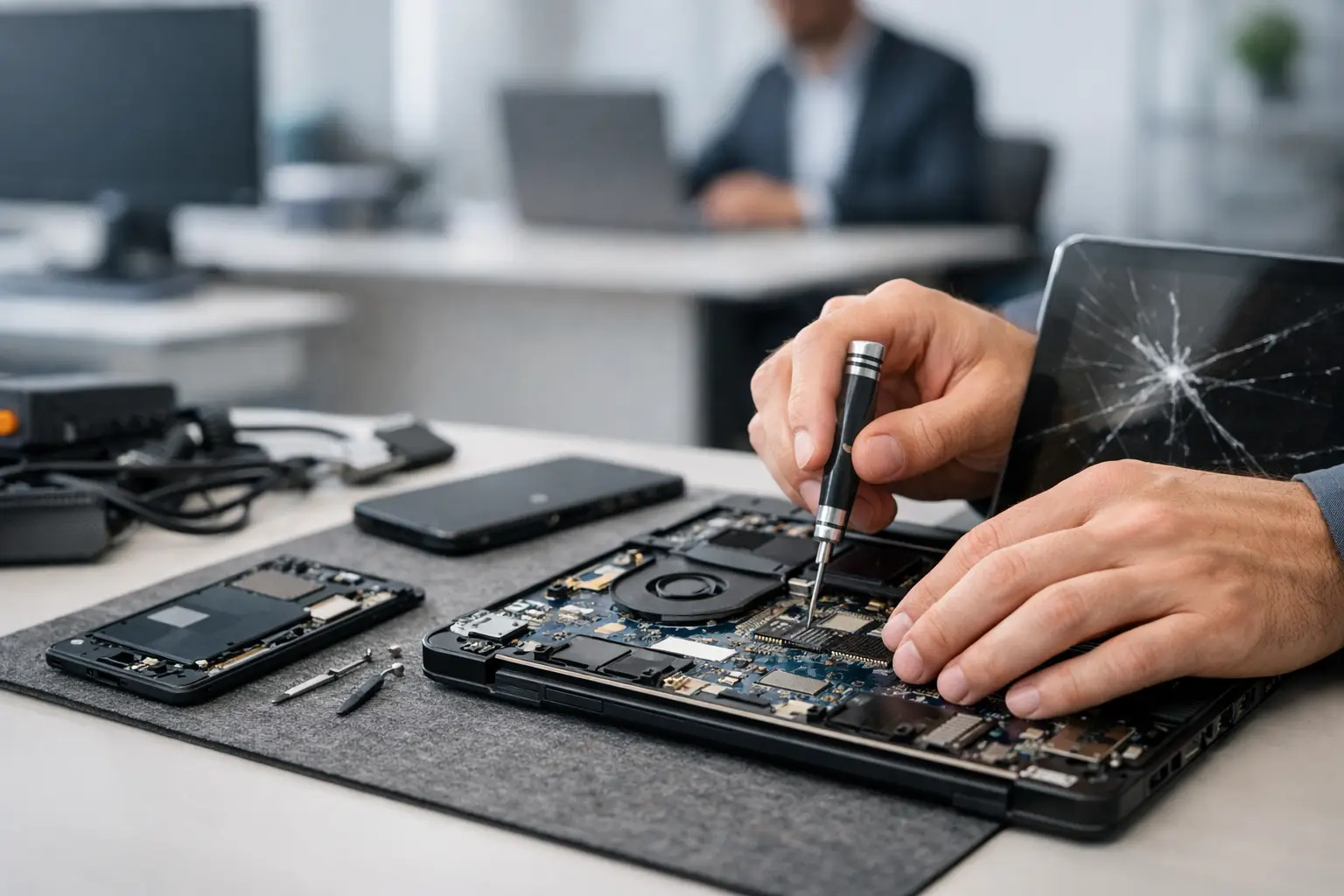
A broken work laptop is not just a broken laptop. It can mean missed invoices, delayed customer calls, lost access to files, and a team member unable to do their job. Business device repairs are about getting that equipment back into service quickly while protecting the data and hardware your operation depends on.
For small businesses, replacing every device at the first sign of trouble is expensive and often unnecessary. A cracked screen, weak battery, damaged charging port, failed USB port, or software issue may have a practical repair path. The right decision depends on the device's condition, its role in your business, and whether the repair addresses the real cause of the problem.
When business device repairs make financial sense
Repair is usually the smart choice when a device is otherwise current, has the performance your team needs, and has a specific failure that can be isolated. A laptop with a bad charging port may still have years of useful service left. A desktop that will not boot may need a power supply, storage drive, memory replacement, or operating system repair rather than a full replacement.
The calculation changes when a device has repeated failures, cannot run the software your business requires, or would need several major parts to become reliable again. An honest repair shop should explain that difference clearly. The cheapest immediate fix is not always the best value if the computer is already at the end of its workable life.
A free initial evaluation gives you a clearer picture before you spend money. Ask what failed, what repair is recommended, whether there are alternatives, and whether the technician sees signs of another issue that could affect reliability later. Straight answers help you plan instead of guessing.
Common business devices and problems worth repairing
Most local businesses rely on more electronics than they realize. Phones handle customer communication and two-factor authentication. Tablets support checkout, scheduling, field work, and inventory. Laptops and desktops run accounting, design, order management, and daily operations. Even gaming consoles and specialty devices can matter for entertainment businesses, events, or home offices.
Phones and tablets
A damaged phone screen can slow down an employee even when the device technically still works. Battery replacements, charging port repairs, screen repairs, camera issues, speaker faults, and liquid damage diagnostics can often restore a business phone without the cost and setup time of buying a replacement.
For tablets used at a counter or in the field, charging issues and broken screens are common. If the device holds business apps, customer records, or product information, protect the data before a problem becomes a complete failure. Do not keep forcing a loose charging cable into a damaged port. That can turn a repairable port problem into board damage.
Laptops, MacBooks, and desktop computers
Slow computers are not always old computers. Storage failure, insufficient memory, malware, overheating, damaged operating system files, or a failing battery can make a capable machine feel unusable. Hardware upgrades, operating system installs, data transfers, cooling service, and component replacement can extend the life of a work computer at a reasonable cost.
MacBooks and thin laptops may also develop issues that standard parts-swapping shops cannot handle. A no-power condition, liquid damage, charging failure, or intermittent display problem can involve the motherboard rather than the screen or battery. Board-level diagnostics matter in these cases because replacing major assemblies without confirming the fault can waste time and money.
Ports, displays, and specialty equipment
HDMI and USB port damage is a real downtime problem for offices, classrooms, point-of-sale setups, and meeting rooms. A device may power on normally but be unusable because it cannot connect to a monitor, printer, payment accessory, external drive, or dock.
Port repairs often require more than installing a visible replacement part. The technician may need to inspect the board, traces, nearby components, and power lines to make sure the port itself is the actual failure. That is particularly true when a port was bent, pulled, exposed to moisture, or damaged by a power surge.
Protect data before and during a repair
The most valuable part of a business computer may be what is stored on it. Customer contacts, tax documents, project files, photos, estimates, passwords, and local application data can be difficult or impossible to recreate. When a device starts failing, avoid treating it like a normal workday until you know what is wrong.
If the computer still turns on, back up current files right away. Use an approved business backup method, not a random personal drive that creates a new security problem. If the device will not boot, makes clicking sounds, repeatedly crashes, or has been exposed to liquid, stop trying repeated restarts. Continued use can worsen a failing drive or spread liquid-related corrosion.
Data recovery is not guaranteed, and the best approach depends on the type of failure. A software issue may allow files to be copied quickly. A physically failing drive can require careful recovery work. The sooner the device is evaluated, the better the chance of preserving what matters.
Why board-level repair can change the decision
Some shops can replace screens, batteries, and hard drives but stop when the motherboard is involved. That limitation can lead to an automatic recommendation to replace the whole device. Sometimes replacement is appropriate. Sometimes it is not.
Board-level repair uses diagnostics to identify faults at the component level. This can include short finding, power rail testing, IC replacement, micro-soldering, and tracing damage caused by liquid, impact, or failed components. It is specialized work, but it can be the difference between saving a higher-value laptop or writing it off.
There are trade-offs. Motherboard repairs can take more diagnostic time than a standard screen replacement, and severe corrosion or multiple failed components may make repair impractical. What matters is receiving a realistic assessment before authorizing work. You should know what is being repaired, why it failed, and whether the repair is expected to be dependable.
Reduce downtime with a simple repair process
When a device fails, speed matters, but rushing without details can create avoidable problems. Start by noting the symptoms: Does it power on? Does it charge? Did the issue begin after a drop, spill, update, or power outage? Is there an error message? Is the device holding critical data? Those details help a technician focus the evaluation.
Next, identify the business priority. A manager's laptop containing payroll files may need data protection before anything else. A front-counter tablet may need the fastest practical repair or a temporary replacement plan. A desktop with an intermittent issue may be best handled before it fails completely during a busy week.
Keep device passwords, recovery information, and software licenses available when needed, but share only what is necessary for service. Remove personal accessories, label company equipment, and document the device's condition before dropping it off. For businesses with several devices, maintain a basic record of model numbers, assigned users, purchase dates, warranty status, and recurring repair history.
Local repair support for El Paso businesses
Local service is valuable when your equipment cannot sit in a shipping box for a week. Walk-in access, direct communication, and in-store diagnostics make it easier to get answers and make a decision quickly. EPElectrocenter performs services in-store, from routine screen and battery work to advanced motherboard diagnostics, so business owners can bring in the device and discuss the problem with a local repair team.
Fair pricing also means recommending repair only when it makes sense. A good technician should not push a repair that will not provide dependable service, and should not treat replacement as the only answer when a targeted fix can restore the device. That practical judgment is especially useful for small businesses managing tight equipment budgets.
Do not wait for a minor issue to become a work stoppage. If a laptop only charges at a certain angle, a tablet battery drains unusually fast, a desktop is making new noises, or a phone has been exposed to liquid, bring it in for an evaluation while there are still options. A timely repair can protect your files, your budget, and your ability to keep serving customers.