
When Is Data Recovery Possible After Device Failure?
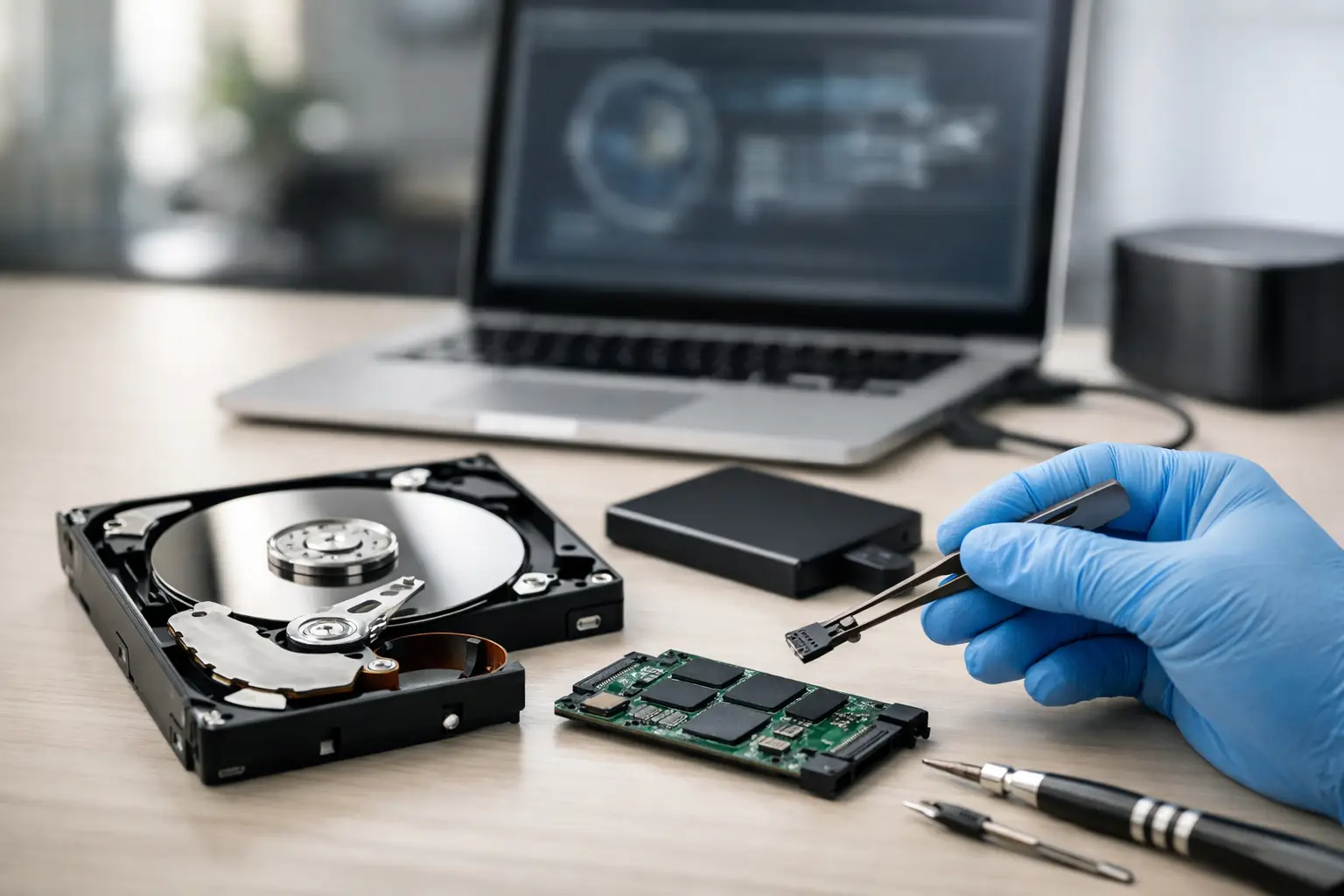
A laptop that will not start, a phone dropped in water, or a drive that suddenly asks to be formatted can put years of work and personal files at risk. Customers often ask, “when is data recovery possible?” The honest answer is that it depends on what failed, how the device was used afterward, and whether the original data is still physically accessible.
Recovery is often possible even when a device does not turn on. But the actions taken in the first few minutes can make a major difference. Repeated restarts, charging a liquid-damaged phone, reinstalling an operating system, or saving new files to a failing drive may reduce the chance of getting important data back.
When Is Data Recovery Possible?
Data recovery is possible when the files have not been permanently overwritten, the storage chip or drive still contains readable information, or a device-level fault is preventing access to otherwise intact storage. A dead device and lost data are not always the same problem.
For example, a laptop may appear completely dead because of a failed charging circuit, damaged power rail, bad display, or motherboard fault. If its SSD is healthy, the files may still be recoverable. A phone may not boot after a drop or liquid exposure, while the internal storage still holds its photos, messages, and documents. In those situations, repairing enough of the board to start the device can be the only practical way to access encrypted data.
The best recovery cases usually involve accidental deletion, operating system errors, drive enclosure failures, damaged ports, or hardware faults that occur before the storage itself is destroyed. The more a device is used after data loss, the more difficult recovery can become.
The Type of Failure Matters
Not every data loss situation has the same outlook. The failure type determines what a technician can test, repair, and recover.
Deleted files and accidental formatting
Deleted files are often recoverable if the device has not been used much afterward. Deleting a file usually removes the system’s reference to it first. The underlying data may remain until new information takes its place.
This is why continued use is risky. Taking more photos, installing recovery software, downloading files, or using the same laptop for work can overwrite the space where deleted information remains. If important data was deleted from a phone, computer, external drive, or memory card, stop using it as soon as possible.
Formatting can be similar. A quick format may leave recoverable data behind, while a full format or secure erase can make recovery far less likely. The exact drive type and file system also matter.
A device that will not power on
A no-power device can still be a strong recovery candidate. On laptops, desktops, tablets, and game consoles, the issue may be a battery, charging port, failed power-management component, shorted capacitor, damaged connector, or corrupted system software.
Modern phones are more complicated because many encrypt their storage using hardware tied to the original logic board. Removing the memory chip and placing it in another device usually will not reveal the data. In many cases, the original board must be repaired enough to boot, accept the passcode, and decrypt the storage.
That is where board-level diagnostics and micro-soldering can matter. A shop that only replaces complete assemblies may call a phone unrecoverable when the real issue is a repairable board fault.
Liquid damage
Liquid damage is unpredictable, but it does not automatically mean data is gone. Corrosion can develop quickly and may affect power circuits, display connections, charging circuits, or data lines. A device might work briefly, then fail days later as corrosion spreads.
Do not charge or repeatedly power on a wet device. Do not put it in rice. Rice does not remove corrosion or clean contaminated components, and charging can create additional damage. Turn the device off if possible and have it evaluated promptly.
Early professional cleaning and diagnostics can improve the odds, especially when the goal is to stabilize the device long enough to back up important files. The trade-off is that liquid damage can create hidden problems, so a repair that restores access may be more realistic than promising long-term reliability.
Clicking, beeping, or disappearing hard drives
Traditional hard disk drives have moving parts. Clicking, grinding, beeping, or inconsistent detection can point to mechanical or internal failure. These drives should not be repeatedly powered on. Every additional attempt can increase damage to the platters where data is stored.
An external drive that does not appear on a computer is not always mechanically damaged. It may have a failed cable, USB port, power supply, enclosure board, or file system issue. Proper testing separates a simple connection problem from a serious drive failure before anyone takes unnecessary risks with the data.
Failed SSDs and flash storage
SSDs, USB drives, SD cards, and phone storage use flash memory rather than spinning disks. They are fast and durable in normal use, but recovery can be more difficult after controller failure, electrical damage, wear, or internal corruption.
SSDs also use features such as TRIM and wear leveling. These can remove or move deleted data quickly, making deleted-file recovery less reliable than it was on older hard drives. That does not mean recovery is impossible, but it does mean speed matters and there are fewer safe do-it-yourself options.
What Makes Recovery Less Likely?
Some situations significantly reduce the chance of recovery. Physical destruction of the storage chips, severe fire damage, overwritten data, secure erasure, and encryption without the correct passcode or recovery key are among the toughest cases.
Factory resetting a phone can be especially final on modern encrypted devices. Once the encryption keys are removed, the remaining storage contents may be unreadable even if the chips are physically intact. Likewise, a BitLocker-protected computer may require its recovery key before files can be accessed after a system problem.
A failing drive can also cross the line from recoverable to severely damaged when it is repeatedly scanned, reformatted, or forced to run through repair utilities. A message asking to “scan and fix” a drive may be harmless in some cases, but it can be risky when the drive is making noises, disconnecting, or containing irreplaceable business records.
What to Do Immediately After Data Loss
The first response should protect the remaining data, not try every possible fix. If the device is still working, copy essential files to a separate drive or cloud account right away. If it is failing, stop using it before the problem gets worse.
Avoid installing recovery apps on the same drive that lost the files. Do not format a drive just because a computer says it needs formatting. Do not keep charging a liquid-damaged device or attempt a random motherboard swap on an encrypted phone.
For businesses, identify the most critical information first: customer records, accounting files, project folders, email archives, and locally stored documents. A clear priority list helps focus recovery efforts and reduces downtime.
Why an In-Store Evaluation Helps
A proper evaluation starts with the device condition, storage type, symptoms, and history. Did the problem begin after a drop? Was there liquid exposure? Did the system become slow before it failed? Was data deleted, or did the device simply stop booting? Those details help determine whether the safest path is software recovery, hardware repair, storage extraction, or a backup restore.
At EPElectrocenter, all services are performed in-store, including advanced diagnostics for devices with board-level issues. A free initial evaluation can help determine whether a laptop, phone, tablet, desktop, external drive, or gaming device has a realistic recovery path before unnecessary work is done.
There is no honest way to guarantee recovery before testing. Still, a technician should explain the likely cause, the risks of further use, the available options, and whether the goal is full device repair or simply getting the files back. That clarity matters when the data includes family photos, school projects, work files, or business records.
If your device contains data you cannot replace, treat it as a recovery case before treating it as a repair project. Stop using it, keep it in its current condition, and get it checked while the best recovery options are still on the table.