
Screen Repair vs Replacement - What Makes Sense?
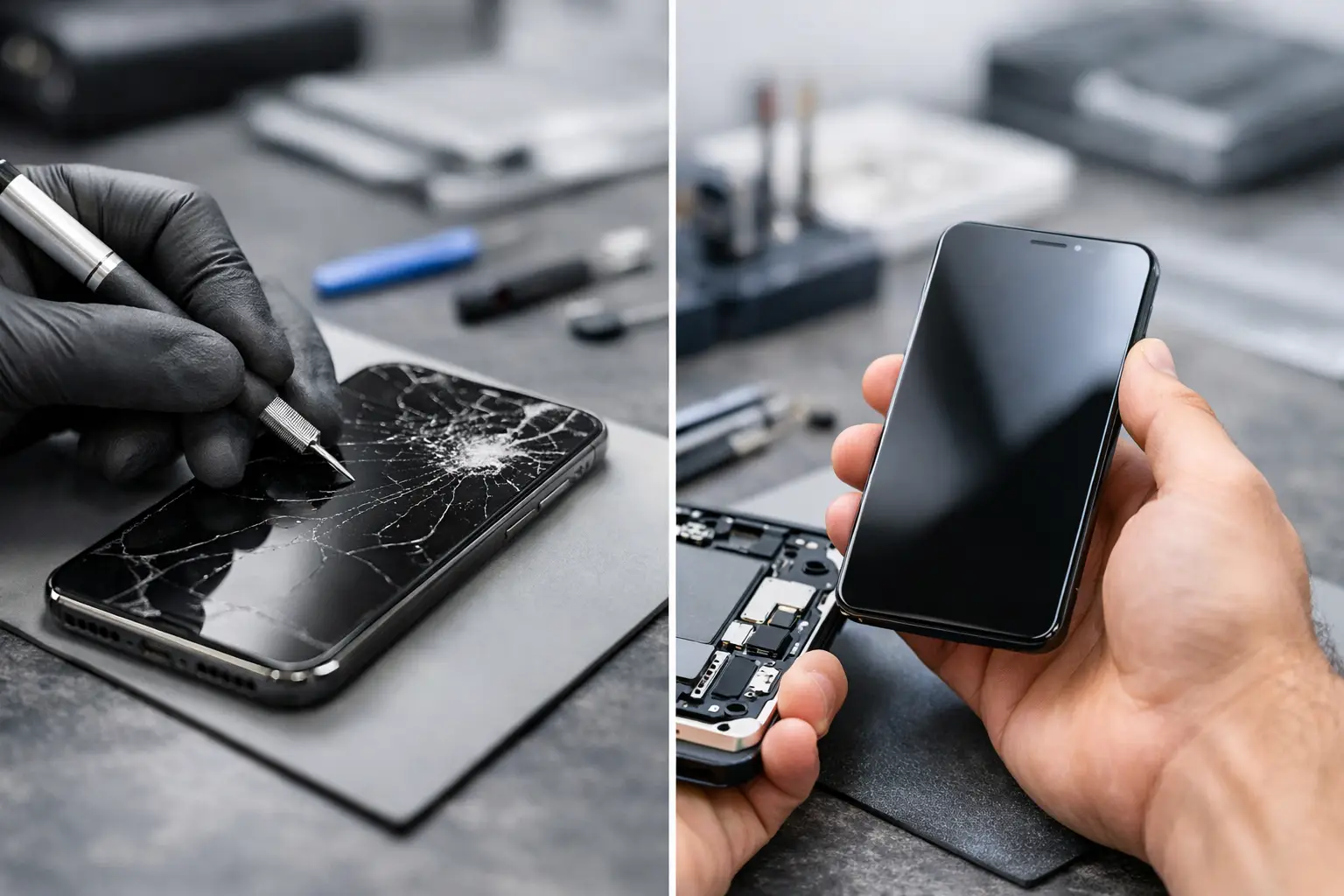
A crack across your phone screen is annoying. A black display, flashing image, or dead touch area can stop work, school, gaming, and communication completely. With screen repair vs replacement, the right choice depends on more than how bad the damage looks. The display type, the device’s age, whether touch still works, and the condition of the frame all matter.
At EPElectrocenter, every device is evaluated in-store before work begins. That means you get a practical recommendation based on the actual damage, not a one-size-fits-all answer or pressure to replace a device that may still be worth fixing.
What “Screen Repair” Usually Means
Customers often use “screen repair” to describe any display fix. Technically, many modern devices do not have a separate screen component that can be repaired piece by piece. Their front glass, touch sensor, and display panel are bonded together as one assembly.
On an iPhone, Android phone, tablet, laptop, or handheld gaming device, a screen repair often means replacing the full display assembly. This restores the glass, picture, and touch function at the same time. It is usually the most reliable solution when the display itself is damaged.
There are cases where glass-only repair is possible. If the outer glass is cracked but the image is clear, touch works everywhere, and there are no lines, black spots, flickering, or color problems, the panel underneath may still be good. However, glass-only work requires specialized equipment and carries more risk than replacing a complete assembly. It is not available or cost-effective for every model.
For laptops, the word screen can also mean different parts. A damaged LCD or OLED panel may need replacement, while an issue with the display cable, backlight circuit, hinges, or motherboard video output may be repairable without installing a new panel. Proper diagnosis prevents paying for a screen when the problem is somewhere else.
Screen Repair vs Replacement: The Main Difference
The practical difference is whether the damaged part can be preserved without sacrificing reliability.
Repair makes sense when the problem is limited to a component that can be corrected, such as a loose display cable, damaged hinge, faulty backlight circuit, or cracked outer glass on a device that supports glass-only service. These repairs can save money and preserve the original display when the underlying panel is still working properly.
Replacement makes more sense when the display panel or touch layer has failed. A full replacement is generally the safer route when the screen has black ink-like spots, colored lines, no image, erratic touch response, bright patches, green or white flashing, or a display that separates from the frame. Those symptoms point to damage below the outer glass.
A quality replacement should restore normal brightness, touch response, viewing clarity, and fitment. The goal is not simply to make the device turn on. It is to return it to dependable daily use.
Signs You Probably Need a Screen Replacement
A cracked screen does not always require immediate replacement, but some symptoms should not be ignored. If touch begins pressing things on its own, the device may become difficult to use and can even enter incorrect passcodes repeatedly. A damaged OLED panel can spread black areas over time. Sharp glass can also cut fingers or allow moisture and debris into the device.
Replacement is usually recommended if you notice several of the following issues:
- The display is black, extremely dim, flickering, or has colored lines.
- Touch is unresponsive in certain areas or reacts without being touched.
- Black spots, dark blotches, or bright pressure marks appear under the glass.
- The screen is lifting away from the device frame.
- The glass is shattered enough to expose internal layers or create sharp edges.
- A laptop screen has a visible crack, liquid damage, or a large area with no image.
Screen lifting deserves special attention. Sometimes it is caused by a bent frame after a drop. In other cases, a swollen battery is pushing the display outward. A swollen battery is a safety concern and should be inspected promptly. Do not press the screen back into place or keep charging a device that appears to be expanding.
When Repair Is the Better Value
Not every display issue calls for a full assembly replacement. A phone that turns on but has no picture may have suffered board-level damage after a drop or liquid exposure. A laptop with a dark screen may have a failed backlight, damaged cable, or power issue. A game console with no image on the TV may have an HDMI port or HDMI circuit problem, not a screen issue at all.
This is where an experienced diagnostic process matters. Replacing parts without confirming the fault can add cost without solving the problem. Advanced motherboard-level diagnostics can identify issues involving power rails, display circuits, connectors, and related components that standard repair shops may not address.
Repair can also be the better value for devices with minor cosmetic damage. If a small crack is outside the viewing area, touch works normally, and the glass is not splintering, you may choose to wait. A screen protector can help contain minor cracks temporarily, but it does not stop underlying damage from developing after another impact or moisture exposure.
Cost Depends on More Than Screen Size
Two phones with similar-sized displays can have very different repair costs. OLED screens, high refresh-rate panels, curved displays, foldable devices, and models with integrated fingerprint sensors generally cost more than basic LCD screens. Parts availability also matters, especially for older devices, premium laptops, tablets, and specialty gaming hardware.
The condition of the frame affects the final price as well. If a phone’s housing is bent, a new screen may not sit flat or seal correctly until the frame is corrected. If a laptop hinge is damaged, replacing only the panel may lead to another break. When liquid damage is present, corrosion can create problems beyond the display.
The lowest advertised price is not always the lowest-cost outcome. A poor-quality panel may have weak brightness, incorrect colors, reduced touch performance, or poor fitment. It may also fail sooner than expected. Honest service means explaining the available part options and what each one means for performance and cost before the repair begins.
Consider the Device’s Overall Condition
Before approving a screen replacement, look at the whole device. If the battery drains quickly, charging is unreliable, the frame is badly bent, and storage is nearly full, a screen repair may be only one part of a larger decision. That does not automatically mean replacement is the answer. It means you should know the device’s full condition before spending money.
For a newer phone, tablet, MacBook, or business laptop, a screen replacement is often a sensible investment. The device may still have years of useful life left, and keeping it in service can cost far less than buying new equipment and moving data, apps, settings, and accounts.
For an older device with multiple major faults, replacement may be more practical. Even then, data recovery should be considered before giving up on it. A damaged screen does not necessarily mean your photos, documents, messages, or work files are gone.
Do Not Ignore Data and Security
If your device still powers on, back it up before any repair whenever possible. Screen damage can worsen unexpectedly, especially after a hard drop or exposure to moisture. For phones with a failing display, you may need to act quickly while touch input and unlock access still work.
If you cannot unlock the device because the screen is dead, avoid repeated guessing of your passcode. Too many attempts can trigger security delays or lockouts. A professional evaluation can determine whether a temporary display connection, screen replacement, or board-level repair is needed to access the data safely.
Get a Diagnosis Before You Decide
The best screen decision is based on symptoms, device condition, and a clear estimate - not just a photo of a crack. Walk-ins are welcome for phones, tablets, laptops, MacBooks, desktops, gaming devices, and other electronics. A free initial evaluation can identify whether you need a screen replacement, a targeted repair, or a deeper diagnosis.
A broken display is frustrating, but it does not have to force a rushed purchase. Bring the device in, get straight answers about the fault and the repair path, and make the choice that keeps your technology working for the life you actually need from it.