
MacBook Repair vs Apple: Which Choice Fits?
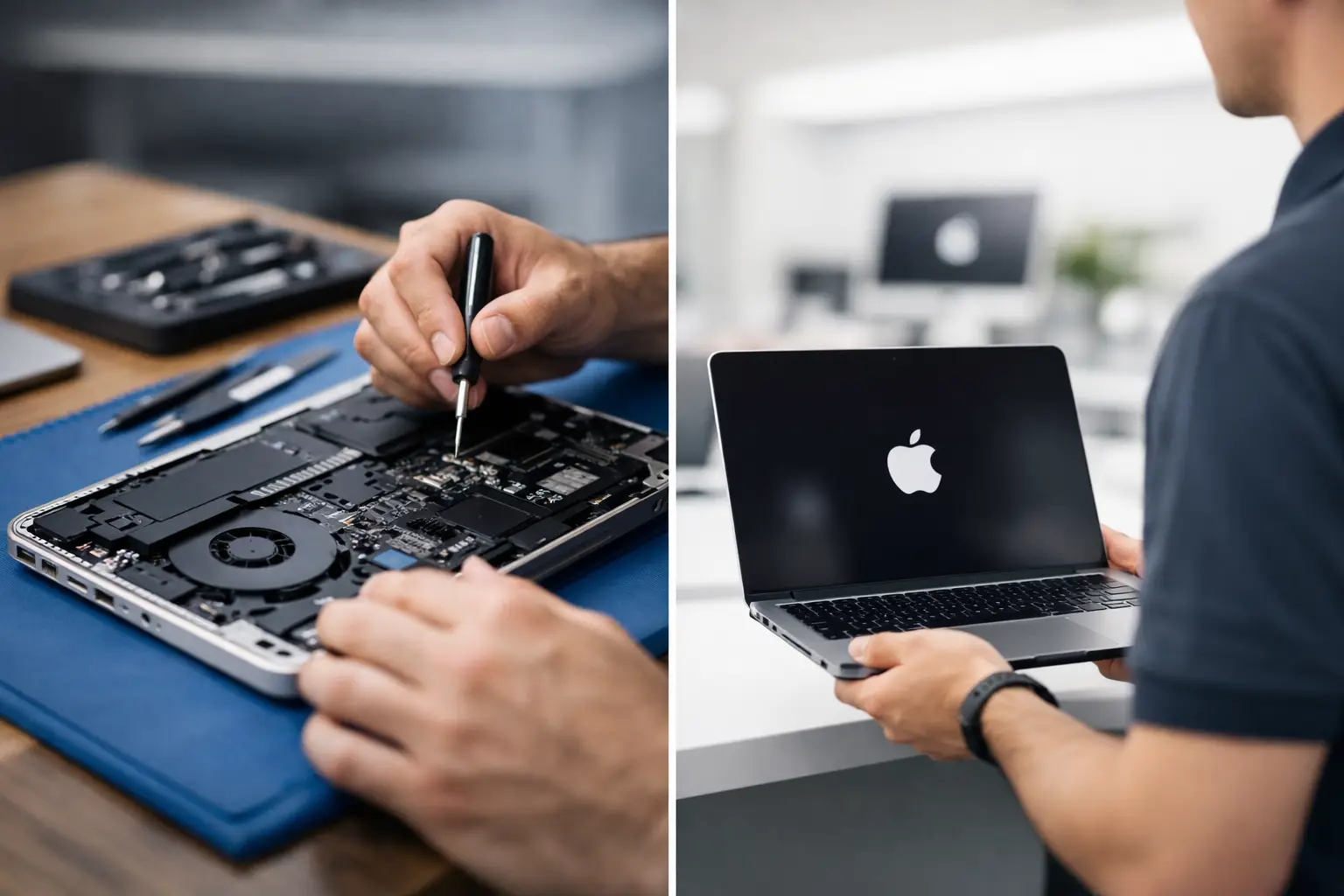
A MacBook that will not charge, has a cracked screen, or suddenly stops turning on can put work, school, and personal files on hold. The real decision in MacBook repair vs Apple is not simply official service versus local service. It is about the type of failure, the age of the computer, your warranty status, the data on the device, and how quickly you need a straight answer.
Apple can be the right place for certain repairs. An experienced independent shop can be the better answer for others, especially when the problem is on the logic board, involves liquid damage, or does not fit a standard replacement path. Knowing the difference helps you avoid paying for more repair than the MacBook actually needs.
MacBook Repair vs Apple: The Key Difference
Apple service generally follows a manufacturer-controlled process. If a MacBook is covered by its limited warranty or AppleCare+, Apple may repair or replace the affected component at a lower out-of-pocket cost. For newer devices with a clear, covered defect, that can be the simplest option.
Independent MacBook repair starts with diagnosing the actual failure. A capable repair shop can test charging circuits, power rails, USB-C ports, display connections, storage-related faults, and liquid-damaged areas on the board. Rather than automatically replacing a large assembly, the technician may be able to repair the failed component or circuit.
That distinction matters. A MacBook that will not power on may have a small short, failed charging IC, damaged capacitor, corroded connector, or broken port. Replacing the entire logic board can solve the issue, but it is not always the only solution. Board-level diagnostics may preserve the original board and data while keeping the repair more practical.
When Apple Service Makes Sense
Apple is often a strong choice when the MacBook is still under warranty and the problem is clearly covered. A swollen battery, a display defect, or a hardware issue on a newer machine may qualify for manufacturer service. If preserving Apple warranty coverage is your top priority, start there before authorizing outside work.
Apple service can also make sense when you need an official repair record for a company-owned device or when your employer requires manufacturer service. Some businesses have device-management policies, insurance requirements, or replacement programs that limit where equipment can be repaired.
There are trade-offs. Apple may recommend replacing a complete module rather than repairing an individual circuit. That approach can be appropriate for reliability and standardization, but it may be expensive on an older out-of-warranty MacBook. It can also mean a longer process if parts, approvals, or mail-in service are involved.
When an Independent MacBook Repair Shop Is the Better Fit
A local repair shop is worth considering when your MacBook is out of warranty, has liquid damage, needs data recovery, or has an issue Apple may classify as a larger assembly replacement. The right shop should explain what it found, what repair is being recommended, and what the cost looks like before work begins.
Independent service is particularly valuable for problems that require more than a quick part swap. Micro-soldering and motherboard-level work can address failures that many standard repair counters do not attempt. This includes short finding, IC replacement, power rail diagnostics, damaged charging circuitry, and certain display or backlight faults.
For El Paso customers, convenience matters too. A local in-store evaluation lets you speak directly with the people handling the repair instead of mailing out a work laptop and waiting for updates. At EPElectrocenter, all services are performed in-store, walk-ins are welcome, and the initial evaluation is free. That gives you a chance to understand the problem before deciding whether repair is worthwhile.
The Repair Type Changes the Answer
Not every MacBook problem deserves the same repair path. A cracked screen is usually straightforward: compare the quality of the replacement, the repair warranty, the cost, and the expected turnaround time. A battery that is no longer holding a charge is also commonly repairable, although the best route may depend on the model and available parts.
Charging problems require more care. If a MacBook charges inconsistently, does not recognize a charger, or only works on one USB-C port, the port itself may not be the only issue. The fault could be in the USB-C board, charging controller, cable, adapter, or logic board. Replacing parts without testing can waste time and money.
Liquid damage is where a board-level evaluation is especially useful. A MacBook may work briefly after a spill and then fail days later as corrosion spreads. The best first step is to stop trying to power it on, avoid charging it, and have it inspected. Fast action can improve the odds of repair and data recovery.
A no-power issue is another case where diagnosis matters more than assumptions. If your files are not backed up, do not approve a board replacement or device replacement until you understand the effect on your data. On many newer MacBooks, storage is integrated with the logic board. Repairing the original board can be the best chance to regain access to important files.
Cost, Turnaround Time, and Parts Quality
Price is often the first concern, but the lowest quote is not always the best value. Ask what is included in the estimate, whether the issue has been confirmed through testing, and whether there is a warranty on the work. A repair quote should not be a guess based only on a symptom.
Apple’s pricing is often more predictable for standard, out-of-warranty repairs, but the recommended fix may be a full assembly replacement. An independent shop may offer a more targeted option when the failure is repairable at the component level. That can reduce cost, though not every board can or should be repaired. Severe corrosion, multiple failed layers, or prior unsuccessful repair attempts can make replacement the smarter choice.
Turnaround also depends on the fault. A battery, screen, keyboard, or charging port repair may be completed faster when the correct part is available. Board-level work can take longer because proper diagnosis requires testing before and after the repair. A shop that promises an instant answer to every liquid-damaged or no-power MacBook is not being realistic.
Parts quality deserves a direct conversation. For some repairs, original equipment parts, high-quality aftermarket parts, or used original pulls may be available. Each option has a different cost and availability profile. A reputable technician will explain the choice rather than quietly installing the cheapest possible part.
Think About Warranty and Future Service
If your MacBook is covered by Apple’s warranty or AppleCare+, using an independent repair provider for a non-covered issue does not automatically erase all coverage. However, damage caused during unauthorized work or problems tied to a non-original component may affect future warranty decisions. Ask questions before proceeding if coverage is still active.
For an older MacBook, the more useful question is usually whether the repair extends the computer’s usable life enough to justify the cost. A good battery and a repaired charging system can give a solid machine several more productive years. On the other hand, a major repair on a very old MacBook with limited software support may not be the best investment.
Small business owners should also weigh downtime. A repair that costs less but keeps an employee without a computer for a week can become expensive. Before dropping off the device, ask about realistic turnaround, whether data can be protected, and whether temporary access to essential files is possible.
Questions to Ask Before You Authorize a Repair
You do not need to be a technician to make a smart decision. Ask whether the issue has been diagnosed or is only suspected. Ask whether the proposed repair replaces a whole assembly or fixes the failed component. Confirm the final estimate, expected turnaround, parts used, and repair warranty.
If the MacBook has important files, make data preservation part of the conversation from the start. Tell the technician whether you have a current backup and whether accessing the data is more important than restoring the laptop itself. Those are different goals, and the repair plan may change based on your answer.
Also be clear about the history of the device. Mention spills, drops, previous repairs, charging behavior, and any error messages. Details that seem minor can shorten diagnosis and prevent the wrong repair.
Choose the Repair Path Based on the Actual Problem
Apple is often the practical choice for a covered MacBook or a straightforward manufacturer-service situation. An independent technician is often the stronger option for out-of-warranty devices, complex charging faults, liquid damage, data concerns, and logic board issues that need real diagnostics instead of a broad replacement recommendation.
Bring the MacBook in for an evaluation before assuming it is beyond repair or committing to an expensive replacement. A clear diagnosis gives you the information to protect your data, control costs, and get back to work with confidence.