
How to Fix Water Damaged iPhone Fast
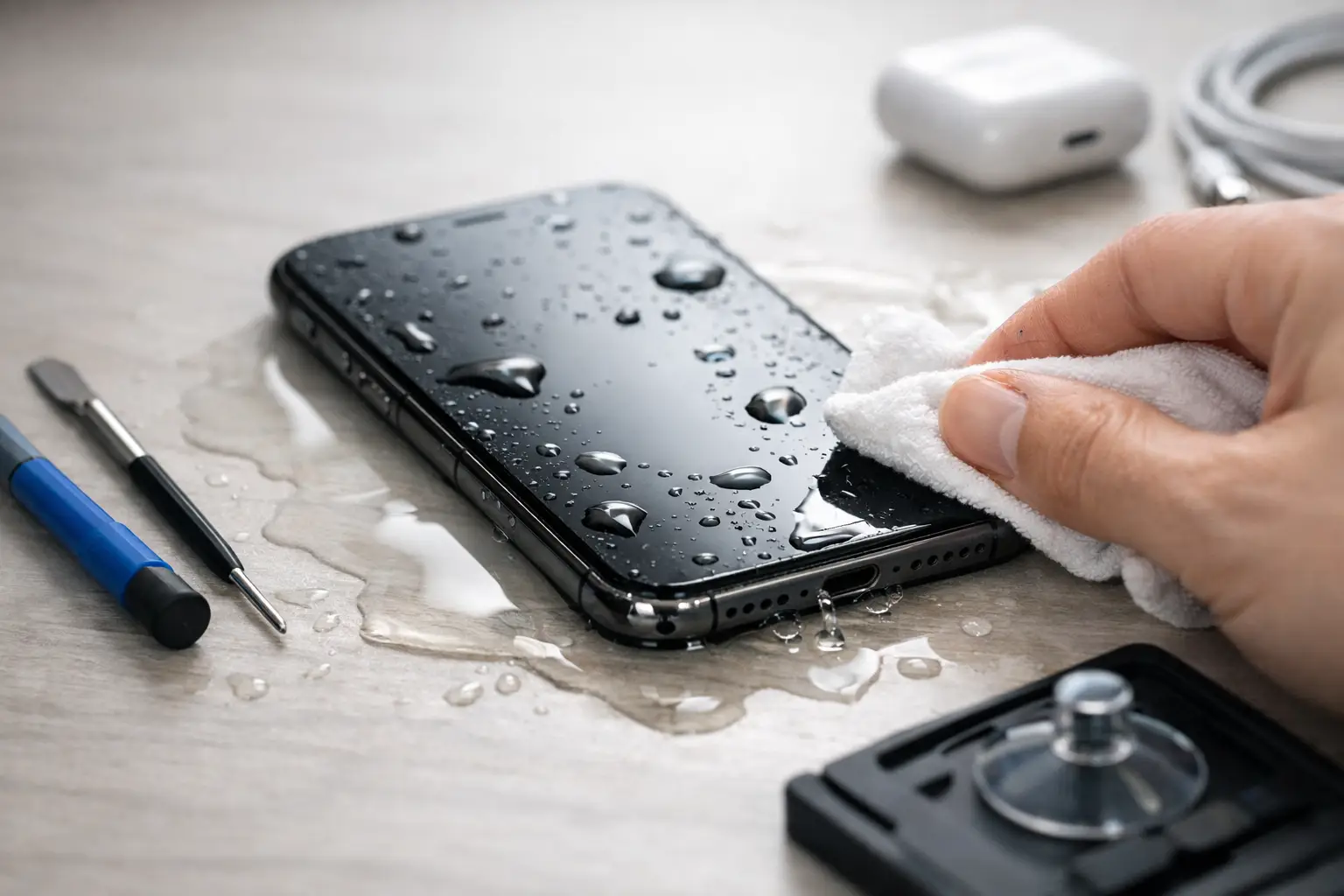
Your iPhone falls in a sink, a pool, or a cup of coffee, and the first few minutes matter more than most people realize. If you need to fix water damaged iPhone problems, the goal is not to power through and hope for the best. The goal is to stop corrosion, protect the data, and avoid turning a repairable phone into a dead motherboard.
A lot of water-damaged phones do not fail all at once. They may still turn on, charge, or seem mostly normal for a few hours. Then Face ID stops working, the screen flickers, the battery drains fast, or the phone never powers back on. That delay is exactly what makes liquid damage tricky. The liquid gets inside, minerals and contaminants stay behind, and corrosion keeps spreading after the outside looks dry.
What to do first to fix water damaged iPhone issues
Start by getting the iPhone out of the liquid immediately. If it is plugged in, disconnect it carefully. Turn it off as soon as possible. If it is already off, leave it off. Do not test buttons over and over, do not plug in a charger, and do not keep checking whether it still works.
Remove the case and wipe off the exterior with a dry, lint-free cloth. If your model has a SIM tray, remove it to help trapped moisture escape. Place the phone in a dry area with airflow. A fan can help. Gentle air movement is better than heat.
What you should not do is just as important. Do not use a hair dryer. Do not bake the phone, leave it on a hot dashboard, or put it in the microwave for obvious reasons. Do not shake it hard trying to force water out, because that can push liquid deeper into the device. And despite how often it gets repeated, rice is not a real repair method. Rice does not remove corrosion, and the dust can create its own problems around ports and openings.
Why water damage keeps getting worse after the phone gets dry
People often assume the danger ends once the phone looks dry. Internally, that is rarely true. Water itself is only part of the problem. Tap water, soft drinks, saltwater, soap, and coffee all leave residue behind. Those residues can bridge connections on the logic board, corrode tiny components, and create shorts that were not there at the moment of the accident.
This is why one customer can drop an iPhone in water, dry it off, and use it for two days before it dies. Another person might lose charging, audio, cameras, or touch response right away. The liquid reached different areas, and the contamination level was different.
Saltwater and sugary drinks are usually worse than clean freshwater. Chlorinated pool water is also rough on electronics. If your phone was exposed to any of those, quick professional cleaning matters even more.
Can a water resistant iPhone still be damaged?
Yes. Water resistance is not the same as waterproofing. The seals on an iPhone wear down over time, especially after drops, screen replacements, heat exposure, or normal aging. A phone that handled splashes when it was new may not survive the same exposure a year or two later.
Even if the phone has an IP rating, that rating was tested under controlled conditions. Real life is messier. Pressure, depth, cracked glass, or a worn seal can let liquid in fast. So if your iPhone was exposed to liquid and starts acting strange, take it seriously even if the model is supposed to be water resistant.
Signs your iPhone has liquid damage
Some symptoms show up immediately, while others creep in later. The obvious one is that the phone will not turn on. But many liquid-damaged iPhones still power on and have hidden board damage.
Watch for a screen that flickers, shows lines, or has dark spots. Pay attention if charging becomes inconsistent, speakers sound muffled, microphones stop working, cameras fog up, or the phone gets hot without heavy use. Random restarts, no touch response, weak cellular signal, and fast battery drain can all point to liquid damage.
Apple also uses a liquid contact indicator inside many devices. That can confirm exposure, but it does not tell you how severe the damage is. A professional inspection is what shows whether the issue is limited to a port or has spread to the motherboard.
When DIY helps and when it makes things worse
There is a narrow window where basic first aid at home helps. Powering the phone off, keeping it unplugged, and getting it to a dry, ventilated space are smart moves. Beyond that, DIY gets risky fast.
Opening an iPhone without the right tools can tear cables, damage seals, or crack the display. Spraying random cleaners into charging ports is another common mistake. So is plugging it in "just for a second" to see if it charges. If liquid is still inside, that quick test can create a short and turn a salvageable repair into a board-level job.
If the phone contains important photos, business data, messages, app logins, or two-factor authentication access, the safest path is to stop experimenting. Data recovery odds are usually better when the device has not been repeatedly powered, charged, or opened incorrectly.
Professional repair is about more than drying it out
A proper liquid damage service is not just letting the phone sit for a day and hoping. The real work is inspection, cleaning, and diagnosis. In a repair shop that handles board-level electronics in-house, the device can be disassembled, cleaned correctly, and checked for damaged lines, failed components, and shorted power rails.
Sometimes the fix is relatively simple. A charging port, battery, screen, or earpiece component may need replacement after contamination. Other times the liquid reached the logic board, and the repair requires microscope work and micro-soldering. That is where many basic shops stop, because they do not do motherboard diagnostics. If your goal is to save the phone or recover the data, that difference matters.
It also depends on timing. A same-day evaluation after liquid exposure usually gives the best chance of limiting corrosion. Waiting a week while continuing to use the phone can make the repair more expensive or less likely to succeed.
How repair shops evaluate a water damaged iPhone
The first step is usually a visual inspection for liquid entry points, corrosion, and residue. After that, the device may be opened for internal assessment. Technicians check the battery connection, display connections, charging area, cameras, and board sections that commonly fail after liquid exposure.
If the phone does not power on, diagnostic testing can show whether the board is drawing power normally, shorting, or failing to boot. If it powers on but has missing functions, the issue may be isolated to specific components or circuits.
This is also where honest service matters. Not every water-damaged iPhone is worth a full rebuild. In some cases, the best path is a cleaning and temporary stabilization to recover data. In other cases, a full repair makes sense because the damage is limited and the phone is economically worth saving.
How much does it cost to fix water damaged iPhone problems?
There is no one-price answer because liquid damage is a category, not a single part failure. Cost depends on what liquid got in, how long it sat, which components were affected, and whether the damage is limited to modular parts or extends to the motherboard.
A phone with minor exposure and no board damage may be much less costly than one needing advanced micro-soldering or data recovery work. That is why a free initial evaluation is valuable. It gives you a realistic picture before money gets spent blindly.
For many people, the real decision is not just repair cost versus replacement cost. It is also data value, time, and convenience. Replacing a phone is easy to price. Replacing photos, work files, notes, contacts, and account access is different.
If you are in El Paso and need help fast
If your iPhone took on water, speed matters. Bring it in powered off and do not charge it on the way. At EPElectrocenter, all services are performed in-store, walk-ins are welcome, and the first step is a free initial evaluation so you know what you are dealing with before moving forward.
That matters most for customers who have more than a simple parts issue. Liquid damage can turn into a board-level problem, and not every shop handles that kind of repair in-house. If the priority is saving the device, protecting your data, and getting a straight answer quickly, technical depth makes a real difference.
The smartest move after water exposure
The best thing you can do is simple. Turn the phone off, keep it unplugged, skip the rice, and stop testing it. A water-damaged iPhone has a better chance when it is treated like an electronics problem instead of a waiting game. The sooner the damage is properly evaluated, the better your odds of saving both the phone and what is on it.