
Laptop Repair El Paso: What to Expect
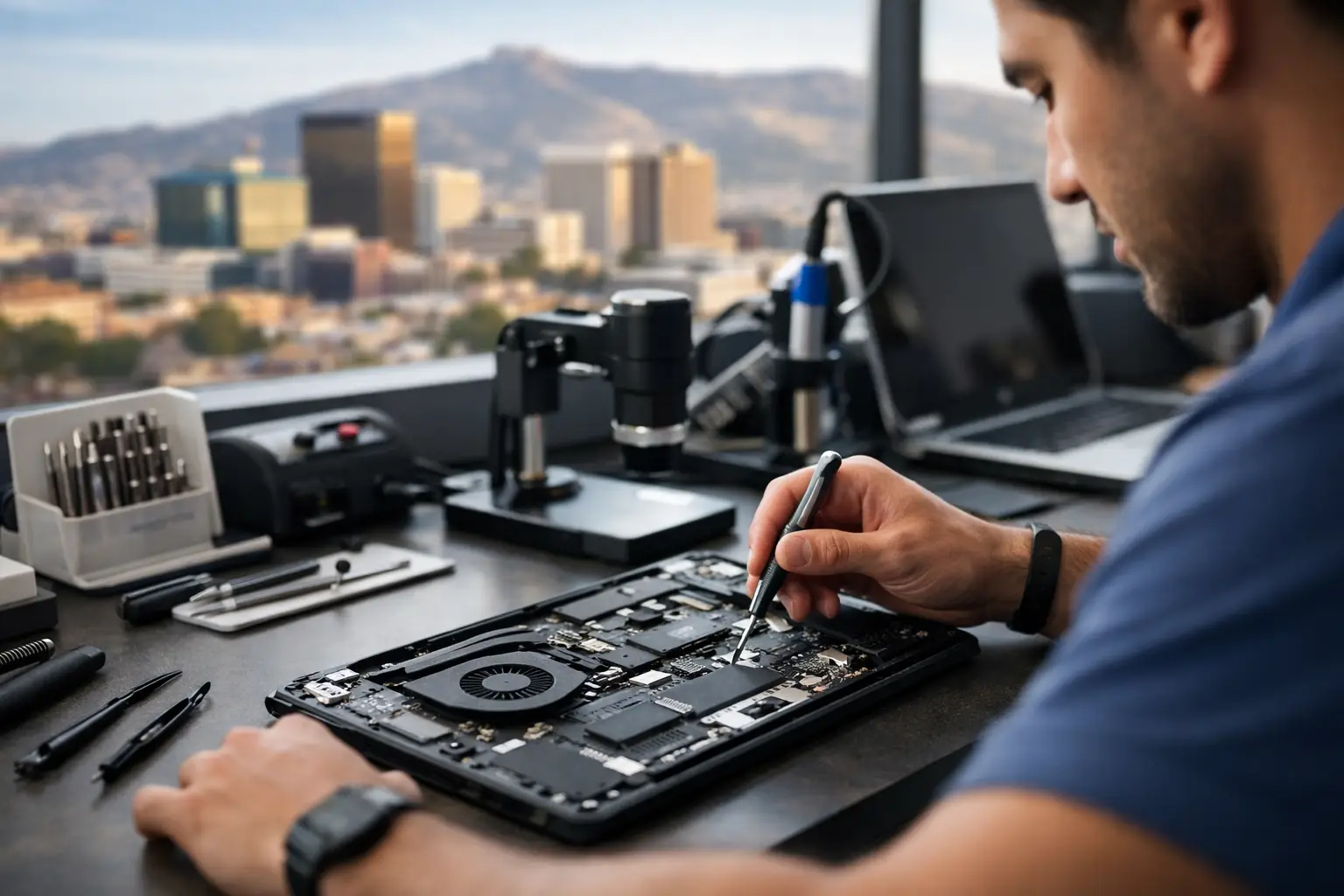
A laptop usually picks the worst possible time to fail - right before class, in the middle of payroll, or when you finally sit down to finish a project. If you need laptop repair El Paso customers can count on, the real question is not just who can replace a part. It is who can diagnose the problem correctly, explain your options clearly, and do the work in-house without wasting your time.
For most people, a laptop is not a spare device. It is where work gets done, assignments get submitted, files are stored, and daily life stays organized. That is why repair quality matters just as much as speed. A rushed guess can lead to repeat problems, lost data, or money spent on the wrong fix.
Why local laptop repair in El Paso matters
When your laptop stops charging, overheats, shuts off randomly, or shows no image, you need answers fast. Sending a machine out of town often adds delay, uncertainty, and extra handling. A local repair shop that performs all services in-store gives you a better chance of getting a real diagnosis quickly.
That matters even more when the issue is not obvious. A cracked screen is straightforward. A board-level fault, intermittent charging issue, liquid damage problem, or no-power condition is different. Those repairs require hands-on testing, component-level knowledge, and the ability to trace the actual failure instead of swapping parts until something works.
For El Paso students, remote workers, business owners, and families, local accountability also matters. You want a shop you can walk into, talk to directly, and return to if you have questions. Walk-ins welcome and a free initial evaluation are not small details. They are part of what makes the process less stressful.
The most common laptop problems we see
Some laptop repairs are visible right away. Others start small and get worse over time. A flickering display, loose charging port, swollen battery, loud fan, or sluggish performance can all point to different causes.
Screen damage is still one of the most common issues. Cracks, black spots, lines across the display, and dim backlighting usually mean the panel needs replacement. In some cases, though, what looks like a screen problem is actually a graphics issue, hinge damage, or a failed display cable. Good diagnostics save you from paying for a screen that was never the problem.
Battery and charging issues are another major category. If a laptop only works when plugged in, charges at certain angles, or shows a battery error, the fix could be a battery replacement, DC jack repair, USB-C charging port repair, or motherboard-level power work. It depends on the model and the failure point.
Performance complaints are common too. Slow startup, freezing, overheating, and random shutdowns can come from a failing drive, bad RAM, clogged cooling system, software corruption, or power-related board faults. This is where an honest shop stands out. Not every slow laptop needs to be replaced, but not every old system is worth major repair either.
Then there is liquid damage. Coffee, water, soda, and energy drinks can all do serious harm, especially when the laptop is turned on after the spill. Sometimes the machine works for a day or two before corrosion spreads and causes charging failure, keyboard problems, or no power at all. Quick professional inspection gives you a better chance of saving the device and your data.
What good laptop repair El Paso service should include
A solid repair process starts with diagnosis, not assumptions. If a shop immediately quotes a major repair before inspecting the laptop, that should raise questions. A free initial evaluation helps determine whether the issue is simple, advanced, or not cost-effective to fix.
Clear communication matters just as much. You should know what failed, what the repair involves, what the expected turnaround is, and whether there are different repair paths. For example, if the laptop has a damaged charging port and a weak battery, it is better to hear both issues upfront than get surprised later.
In-house service is another big advantage. When repairs stay in the shop, there is more control over quality and timing. That is especially important for motherboard repair, liquid damage treatment, and data recovery work. Advanced jobs should not be treated like routine part swaps.
A qualified local shop should also be comfortable working on more than the obvious issues. Screen replacement and battery replacement are important, but so are operating system installs, SSD upgrades, RAM upgrades, fan service, hinge repair, keyboard replacement, port repair, data recovery, and board-level diagnostics. The broader the technical capability, the more likely the technician can solve the real problem.
Repair or replace? It depends on the laptop
Not every broken laptop should be repaired, and an honest shop will tell you that. The right answer depends on the age of the system, its overall condition, replacement cost, and the importance of the data on it.
A newer laptop with a cracked screen or bad battery is usually worth repairing if the rest of the machine is solid. The same goes for a business laptop with a charging issue, especially if replacing it would mean reconfiguring software, accounts, and files. On the other hand, an older low-cost model with multiple problems may not justify a large repair bill.
That said, replacement is not always as simple as buying a new one. Some customers need the files, software setup, or account access from the current device. In those cases, even if the machine is not worth fully repairing, data recovery or temporary repair may still make sense.
Complex repairs need real technical skill
This is where many shops separate themselves. Basic repairs are one thing. Motherboard-level repair is another.
If a laptop has no power, no charge, shorted components, failed ICs, or damage on the board itself, replacing outside parts will not solve it. These issues require testing power rails, tracing shorts, checking charging circuits, and performing precise component replacement. That kind of work takes experience and the right tools.
For customers, the benefit is simple. A shop with board-level capability can often repair laptops that other places reject, misdiagnose, or label as unfixable. It also means fewer unnecessary replacements. If the real problem is a charging circuit on the motherboard, you should not be paying for a battery, adapter, and charging port first just to rule things out.
Shops like EPElectrocenter stand out here because all services are performed in-store, including advanced electronics work that many standard repair shops do not handle. That gives local customers access to a higher level of repair without shipping a device away.
What to do before bringing in your laptop
If the laptop still powers on, back up important files if you can. If it took liquid damage, turn it off, unplug it, and do not keep trying to power it on. That often makes things worse.
Bring the charger with you if charging is part of the issue. If the problem is intermittent, note what happens and when. Does it fail only on battery power? Does it shut off during gaming? Did the issue begin after a drop, update, or spill? Small details can speed up diagnosis.
If you use the laptop for work or school, say that upfront. Turnaround matters, and a good shop will tell you what is realistic. Some repairs are quick. Others depend on the model, parts availability, and the extent of the damage.
Choosing the right laptop repair shop in El Paso
Price matters, but the cheapest quote is not always the best value. A low quote based on a guess can become more expensive than a proper diagnosis done right the first time. What you want is fair pricing, straight answers, and workmanship that holds up.
Look for a shop that welcomes walk-ins, explains repairs in plain language, and does not push replacement when repair is the better option. Ask whether work is done in-store. Ask whether they handle board-level issues, liquid damage, and data recovery. Those answers tell you a lot about the actual technical level behind the counter.
A dependable local repair shop should make the process simple: inspect the laptop, explain the issue, quote the repair honestly, and get you back up and running as quickly as possible. That is what most customers are really looking for.
If your laptop is giving you problems, the best next step is not guessing based on symptoms alone. Bring it in, get it evaluated, and let a qualified local technician tell you what is really going on before the damage gets worse.