
Game Console Repair El Paso Done Right
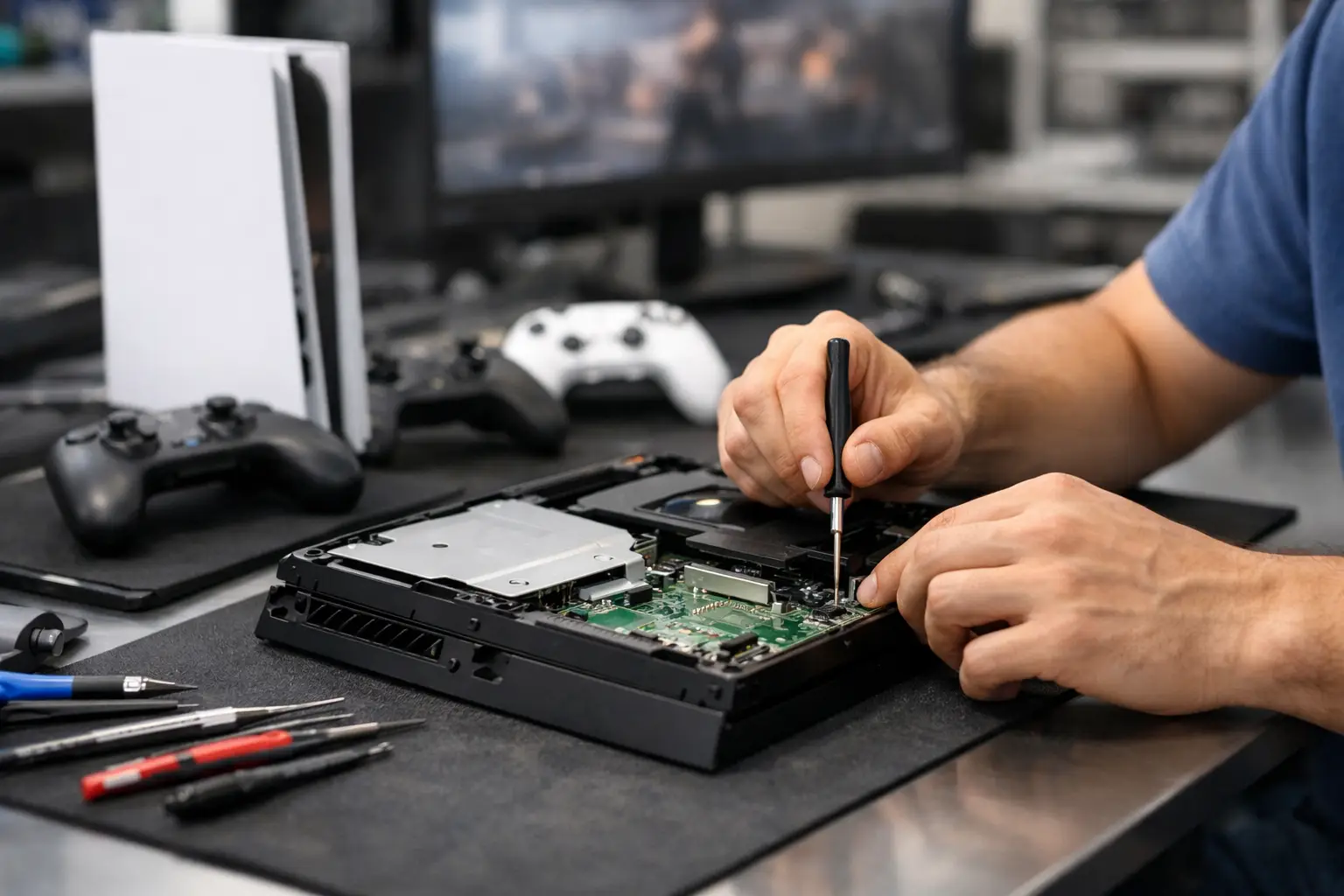
A console that powers on with no picture, overheats halfway through a match, or stops reading discs at the worst possible time usually needs more than a quick reset. For game console repair El Paso customers can actually count on, the difference comes down to proper diagnostics, in-store workmanship, and a shop that knows the failure points beyond the obvious symptoms.
A lot of console problems look simple from the outside. No signal on the TV might seem like a bad cable, but it can also point to a damaged HDMI port, a broken filter, a failed encoder chip, or board damage caused by a hard tug on the cord. A system that will not charge a controller or recognize accessories can have port issues, power rail faults, or internal damage that cheap parts swapping will not fix. That is why serious repair starts with identifying the exact fault instead of guessing.
What usually brings people in for game console repair El Paso service
Most gamers do not show up because of a minor annoyance. They come in because the console is unusable, unreliable, or one bad bump away from total failure. HDMI port damage is one of the most common issues, especially on systems that get moved often between rooms, friends' houses, tournaments, or dorms. Bent pins, loose ports, and damaged solder joints can all cause a blank screen, flickering display, or intermittent signal.
Overheating is another common problem, and it is not always just dust. Sometimes the issue is old thermal compound, failing fans, clogged heat sinks, or internal damage that keeps the system from cooling the way it should. If the console gets loud, shuts down during gameplay, or throws heat-related warnings, waiting usually makes the repair more expensive.
Power problems are also high on the list. Some consoles will not turn on at all. Others beep, light up briefly, or shut back off. In those cases, the cause can range from a bad power supply to shorted components on the board. This is where board-level diagnostics matter. A shop that can test lines, isolate shorts, and replace failed components in-house has options that many standard repair counters do not.
Disc drive problems, damaged USB ports, storage errors, and liquid exposure also come up often. Handheld gaming devices and specialty hardware can be even trickier, since parts availability, board layout, and repairability vary by model. There is no one-size-fits-all answer. Good repair work depends on the console, the exact failure, and whether the damage has spread.
Why proper diagnostics matter more than a fast guess
Plenty of people have already tried the basics before they bring a console in. They switched HDMI cables, tested a different TV, changed outlets, tried safe mode, or replaced an external accessory. Those steps are useful, but they only narrow the problem down so far.
A real diagnostic process saves time and money because it prevents the wrong repair. Replacing an HDMI port will not help if the signal problem is actually on the board. Cleaning a fan will not solve overheating if a sensor, regulator, or damaged trace is involved. Swapping parts without testing can turn one issue into two.
That is also why free initial evaluation matters. It gives customers a realistic starting point without pressure. If the repair is straightforward, you should hear that. If the issue is more advanced, you should hear that too. Honest service means being clear about what failed, what it will take to fix it, and whether the repair makes sense for the age and value of the console.
In-store repair makes a difference
When a shop keeps all services in-house, there is more accountability. Your console is not being passed around, shipped out, or treated like a generic mail-in item. The technician diagnosing the issue is working directly on the same hardware, and that usually leads to better communication and better quality control.
This matters even more for soldered repairs. HDMI ports, charging ports, USB ports, and internal board components require precision. A rushed or low-skill solder job can lift pads, damage traces, or leave the system weaker than before. On modern consoles, the repair itself has to be done cleanly, with the right tools and the right heat control, or the board can be permanently damaged.
For El Paso customers, local in-store service also means less downtime. Walk-ins welcome is not just a convenience line. It matters when the device is already apart in your head and you just want a straight answer. A local shop with real repair capability can often move faster than places that outsource advanced work.
Common console issues and what they actually mean
No signal or damaged HDMI port
This is one of the most misunderstood failures. If the console powers on but the TV says no input, the HDMI port is an obvious suspect, especially if the connection feels loose or the port looks bent. But visual inspection is only part of the job. Some failures involve filters, encoders, or cracked solder points under stress. Proper testing determines whether the issue ends at the port or goes deeper.
Console turns off or will not power on
A dead console does not always mean it is gone for good. Sometimes the problem is a power supply issue. Sometimes it is a short on the motherboard, a damaged component, or power management failure. These are not repairs every shop handles, because they require board-level experience and the ability to trace faults instead of just replacing easy parts.
Overheating and loud fan noise
Dust cleanup helps, but not every hot console is dirty. If thermal paste has degraded or internal cooling components are failing, the system can still overheat after basic cleaning. The longer this goes on, the more stress the board and storage components take on.
USB, charging, or accessory connection issues
Loose or dead ports can affect controllers, external storage, and charging functions. In some cases the port itself is damaged. In others, the board around it has taken the hit. A correct repair depends on checking both.
When repair is smarter than replacement
It depends on the console, the damage, and current replacement costs. If a newer system has a damaged HDMI port, replacing the whole unit usually makes no sense when the actual fault can be repaired. The same goes for many power and port issues.
On older consoles, the decision is more situational. If the device has sentimental value, saved data, custom storage, or limited availability, repair may still be the better move. If the unit has multiple major faults, heavy corrosion, or prior bad repair attempts, the economics can change. A trustworthy shop will tell you where that line is instead of pushing a repair that does not add up.
What El Paso customers should look for in a repair shop
Technical range matters. If a shop only handles basic swaps, complex console issues may get misdiagnosed or declined. You want a place that can handle ports, power faults, overheating issues, and motherboard-level work under one roof.
Transparency matters just as much. Fair pricing starts with a clear explanation of the issue and a realistic repair path. Customers should not have to guess whether the console is being repaired locally, whether there is a diagnostic fee surprise, or whether the estimate is based on actual testing.
Turnaround matters too, but speed should not come at the expense of quality. Fast service is valuable when done right. A rushed repair that fails again next month is not a bargain.
That is one reason local customers trust shops like EPElectrocenter for electronics work that goes beyond surface-level fixes. Advanced diagnostics, micro-soldering capability, walk-in access, and all services performed in-store give people a better shot at a repair that actually lasts.
Before you bring your console in
If the console still powers on, avoid repeated attempts that could make the damage worse. Do not force cables into bent ports. Do not keep running an overheating system. If liquid exposure happened, power it down and leave it off. And if another place already opened it, say so up front. Previous repair attempts can affect both diagnosis and repair strategy.
Bring the console itself, and if the problem involves display or charging behavior, it helps to mention what cable, power supply, or accessory you were using when the issue started. A clear symptom history can shorten the diagnostic process.
The best repair experience is usually the simplest one: walk in, get a free initial evaluation, hear a straight answer, and let the shop show you whether the issue is basic or board-level. When your system matters, that kind of clarity is worth more than a cheap guess.
If your console is acting up, do not wait for a small failure to become a dead board. Good repair work starts with honest diagnostics, and the right local shop can save you time, money, and a lot of frustration.