
Battery Replacement El Paso: What to Know
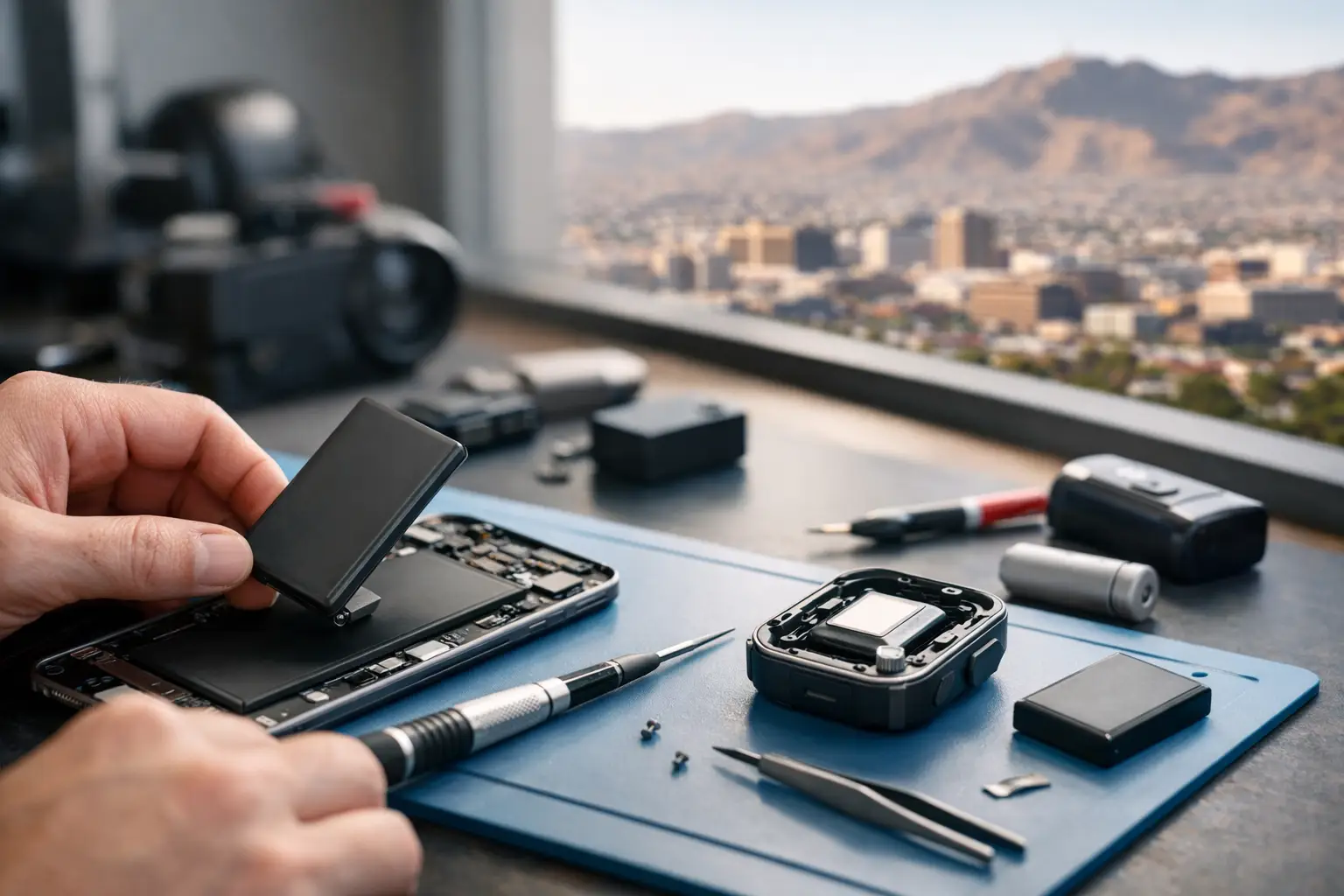
Your phone dies at 28%, your laptop only works plugged in, or your tablet gets hot doing basic tasks. That usually means the battery is no longer doing its job. If you're looking for battery replacement El Paso services, the real question is not just where to go - it's whether the problem is truly the battery, how quickly it can be fixed, and whether the repair is done properly in-store.
A weak battery can make an otherwise good device feel unreliable. For students, that means a phone that quits before the school day ends. For business users, it means a laptop that cannot make it through meetings without a charger. For gamers and families, it means devices that shut down when you need them most. Battery issues are common, but they are not all the same, and a proper diagnosis matters.
When battery replacement in El Paso is the right fix Not every power problem points to a bad battery. Sometimes the battery is worn out from normal use. Other times, the charging port is loose, the board has a power issue, or there is damage from heat, impact, or liquid exposure. That is why a free initial evaluation matters. Replacing a battery without checking the full charging and power path can waste time and money.
A true battery failure usually shows a pattern. The charge drains unusually fast, the device shuts off at random percentages, or it only powers on when connected to a charger. On laptops and MacBooks, you may also notice swelling, trackpad lifting, or a bottom case that no longer sits flat. On phones, the device may feel warm during simple tasks, struggle to hold a charge overnight, or restart under light use.
Battery age is another factor. Most rechargeable batteries degrade over time, especially with daily charging cycles, high heat, and heavy use. If your device is a few years old and performance has dropped steadily, a battery replacement is often the most practical repair. If the decline happened suddenly after a drop or liquid contact, the issue may go deeper than the battery itself.
Common devices that need battery replacement El Paso customers bring in Phones are the most common, but they are not the only devices with battery problems. Tablets, laptops, MacBooks, handheld gaming devices, and some specialty electronics all depend on stable battery performance. A worn battery affects each one differently.
On smartphones, battery wear usually shows up as short run time, percentage jumps, overheating, or slow charging. On tablets, users often notice long charge times and short usage windows. On laptops, the biggest signs are failure to hold charge, reduced performance when unplugged, and physical swelling. Gaming devices can show battery failure through random shutdowns or inconsistent charging behavior, which can easily be mistaken for port or board damage.
That is one reason experienced in-store repair matters. The symptom you see is not always the part that failed. A device that does not charge could need a battery, a charging port repair, or motherboard-level diagnostics. A shop that handles both standard part replacement and deeper board work can usually sort that out faster than a shop that only swaps parts.
Why batteries fail sooner than expected Heat is one of the biggest reasons batteries wear out early in El Paso. Cars, backpacks, direct sun, and hot rooms all put extra stress on lithium-ion batteries. Even if the device still works, repeated heat exposure shortens overall battery life and increases the chance of swelling.
Charging habits also play a role, but not always in the way people think. Leaving a modern device plugged in overnight is not automatically a problem by itself. The bigger issues are heat while charging, low-quality chargers, damaged cables, and repeated heavy use during charging. Those conditions create more stress than simple overnight charging.
Sometimes the battery is not the original problem at all. A failing charging circuit, shorted component, or liquid-damaged board can drain or overwork a battery until it appears dead. In those cases, replacing the battery may help for a short time, but the real fix requires deeper diagnostic work. That is why honest repair starts with testing, not guessing.
What a good battery replacement should include A proper battery replacement is more than removing one part and installing another. The device should be inspected for swelling, connector damage, charging issues, and signs of internal corrosion or impact damage. If the old battery has expanded, the technician should also check nearby components, flex cables, and housing alignment before closing the device back up.
For phones and tablets, careful opening matters because screens, adhesive seals, and internal cables can be damaged during rushed work. For laptops and MacBooks, battery replacement should include checking the charging system, battery health reporting, and physical fitment. If a case is bulging or a trackpad is pushed upward, that should be addressed as part of the evaluation.
Fast service matters, but speed without care creates repeat problems. The best repair is one that restores reliable daily use and confirms the device is charging and discharging normally before it leaves the shop. That is especially important for work devices, school devices, and anything that stores important data.
Repair or replace the device? This depends on the age of the device, the overall condition, and whether there are other issues beyond the battery. If your phone or laptop still does what you need and the main complaint is battery life, replacement is usually the better value. A new battery costs far less than replacing the entire device, especially when the rest of the hardware is still solid.
If the device already has multiple problems - cracked screen, liquid damage, charging failure, major board issues, or severe performance limits - then the decision becomes more case by case. Sometimes a battery replacement is still worth doing. Sometimes it makes more sense to put that money toward a replacement device. A good shop should tell you honestly when a repair makes sense and when it does not.
For business customers, there is another angle. Replacing a battery in a functioning laptop is often far more cost-effective than replacing a fleet device, migrating data, and dealing with downtime. For students and families, battery replacement can extend the useful life of a device without the price of a full upgrade.
What to expect from in-store service If you bring a device in for battery replacement, the first step should be a quick evaluation of the symptoms. That usually includes testing charge behavior, checking the physical condition of the device, and ruling out obvious port or board issues. Walk-ins welcome is not just a convenience phrase - it matters when your main device is failing and you need answers the same day.
Turnaround time depends on the device and part availability. Many common battery replacements can be completed quickly, while specialty models or advanced internal damage may take longer. The right answer is not always instant service. Sometimes the honest answer is that more testing is needed before a repair can be approved.
All services performed in-store is another detail customers should care about. When repairs stay in-house, there is better accountability, fewer handoff errors, and a clearer answer if the device has more than one issue. It also matters for privacy, especially on phones, laptops, and business devices.
At EPElectrocenter, that local, in-store approach matters because battery complaints are not always simple part swaps. Some devices come in needing only a straightforward replacement. Others need port repair, power diagnostics, or board-level work that many shops do not handle.
How to know when not to wait If a battery is swelling, do not keep using the device as normal. Swelling can put pressure on screens, trackpads, internal cables, and housings. In more serious cases, it creates a safety risk. A phone screen separating from the frame or a laptop case lifting at the keyboard or trackpad should be inspected as soon as possible.
You also should not ignore sudden heat, strong battery odor, or a device that shuts off and refuses to charge after showing battery problems for days or weeks. Those signs can point to worsening internal failure. The sooner the device is checked, the better the chance of preventing extra damage.
Waiting too long can turn a simple repair into a larger one. A worn battery is usually manageable. A swollen battery that damages surrounding parts is more expensive and more disruptive.
Battery problems are easy to put off because the device still kind of works until it doesn't. But if your phone, tablet, laptop, or gaming device no longer holds a dependable charge, getting it checked now is usually the cheaper move. A fast, honest in-store evaluation gives you a clear answer, and sometimes that is all you need to get another few good years out of a device you already trust.